This guide will walk you through the process of linking a user with an employee in Bitkode. #
From selecting the right user and employee, follow these instructions to seamlessly connect the two profiles.
Start by adding the employee and inviting user.
Users: #
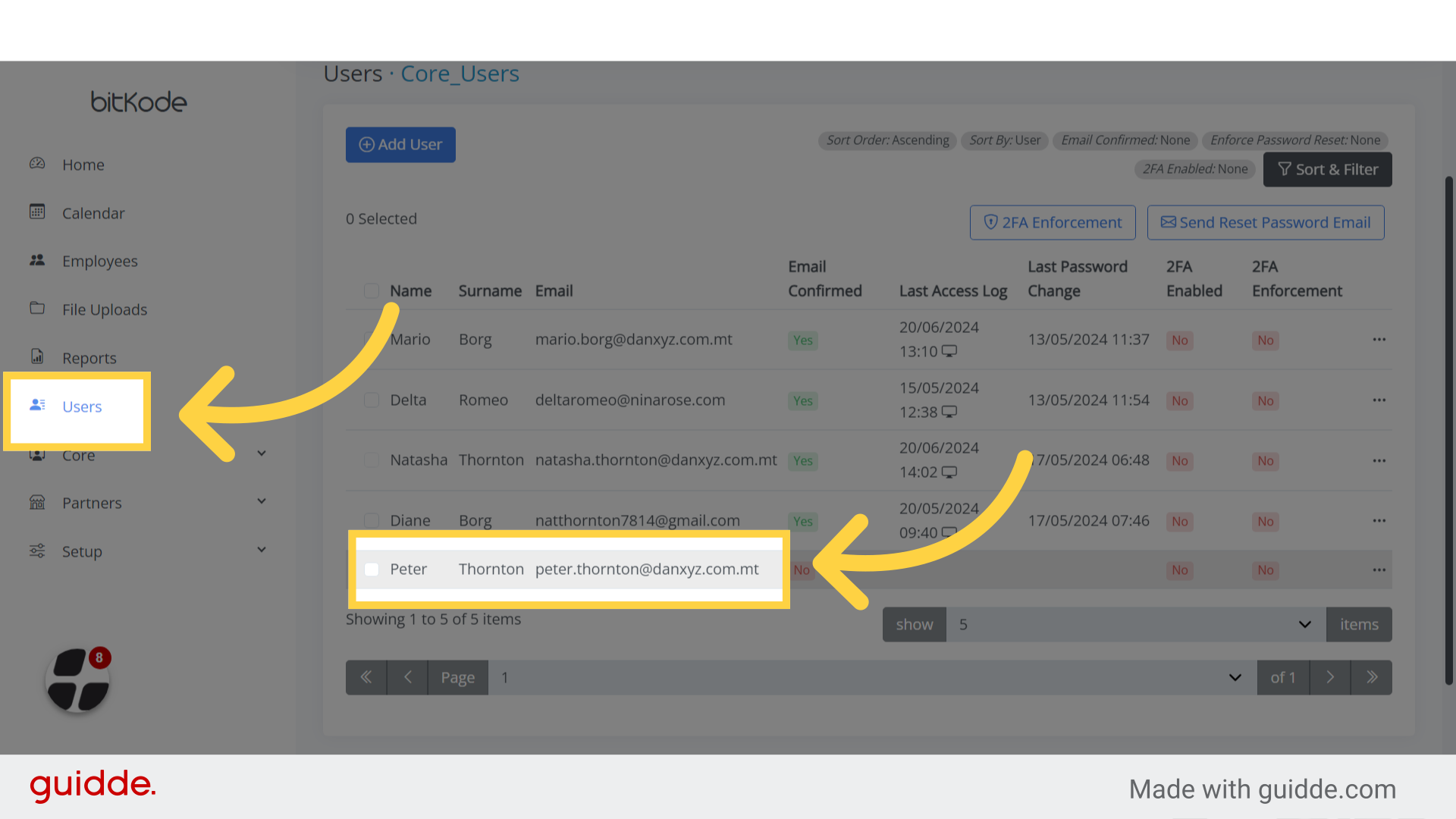
A user is an individual who interacts with the system, typically through a login.
Users can have various roles, such as processing payroll, managing leave requests, or accessing specific features.
An employee is someone who works for the company. They have an employment relationship and perform job-related tasks.
Scenarios: #
A user who is not an employee, for example, an accountant processing payroll but not employed by the company.
Scenario 1: A user who is not an employee, for example, an accountant processing payroll but not employed by the company.Scenario 2: An employee who is not a user, example, an employee without system access.
Scenario 3: A user who is also an employee, for example, an employee logging in, to request leave or access Payslips and FS3s.
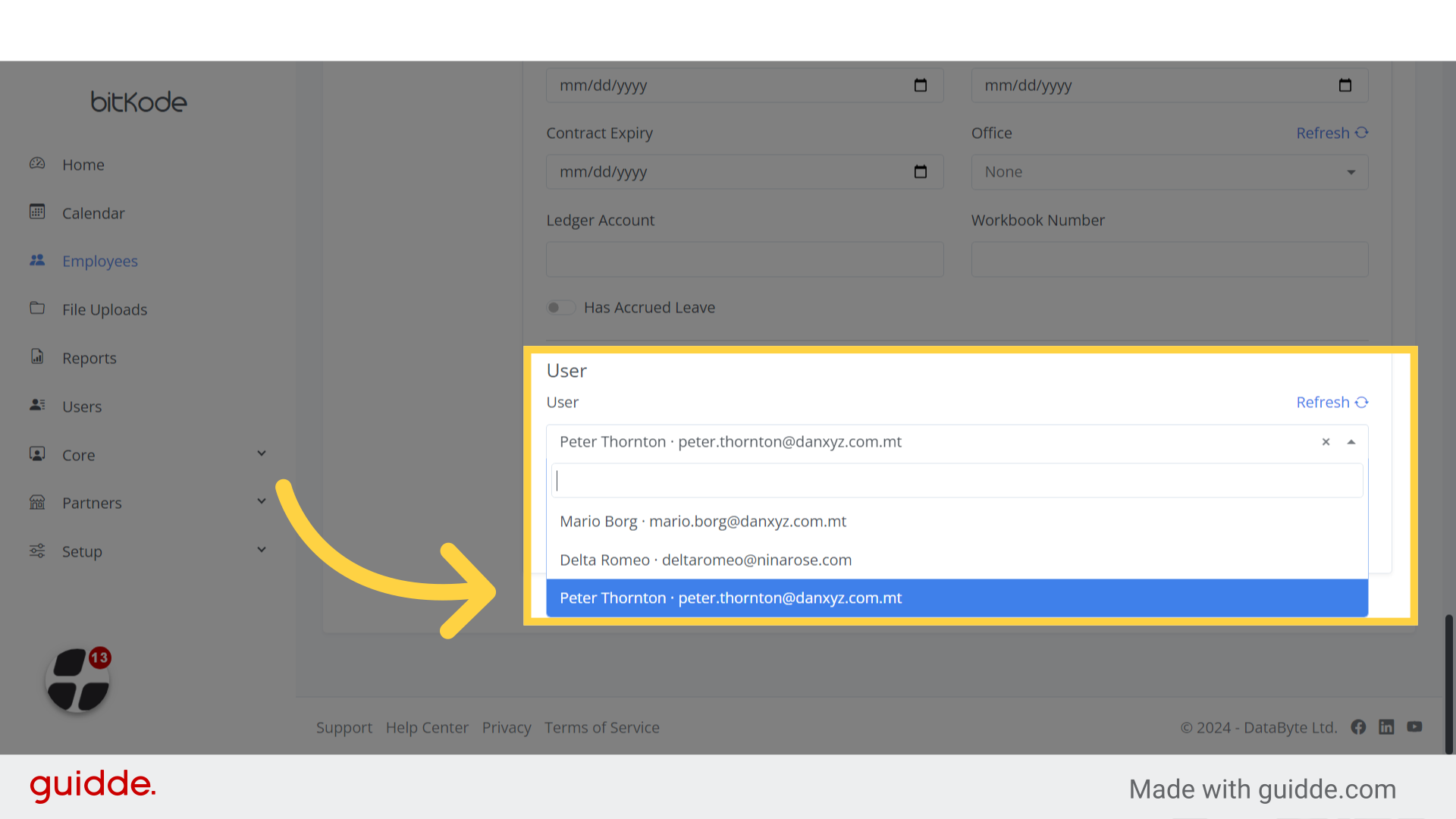
To proceed with linking users to their respective employees, both the user and employee profiles must be created.
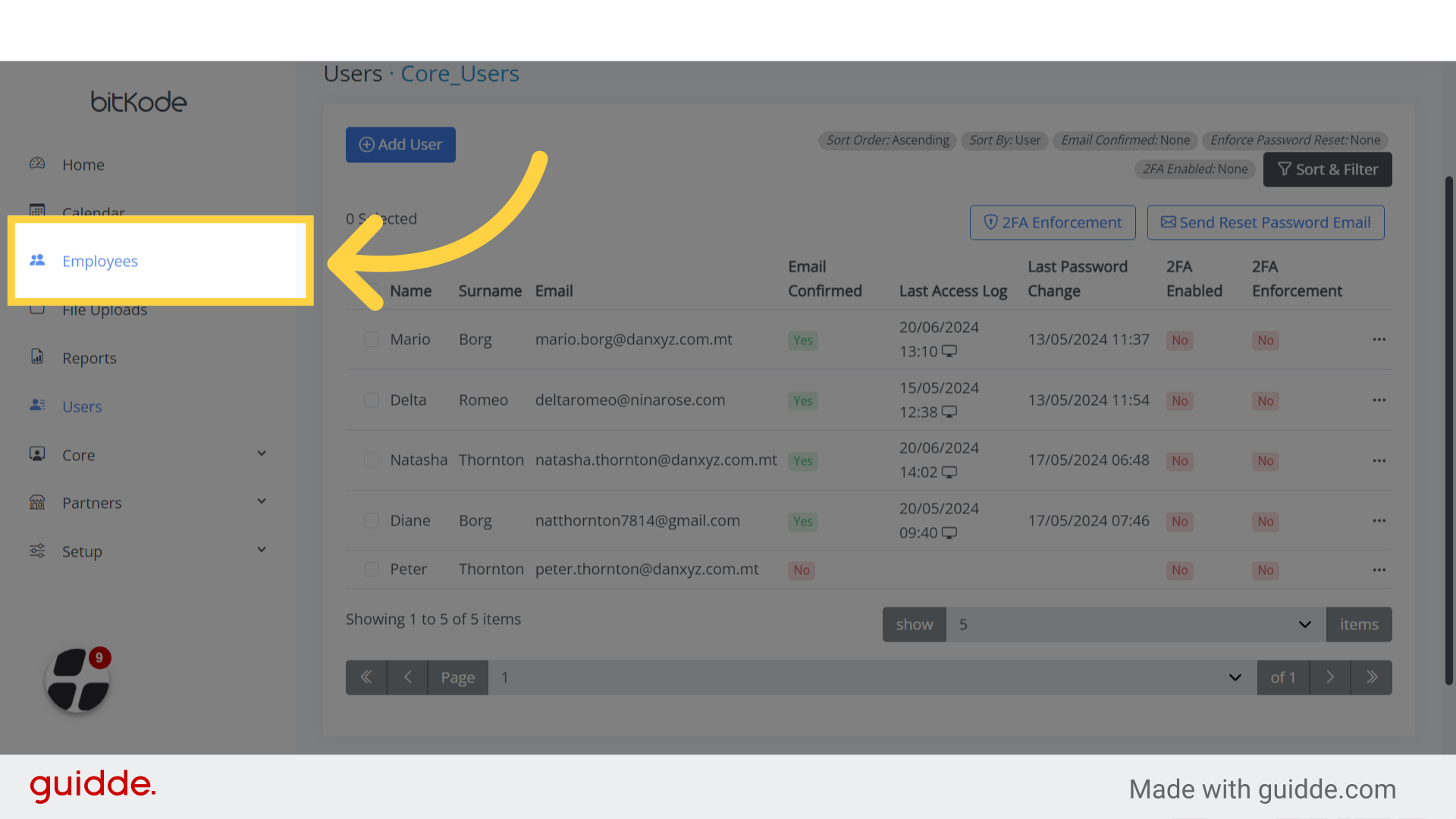
Step 1. Employees #
Step 2. Click Search #
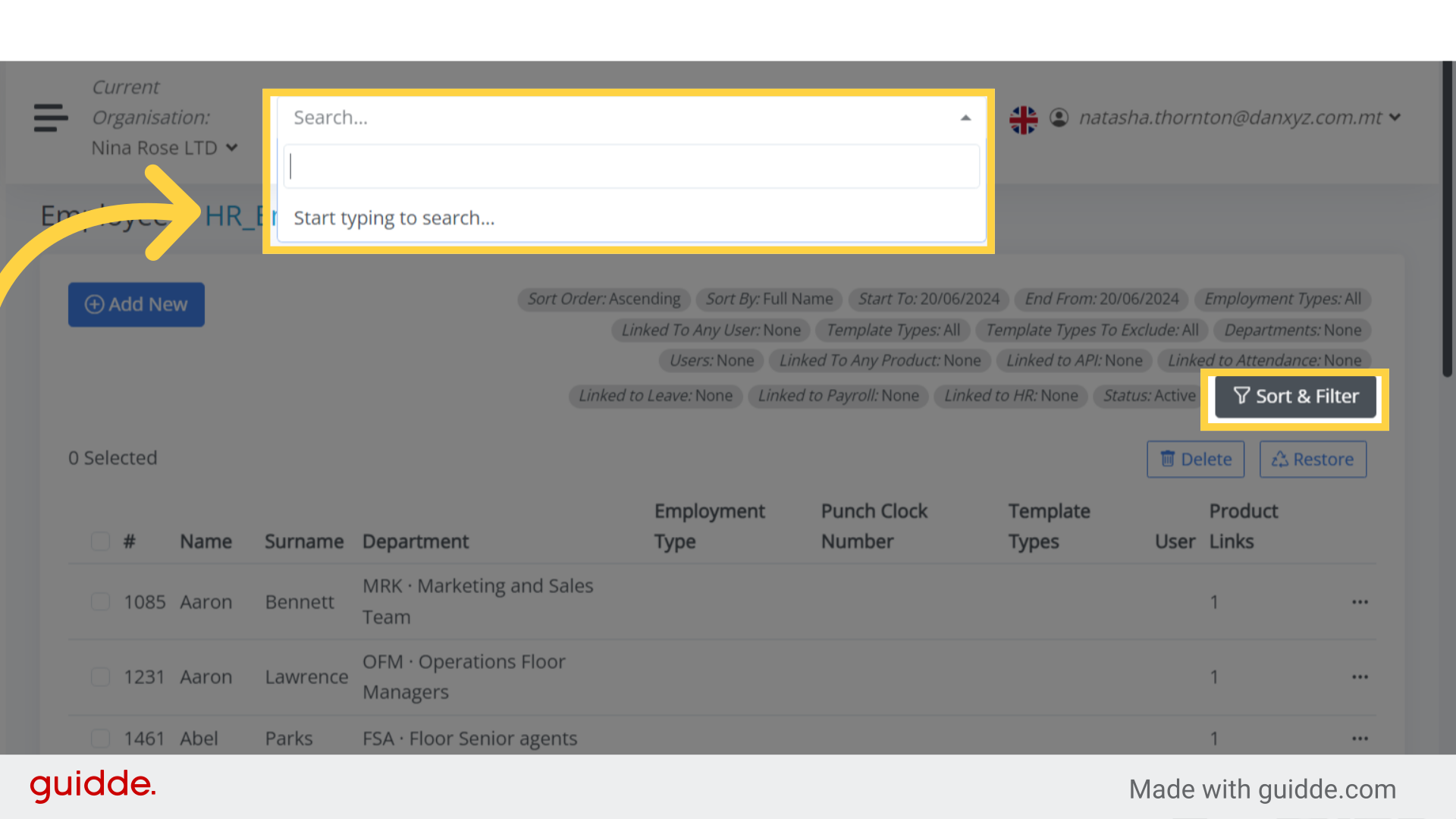
Step 3. Find User #
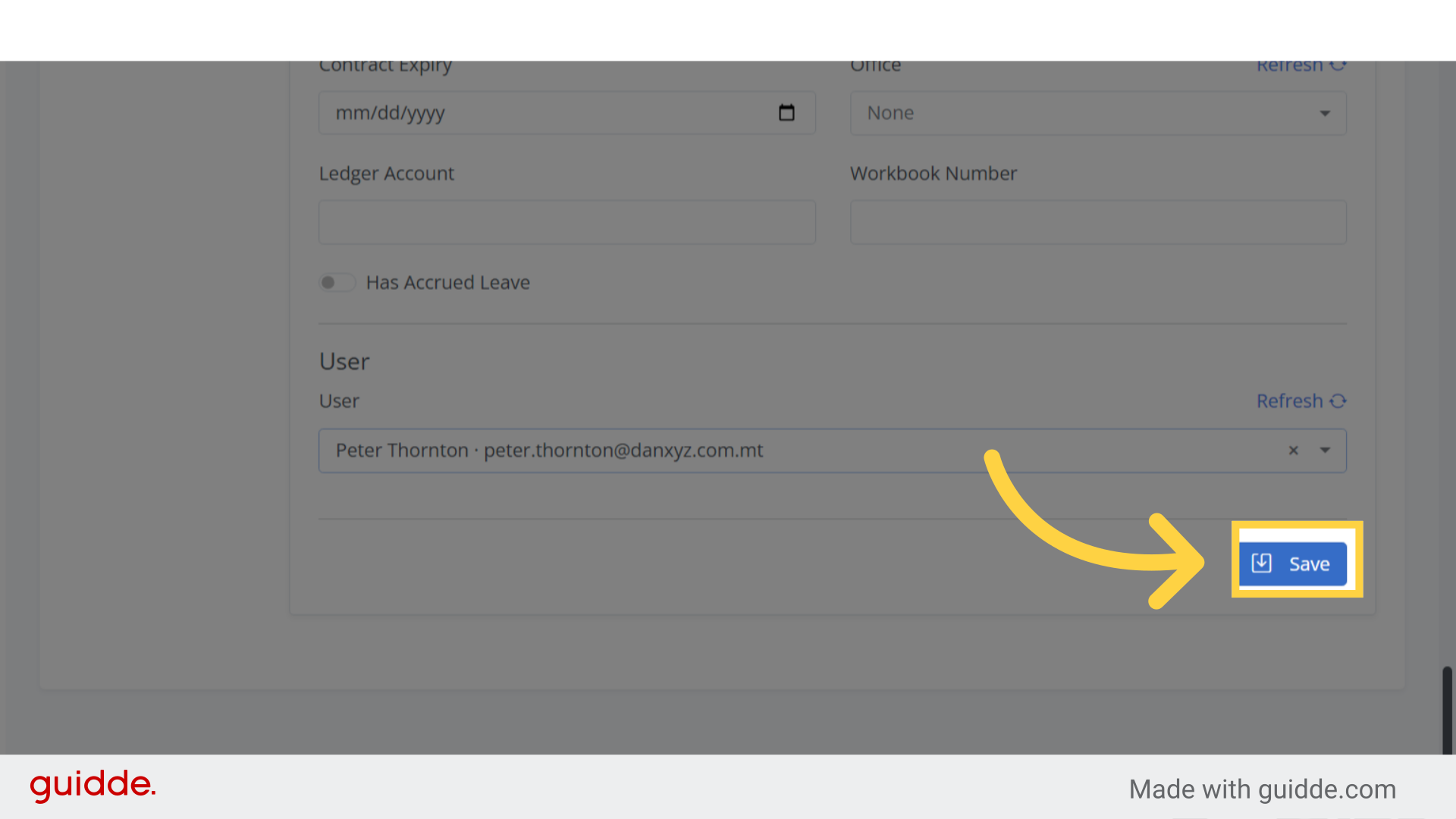
Step 4. Click “Save” #