
Table of Contents
This guide will help you provide access to the user portal for your employees on bitKode. #
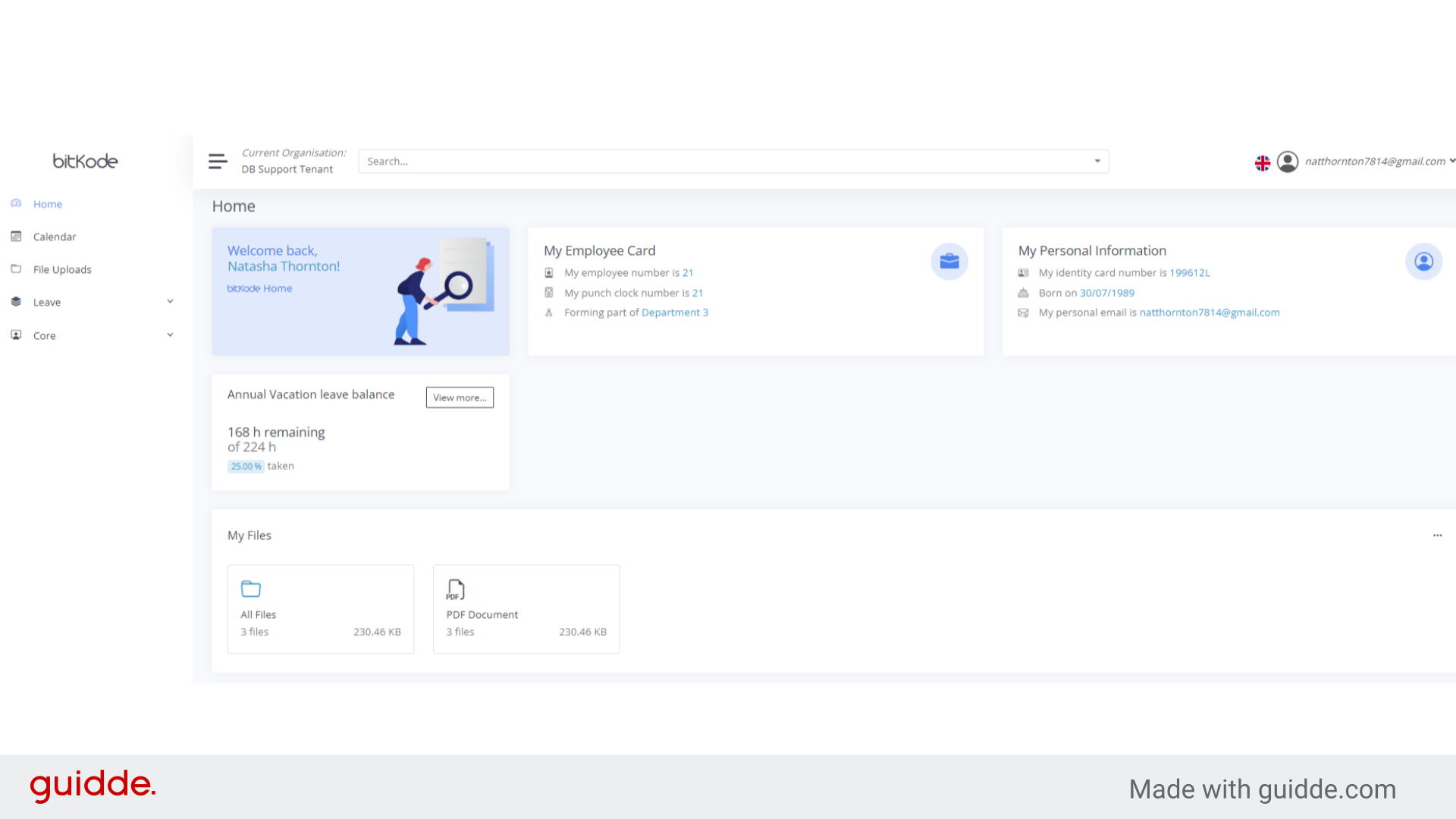
The Employee Portal in bitKode is a self-service tool that allows employees to access the coming features and documentation.
#
- Payslips,
- FS3s,
- Today’s clockings,
- Upcoming leave,
- Current leave status for users with Leave Administrator, Leave editor, leave departmental permissions, Linked to their Leave calendar, Company files assigned to them, for example, company policies, employee handbook.
- Personal files assigned to them, for example, employment contract, training certificates.
How do I give access to my employees to access their user portal? #
Step 1: Invite the user to bitKode.
Step 3: After logging in, users can access their portal by selecting “Home” from the left-hand side menu.
Step 4: Provide permissions for the realted subsciptions.
Related articles for permissions below;


