
Table of Contents
Explore how to efficiently navigate and view projects in bitKode. #
This guide will walk you through a series of actions to access project outlines, use arrow keys for navigation, and explore key sections.
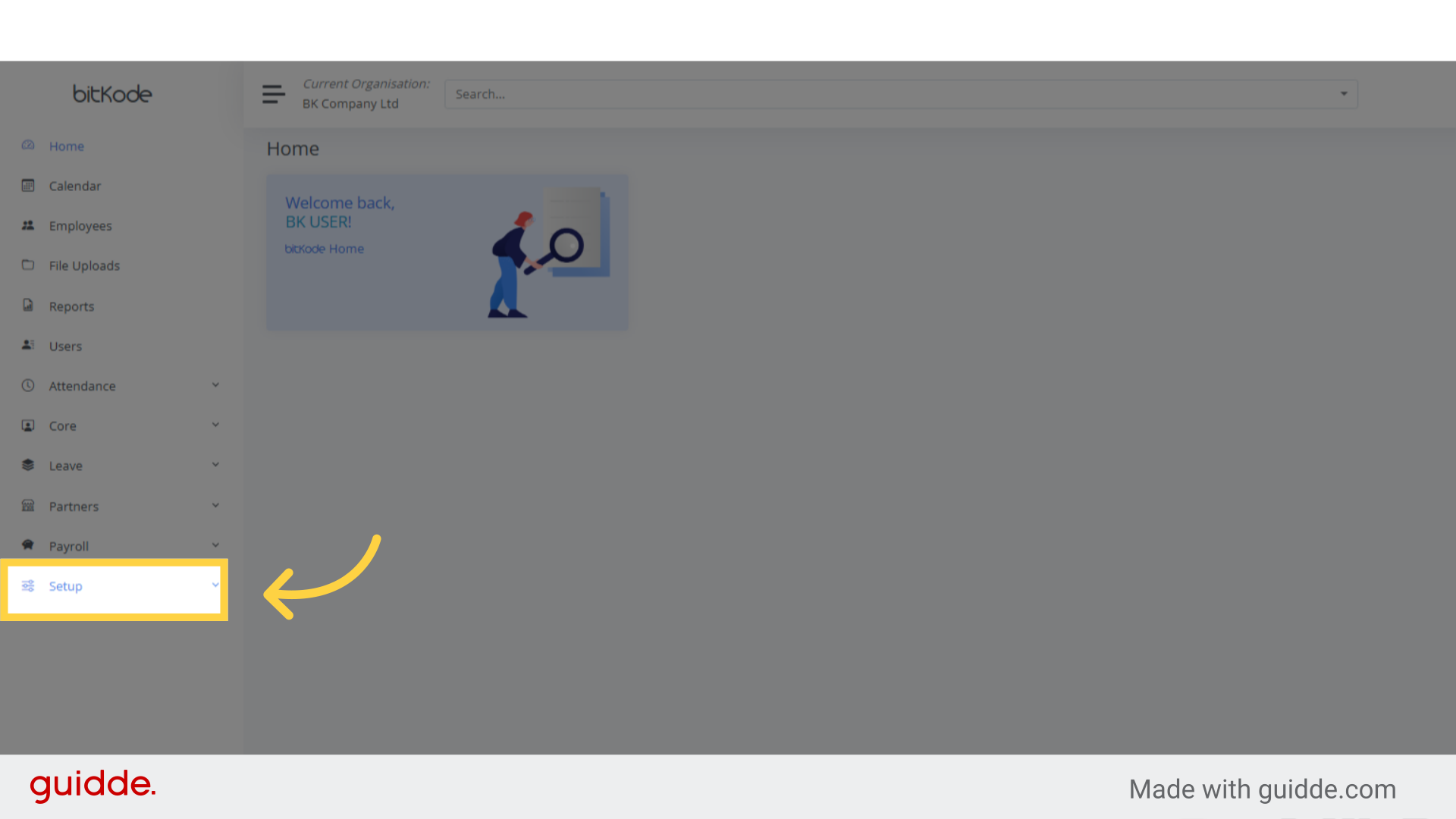
Step 1. Click “Setup” #
Navigate to the setup section.
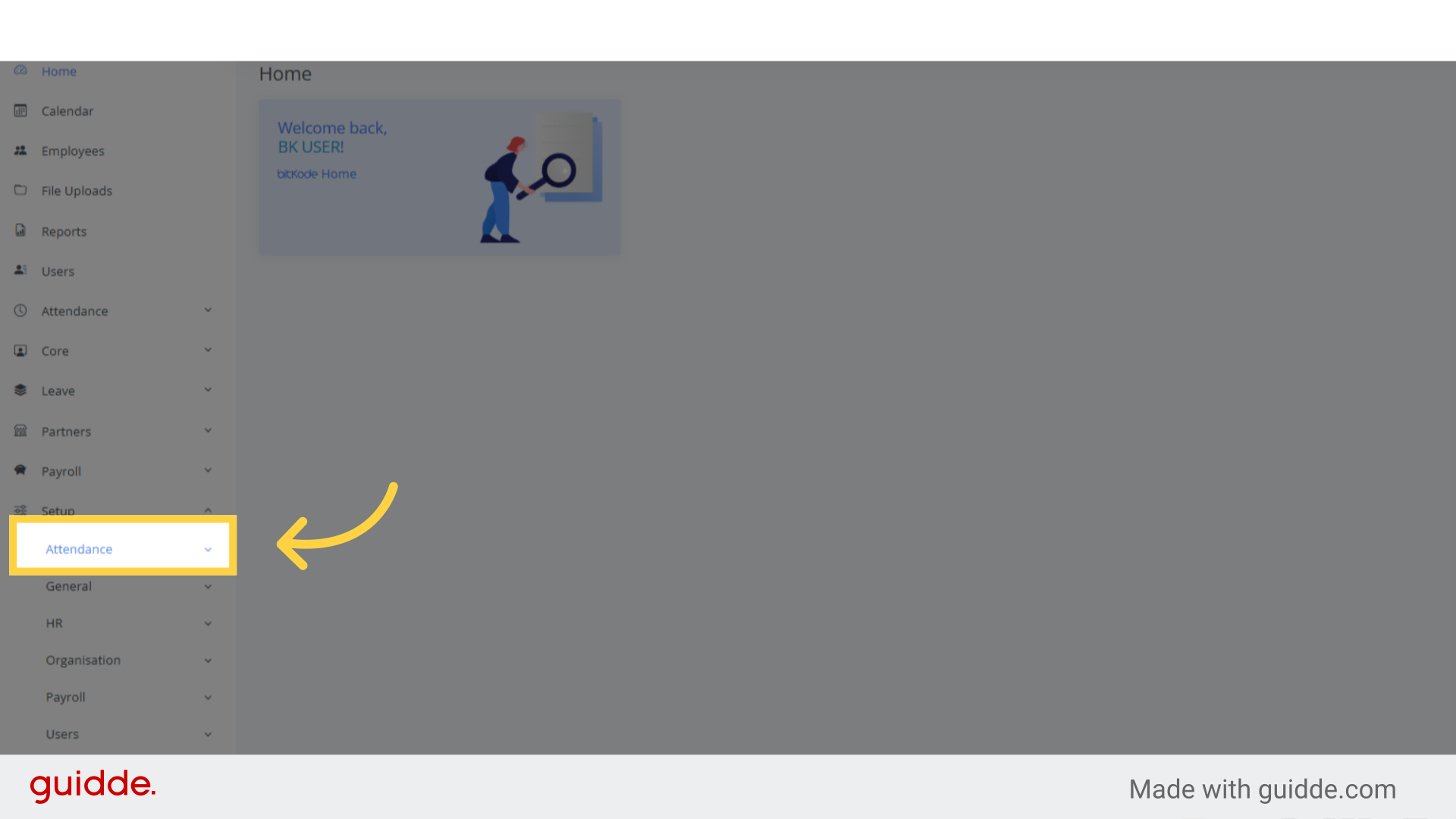
Step 2. Click “Attendance” #
Access the attendance feature.
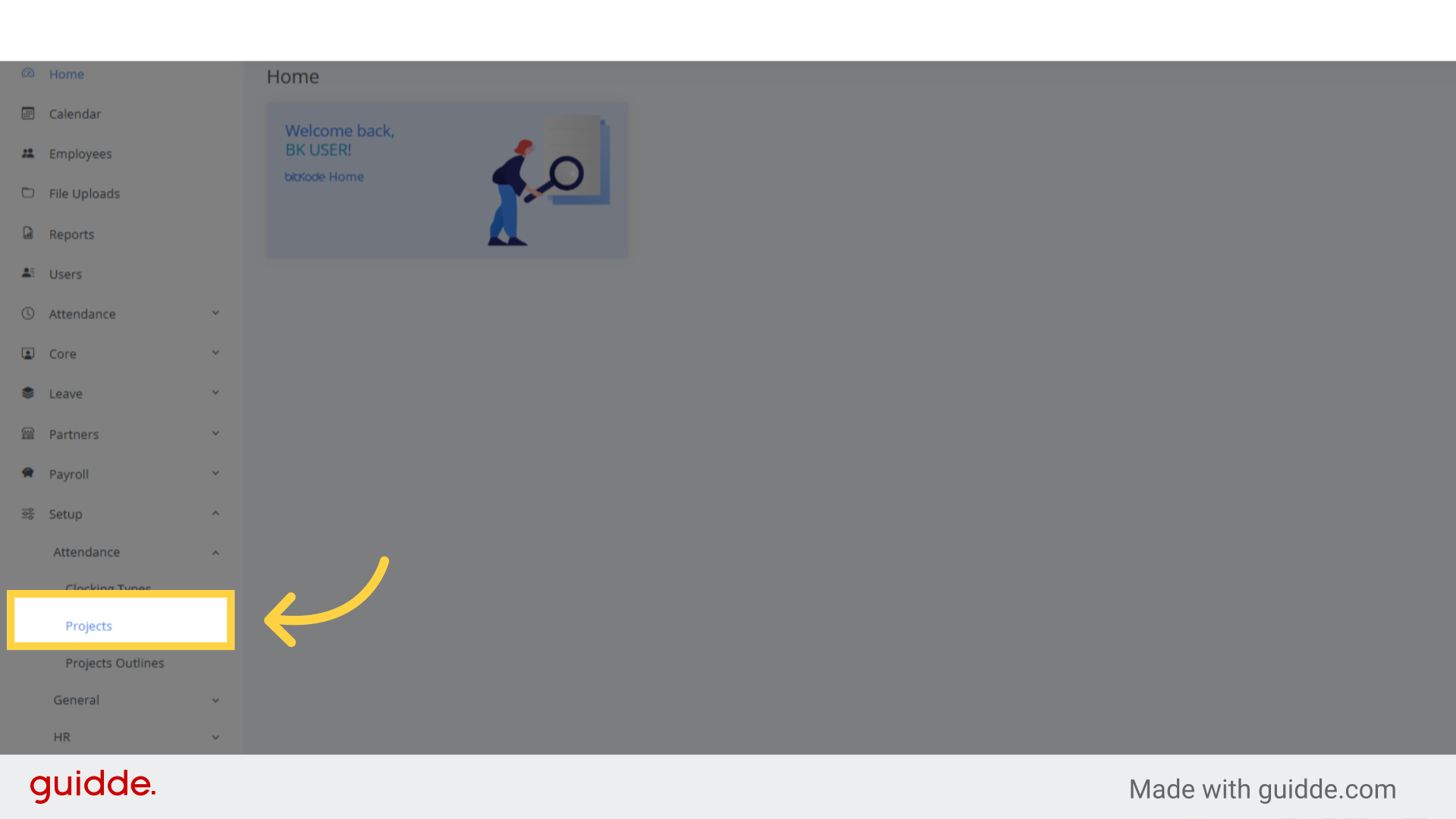
Step 3. Click “Projects” #
Open the projects tab.
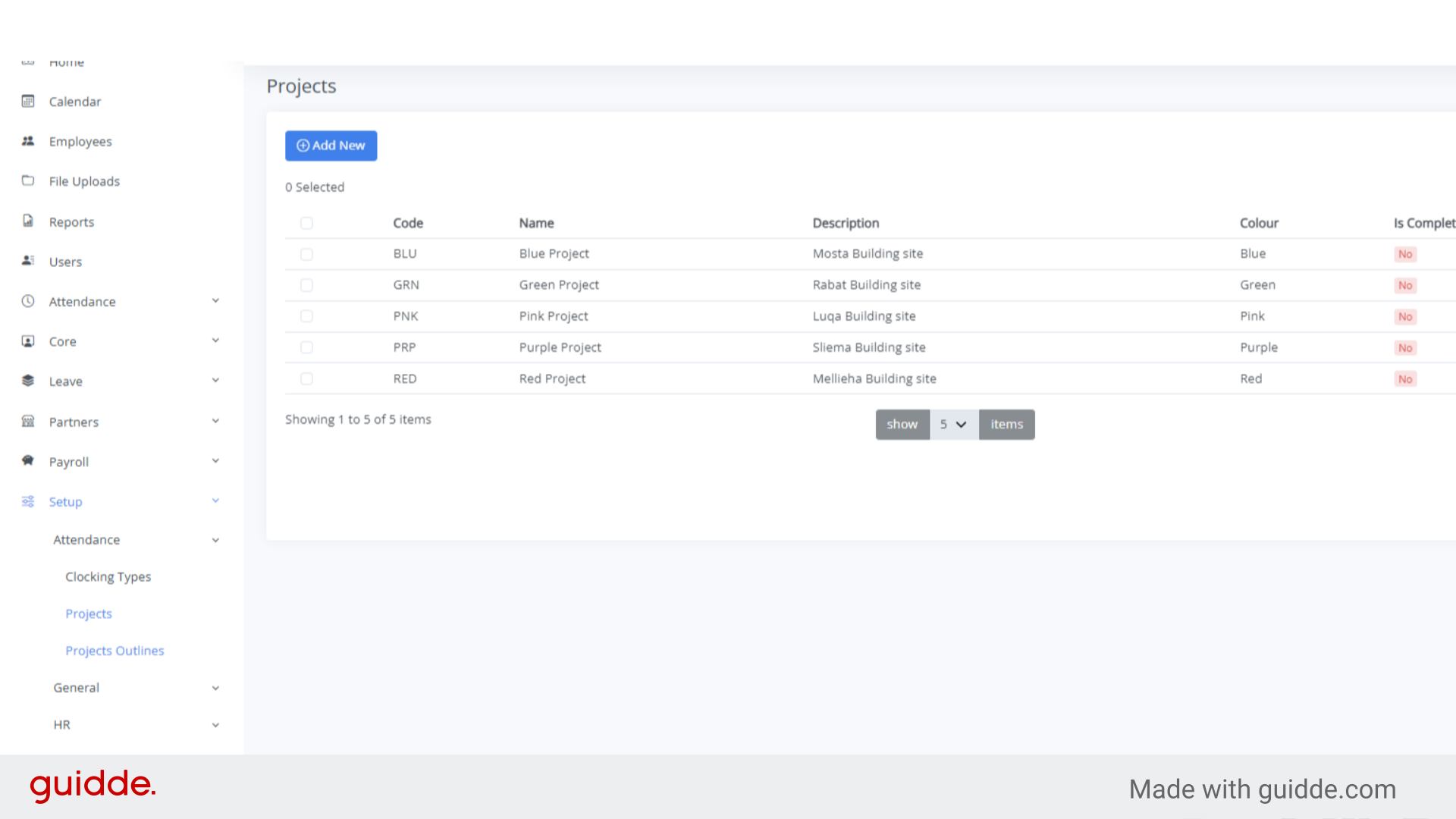
Step 4. Projects List #
After accessing projects, you can see all your created projects displayed in a list format.
Step 5. Click Projects Outlines #
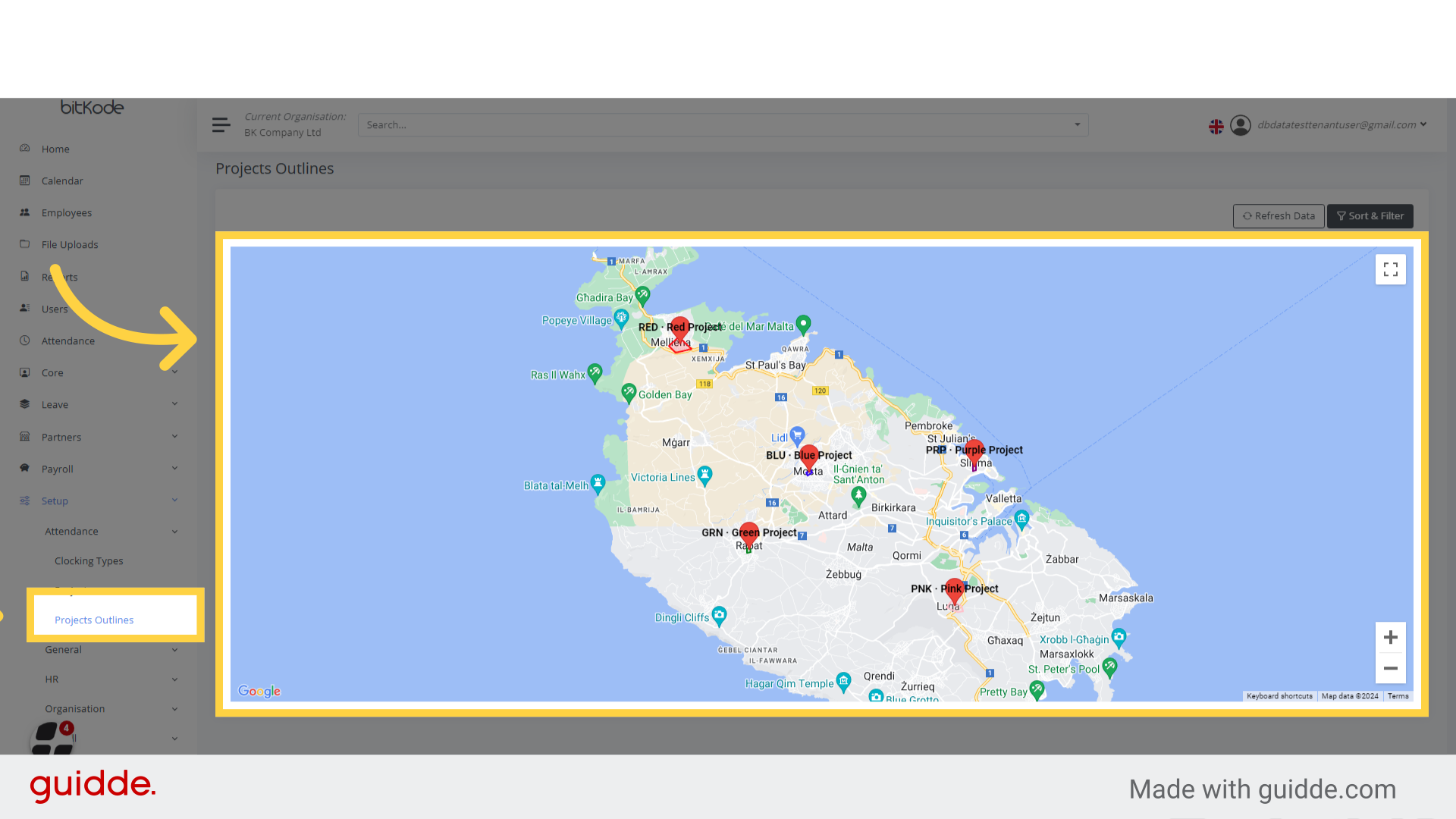
To see all projects on the map along with their locations, click on ‘Project Outline.’
A map will then appear, displaying all projects and their respective locations
This guide detailed the steps to view projects in bitKode, covering actions such as accessing project outlines.


