
Table of Contents
This guide will walk you through generating a report in bitKode. #
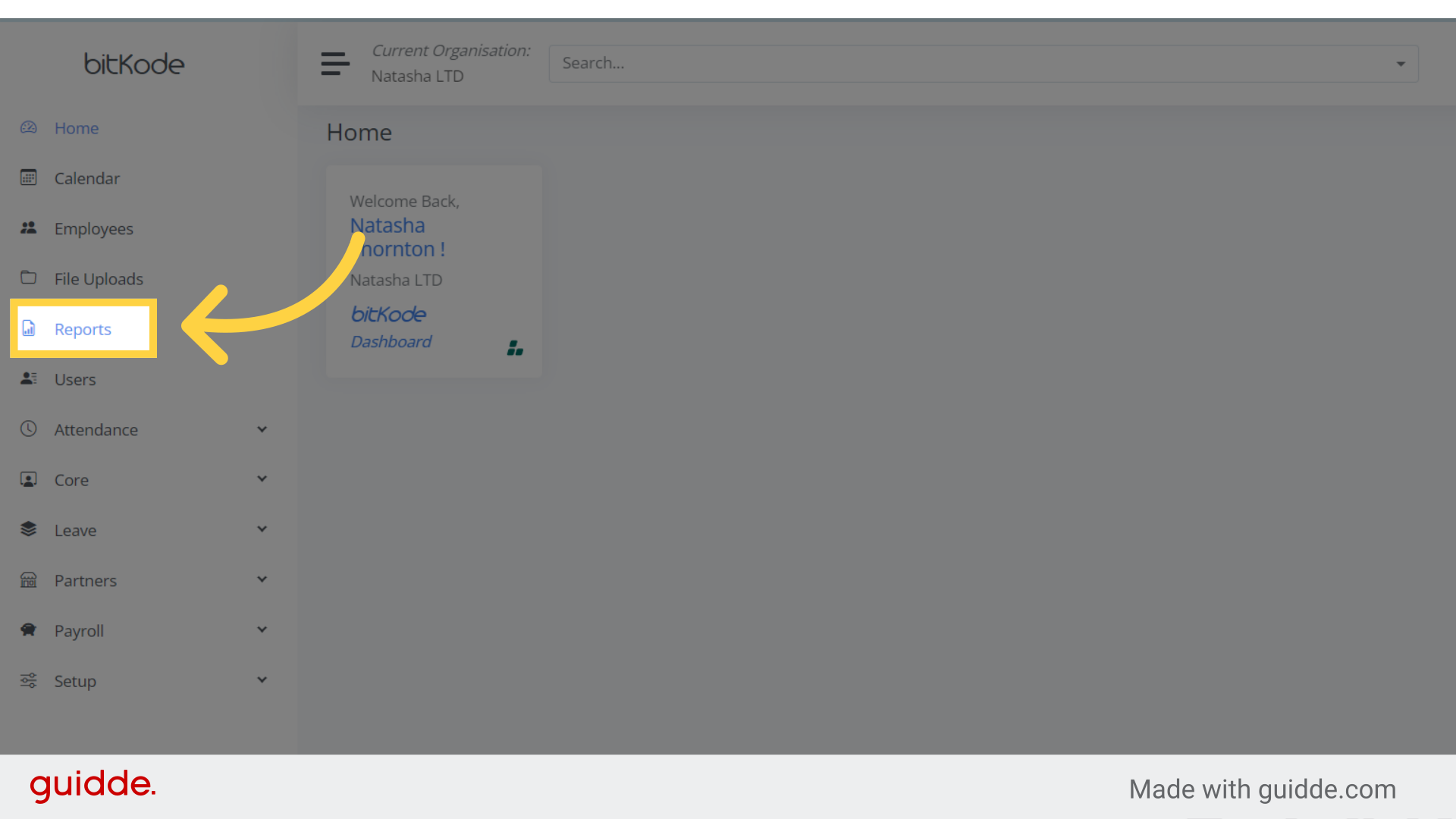
Step 1. Click “Reports” #
To generate reports, you need an active bitKode subscription for the relevant period.
You must have the relevant permissions for each subscription you’re generating reports for.
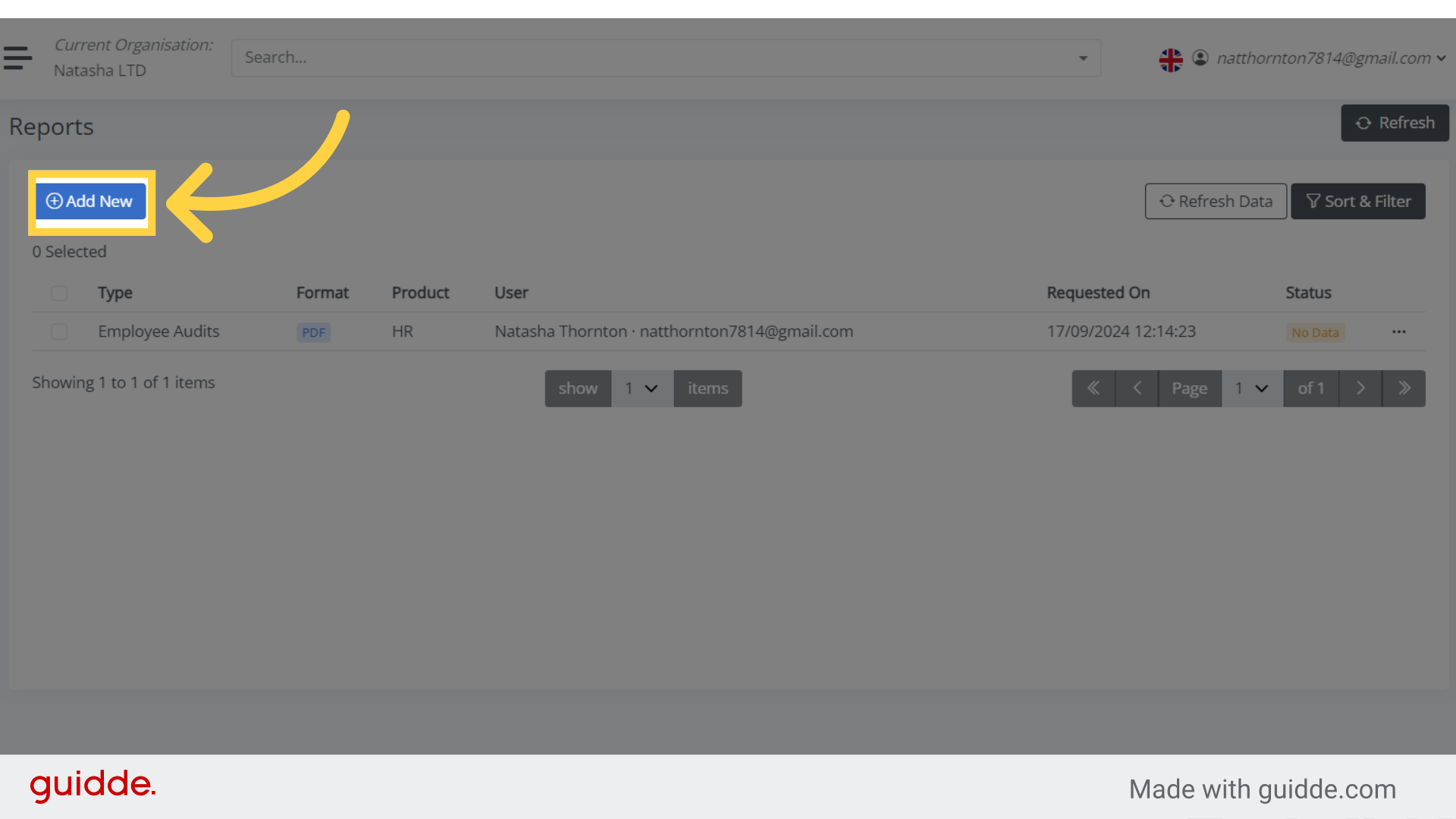
Step 2. Click “Add New” #
Create a new report by clicking on add new.
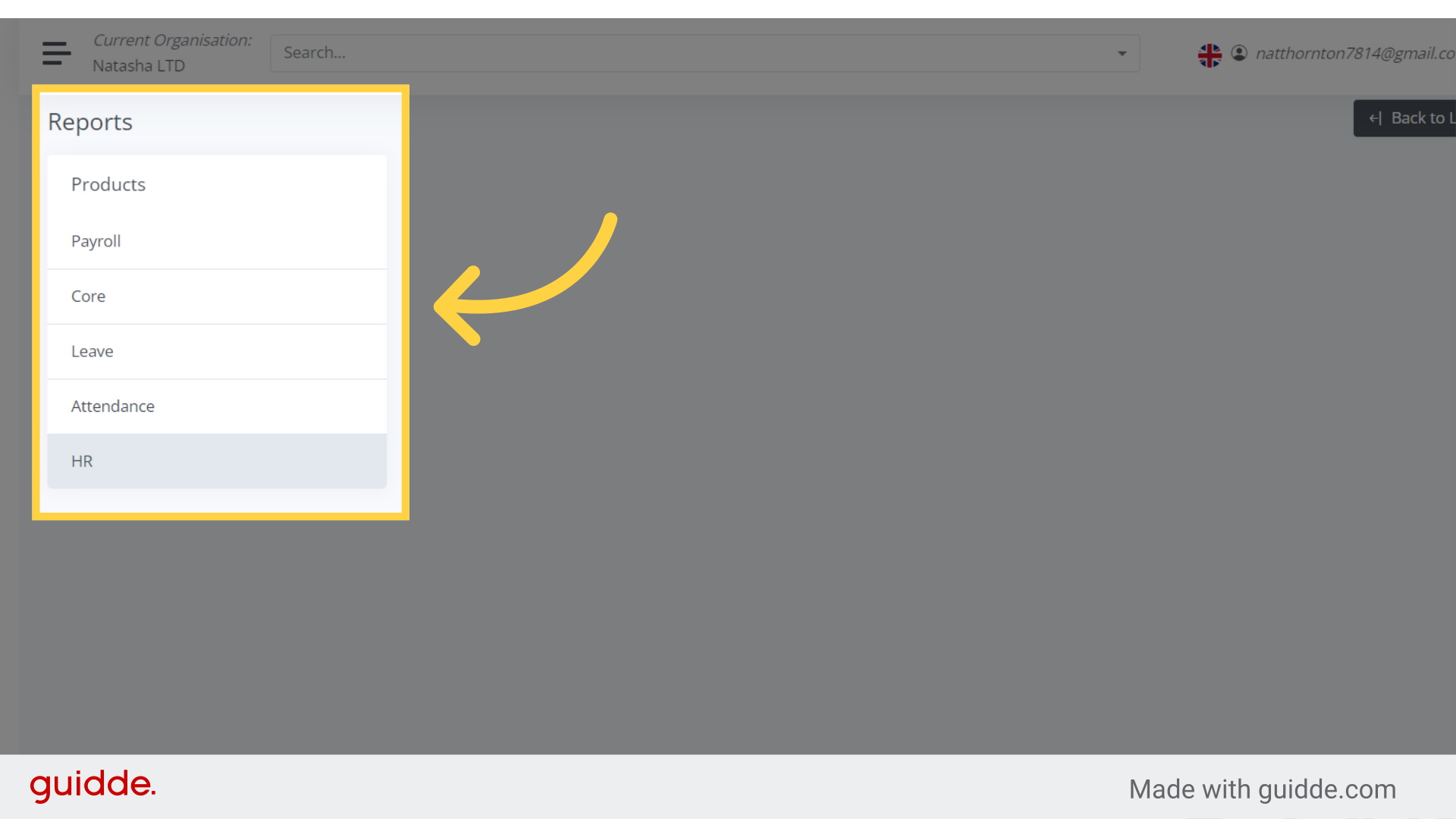
Step 3. Click “HR” #
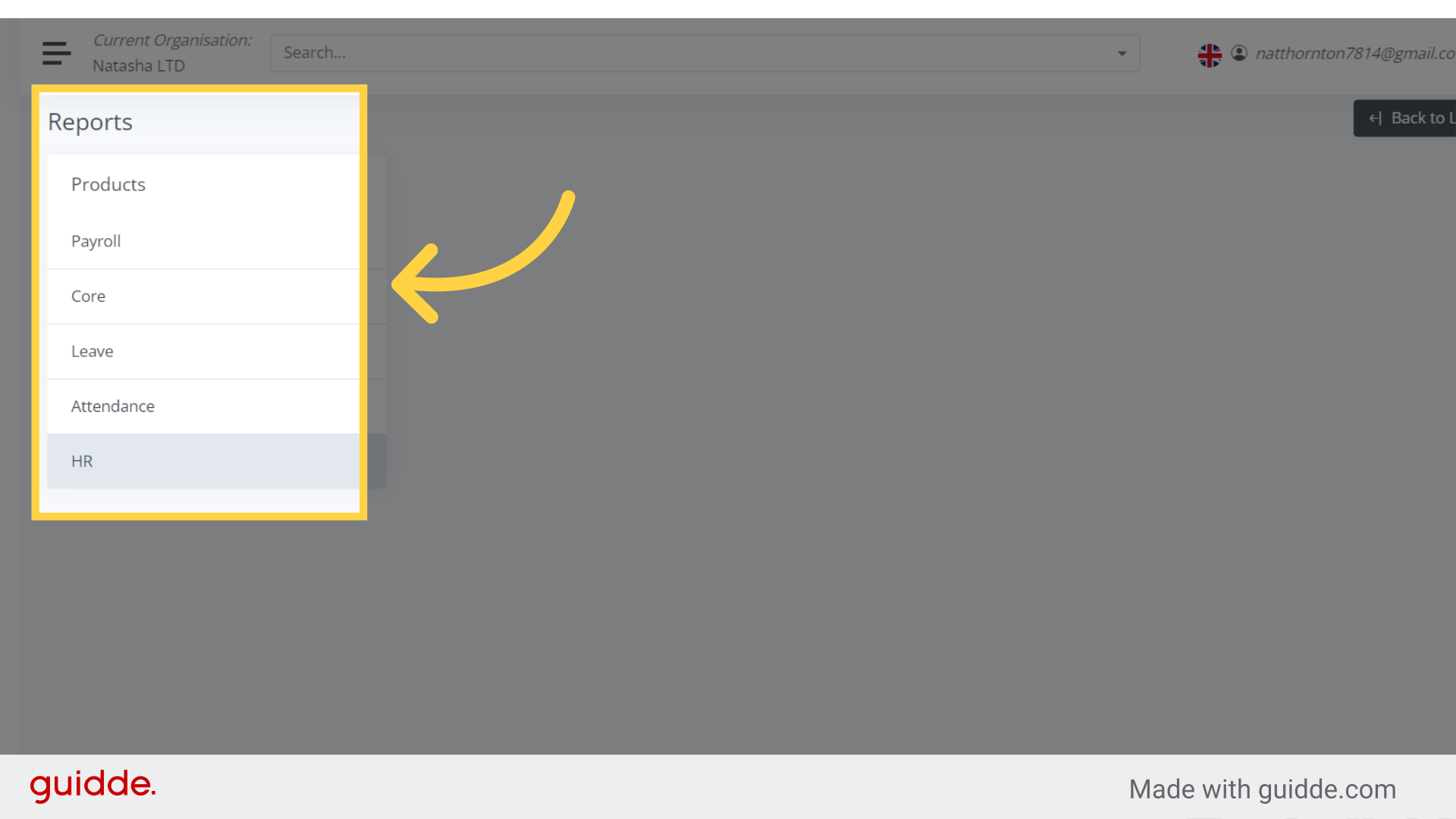
This is where you can generate various types of reports, including:
- Payroll: Detailed reports on payroll data.
- Core: Essential reports covering core business metrics.
- Leave: Reports on employee leave and absences.
- Attendance: Detailed attendance records.
- HR: Comprehensive HR reports.
This page is designed to help you easily access and generate the specific reports you need.
What are the benefits of these reports? #
Report Consolidation: All reports are centralized in one section for easy access.
Notifications: Administrators receive alerts, including emails and download links for the reports.
Multitasking: Administrators can continue working on other tasks within the application while a report is being generated.
Report Storage: Reports from the last 7 days are stored, and Administrators are notified if any reports become outdated.
ETA for Reports: An estimated time of arrival is provided for each report.
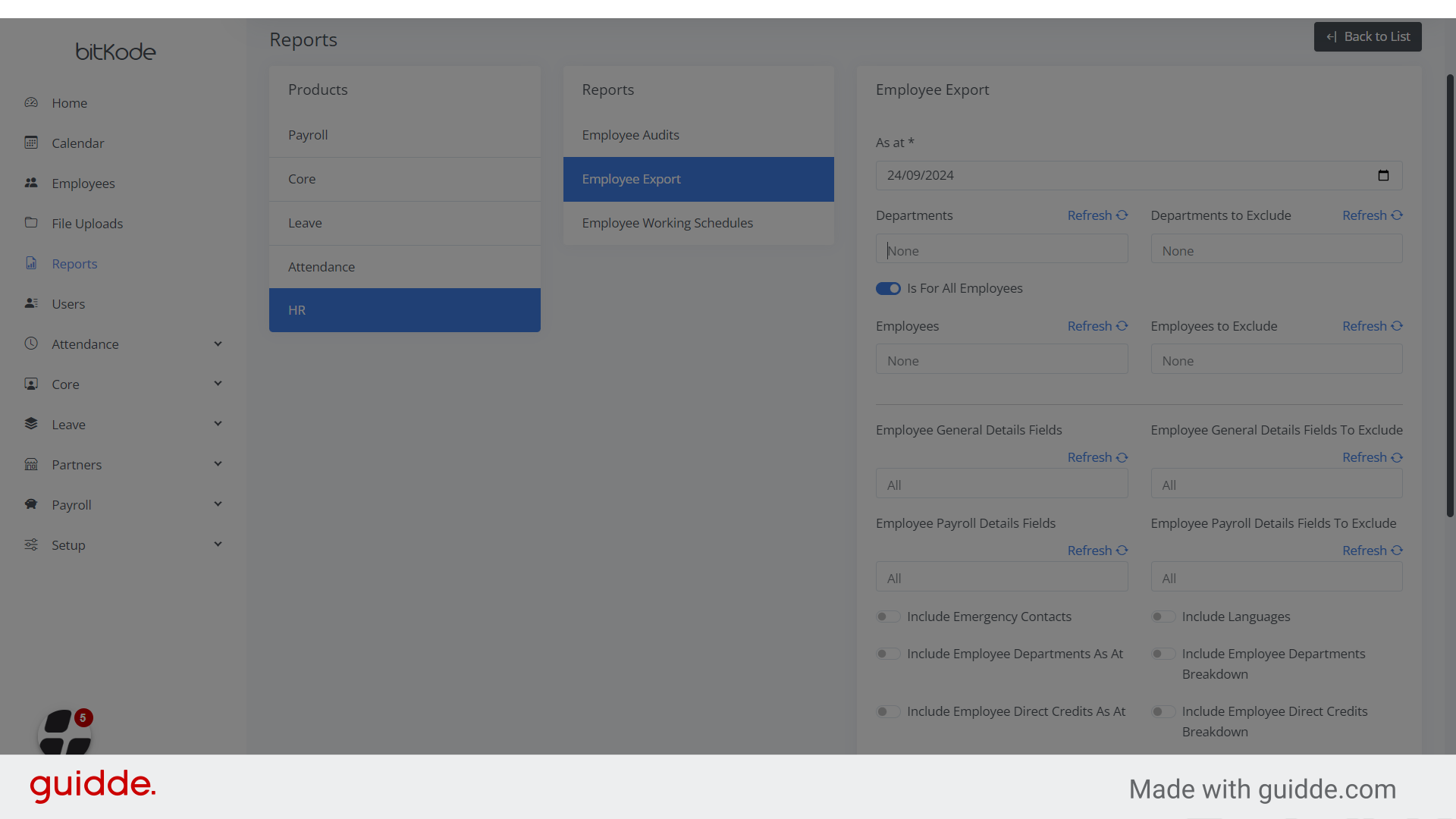
Example: In the HR product report, the employee export feature, you can customize your report in several ways:
- Date Range: Select the date range for the report.
- Detail Level: Choose to generate detailed reports for individual employees or by department.
- Employee Selection: Include or exclude specific employees from the report.
- Field Selection: Choose from all general fields and toggle on the specific information you want to appear in the report.
This flexibility allows you to tailor the report to your specific needs, ensuring you get the most relevant data.
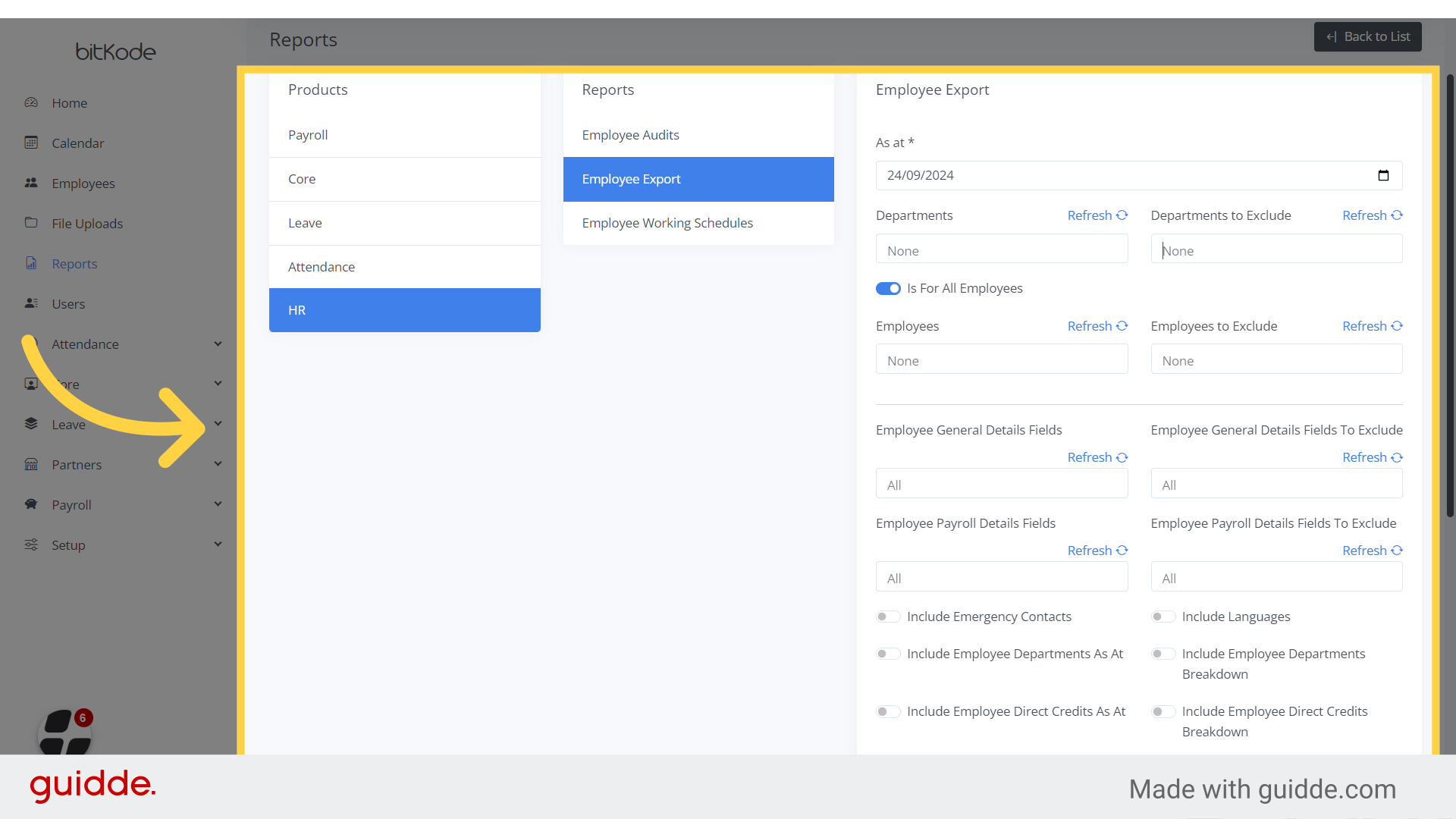
To generate detailed reports on all products, please refer to the training guide specific to your subscription.
The guides, will provide step-by-step instructions tailored to your needs.
This guide covered the process of generating a general information report in bitKode.


