
Table of Contents
This guide will walk you through accessing and reviewing the Leave Requests History in Bitkode. #
Follow the precise instructions to navigate efficiently through the application and view the history of employee leave requests.
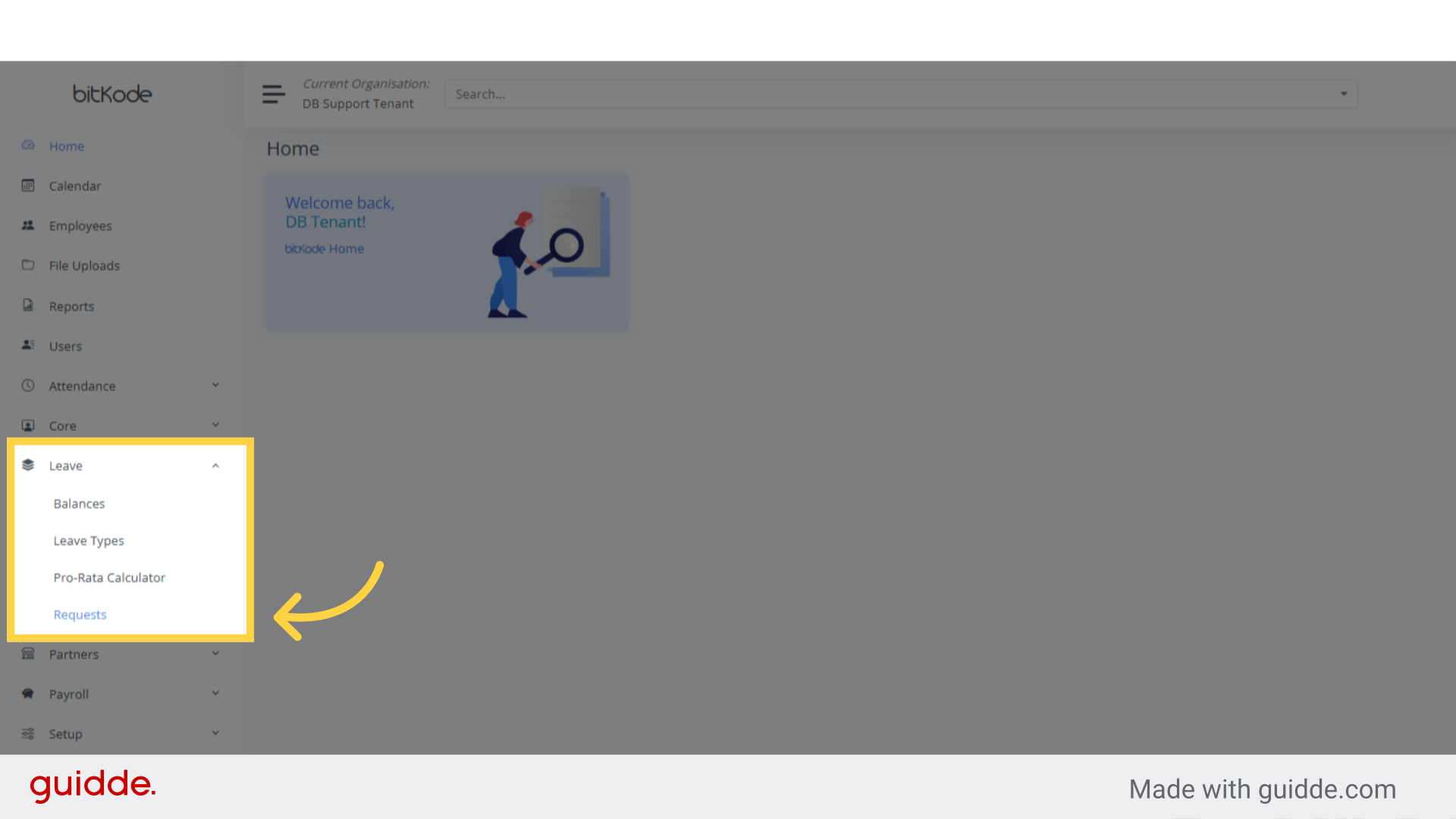
Step 1. Click “Requests” #
Access the requests tab.
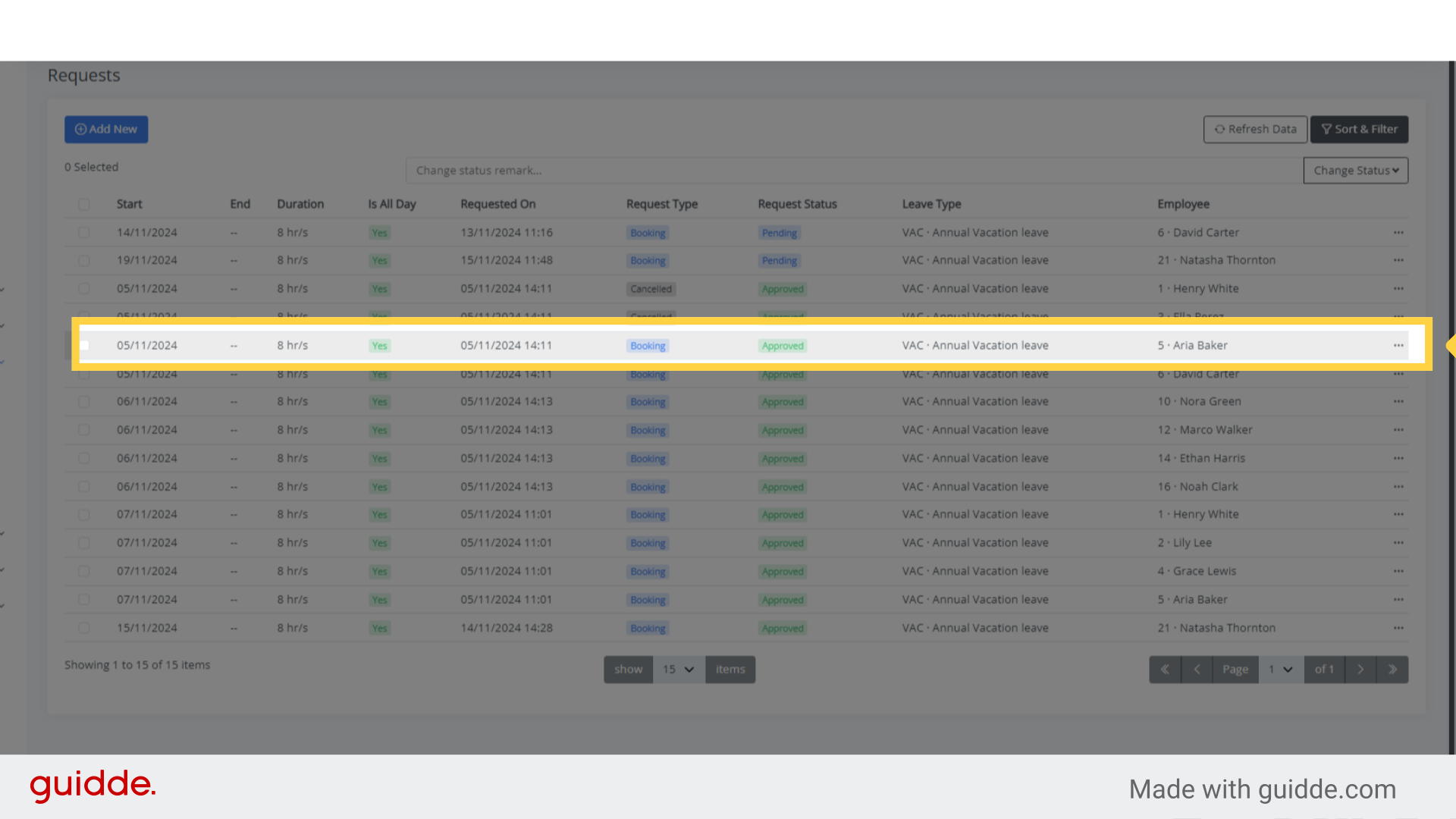
Step 2. Click here #
Choose the relevant link.
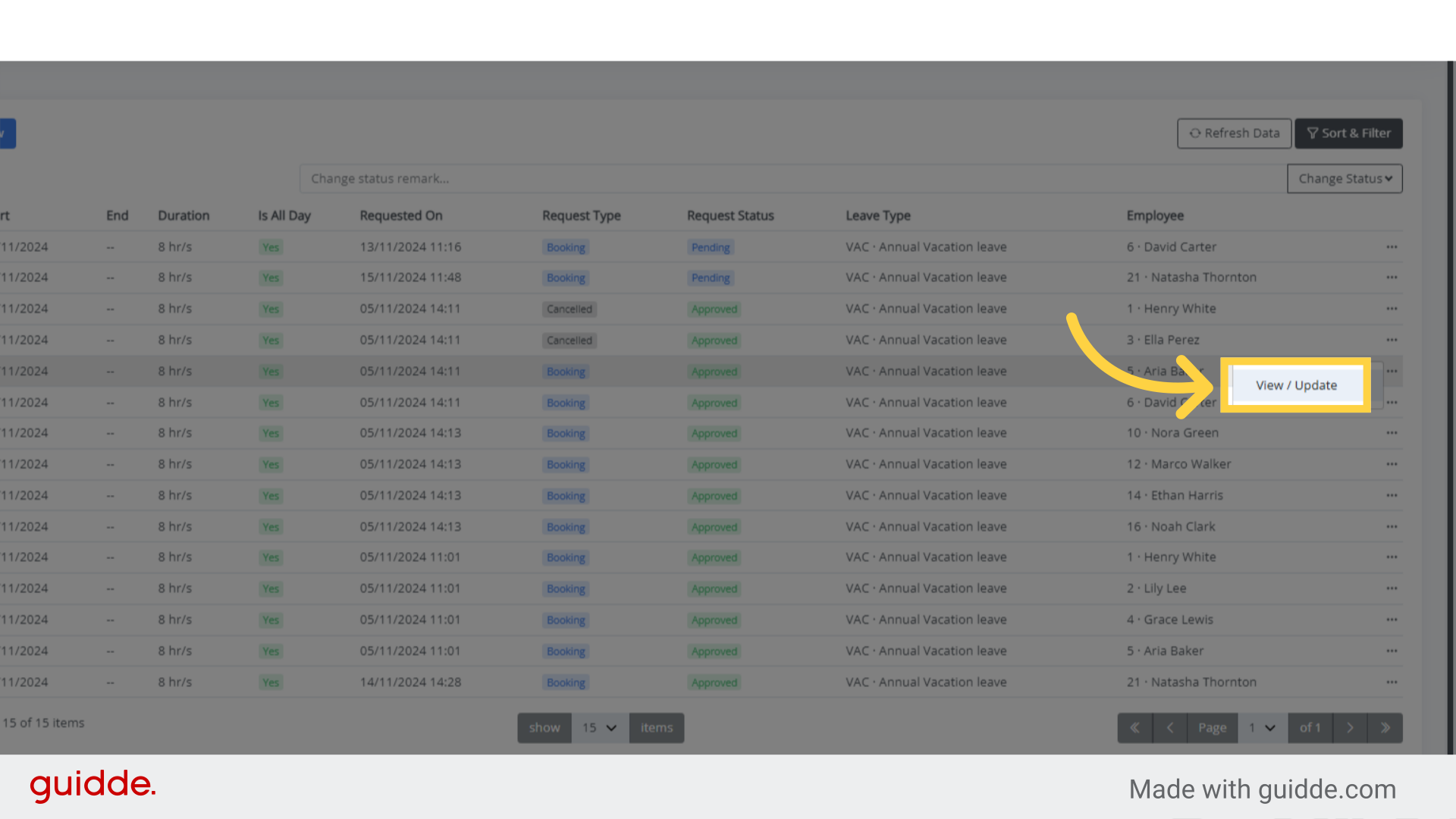
Step 3. Click “View / Update” #
Open the view/update page.
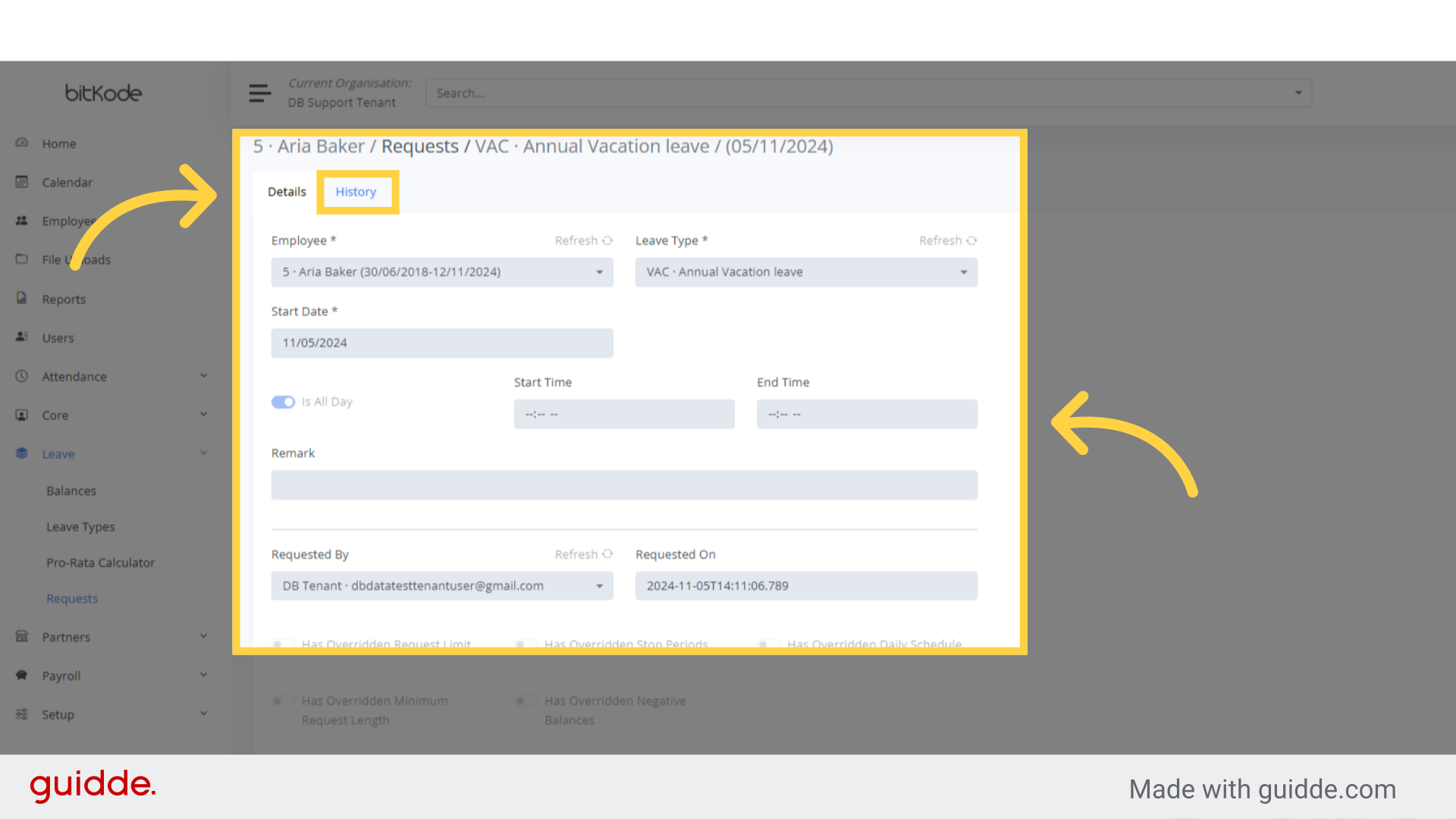
Step 4. Click “History” #
Navigate to the history section.
Step 5. Click here #
Select the specific details.
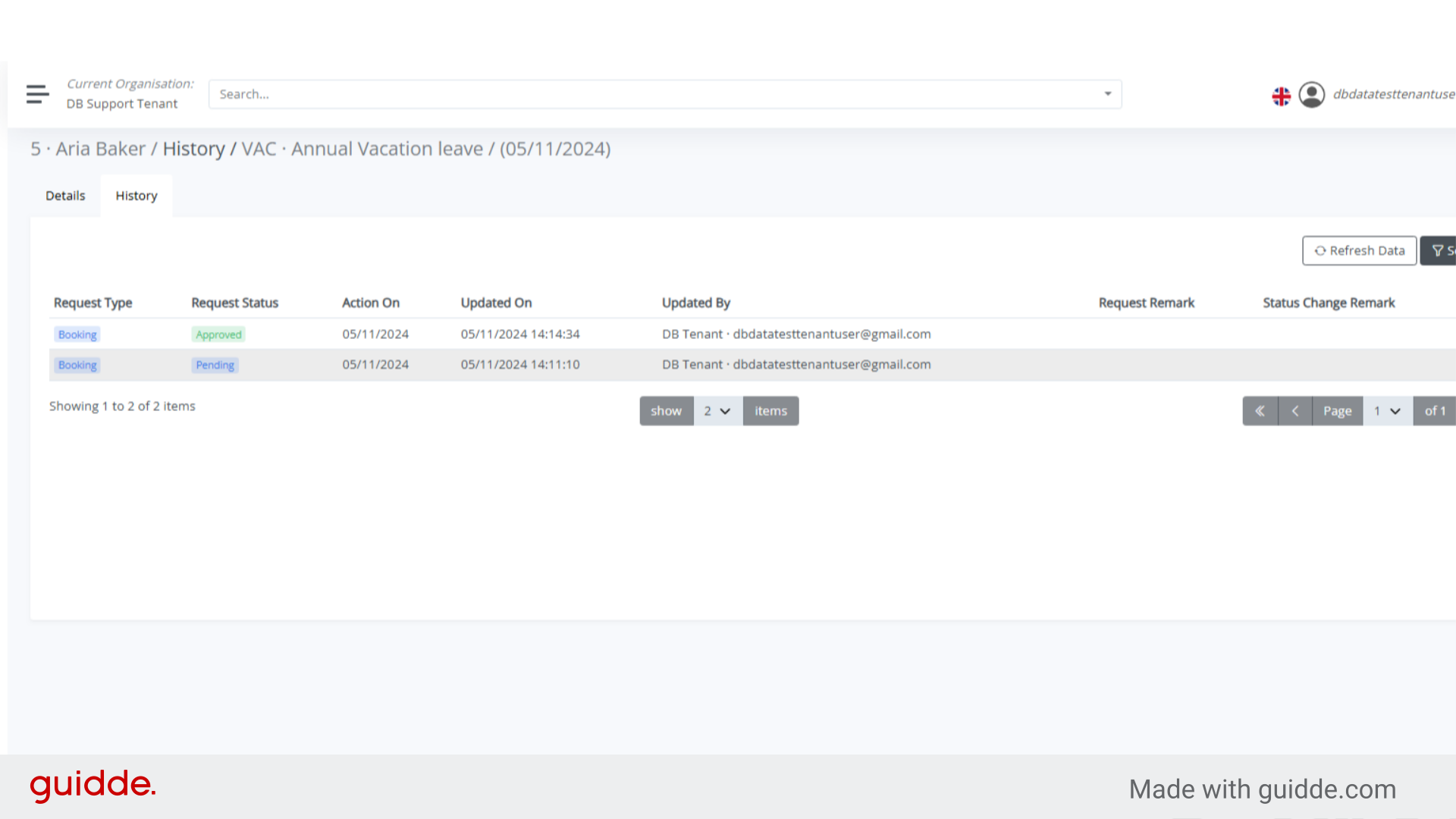
The guide covered navigating through bitKode to access and review Leave Requests History efficiently.
By following the steps provided, users can easily locate and view detailed information related to employee leave requests.


