
Table of Contents
Learn how to set up basic payroll settings and company information. #
Begin by navigating to the Payroll section, then select Setup from the list, and finally choose Payroll Details.
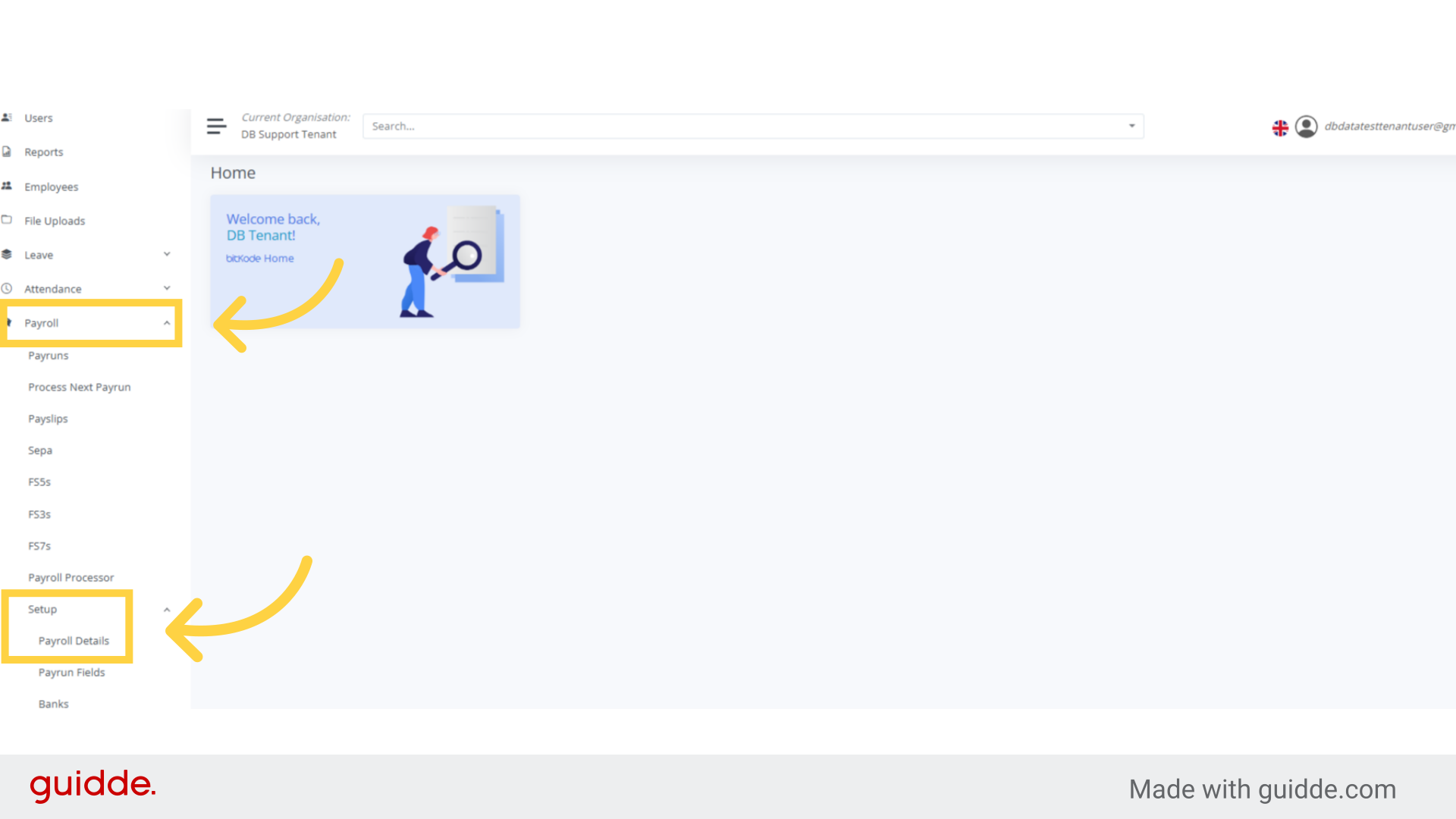
Step 1. Payroll Details #
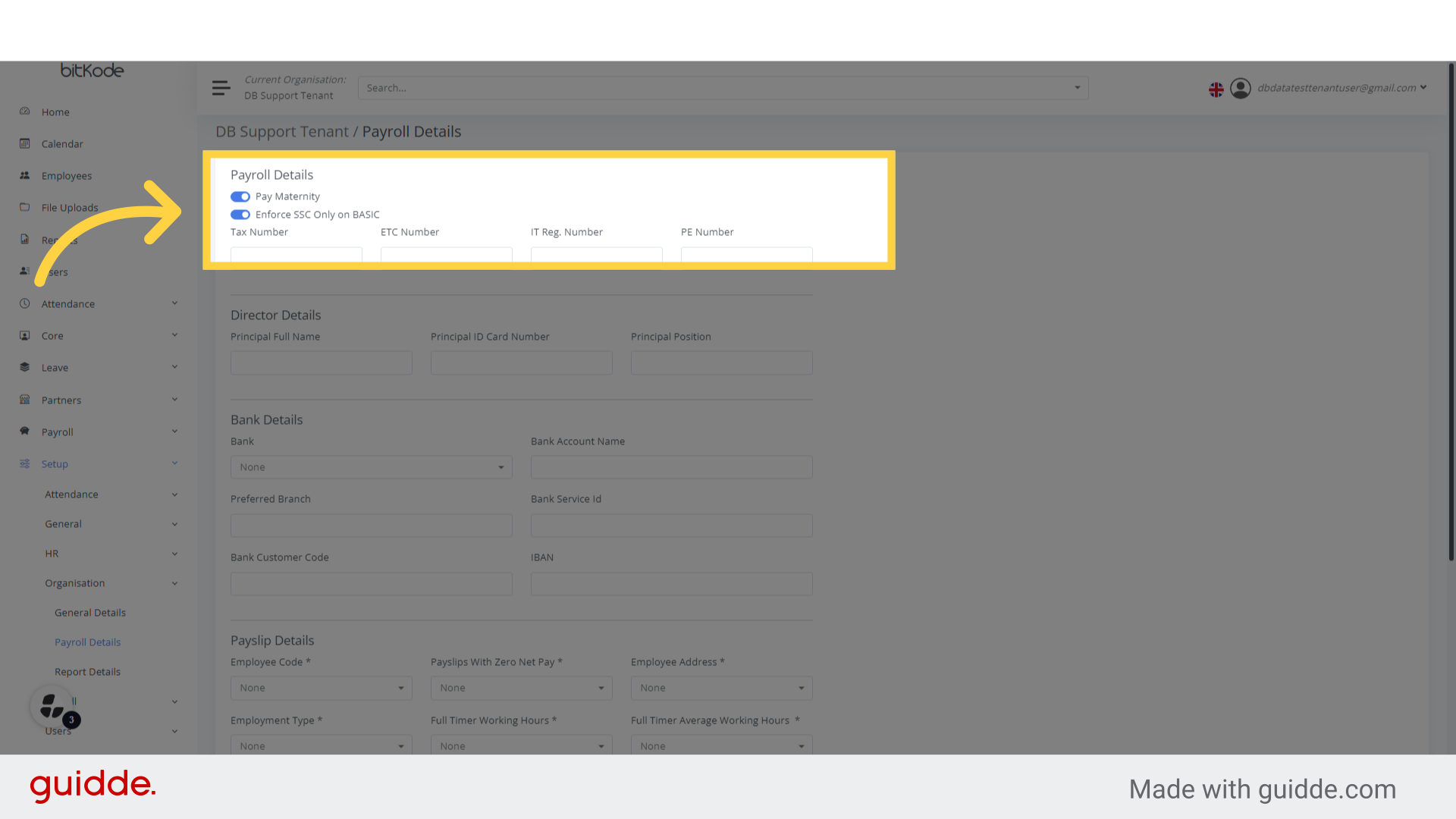
Ensure you select the checkboxes for ‘Pays Maternity Contribution’ and ‘Calculate Social Security Contributions (SSC) only on Basic Salary’ if applicable.
For more information, refer to the Payroll settings fields article.
Related article:


