Table of Contents
- Initializing a payroll year in Bitkode is an essential part. It ensures that all payroll data is correctly configured and prepared for the new fiscal year.
- Step 1. Payroll / Payruns
- Step 2. Click "Initialise Next Year"
- Step 3. Choose frequency
- Step 4. Start date
- Step 5. Click "Sort & Filter"
- Step 6. Choose current year
- Step 7. Sort & Filter
Initializing a payroll year in Bitkode is an essential part. It ensures that all payroll data is correctly configured and prepared for the new fiscal year. #
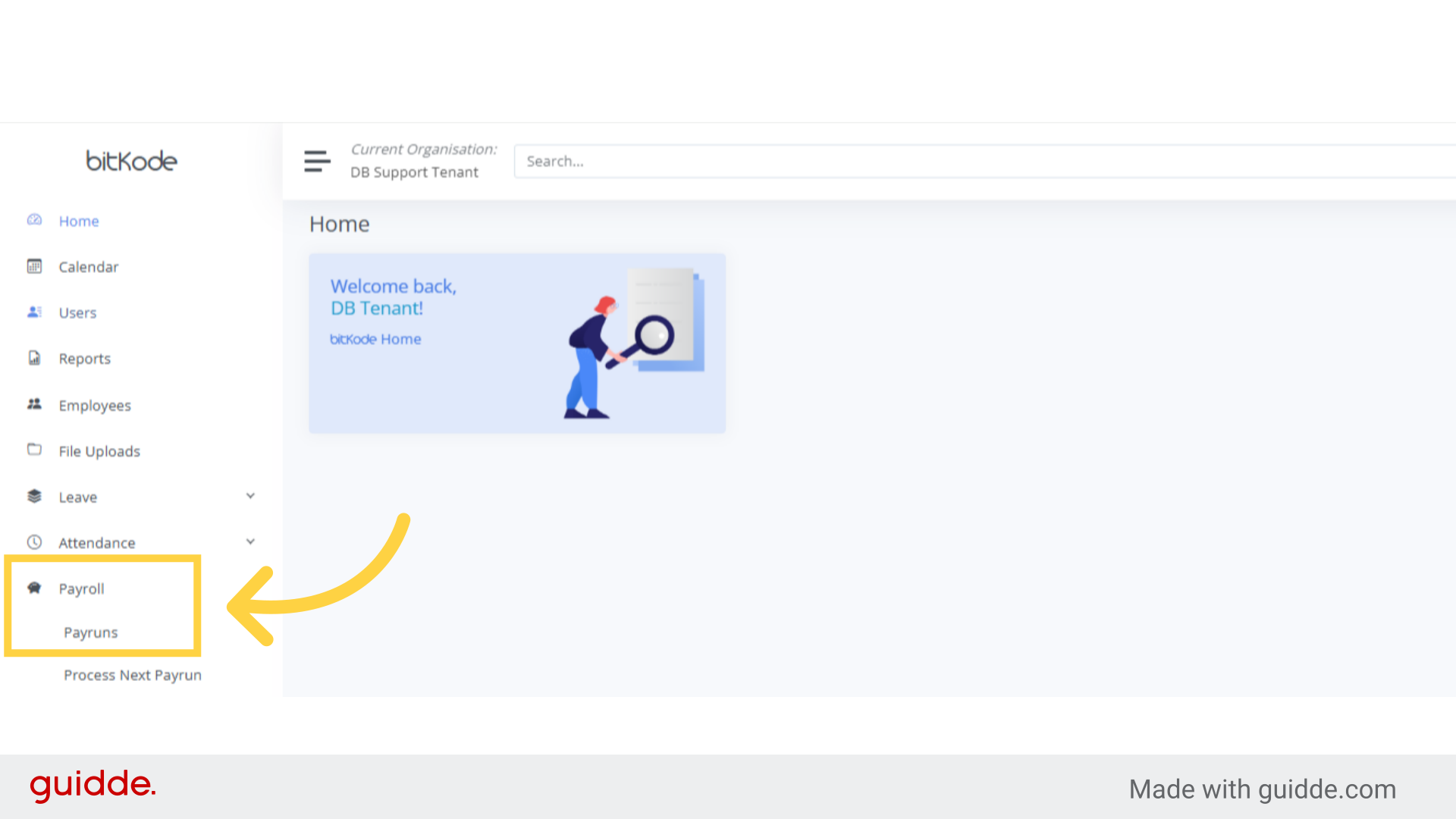
Step 1. Payroll / Payruns #
Begin by navigating to the Payroll section from your home menu, and then click on Payruns.
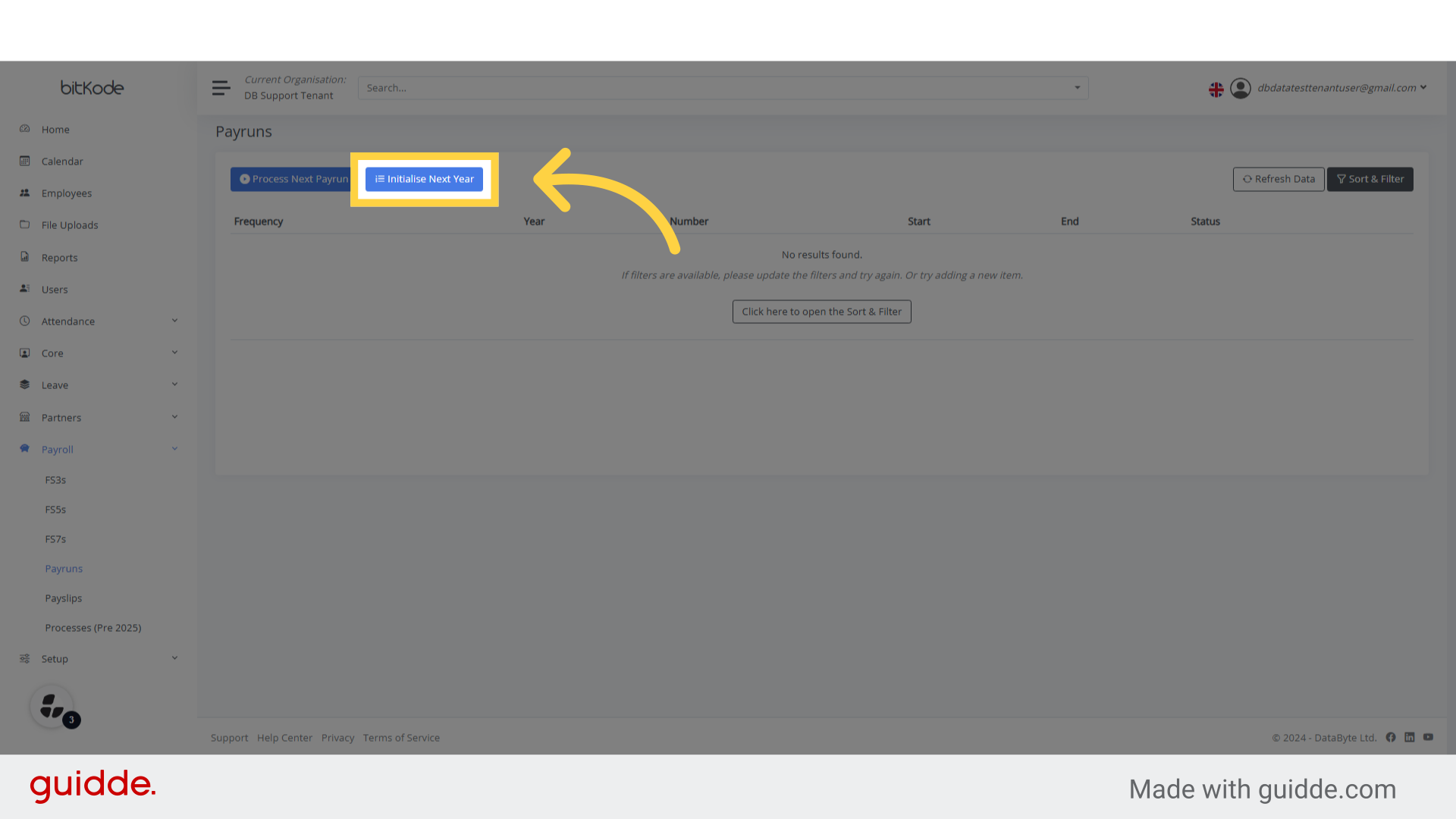
Step 2. Click “Initialise Next Year” #
Select “Initialise Next Year” option.
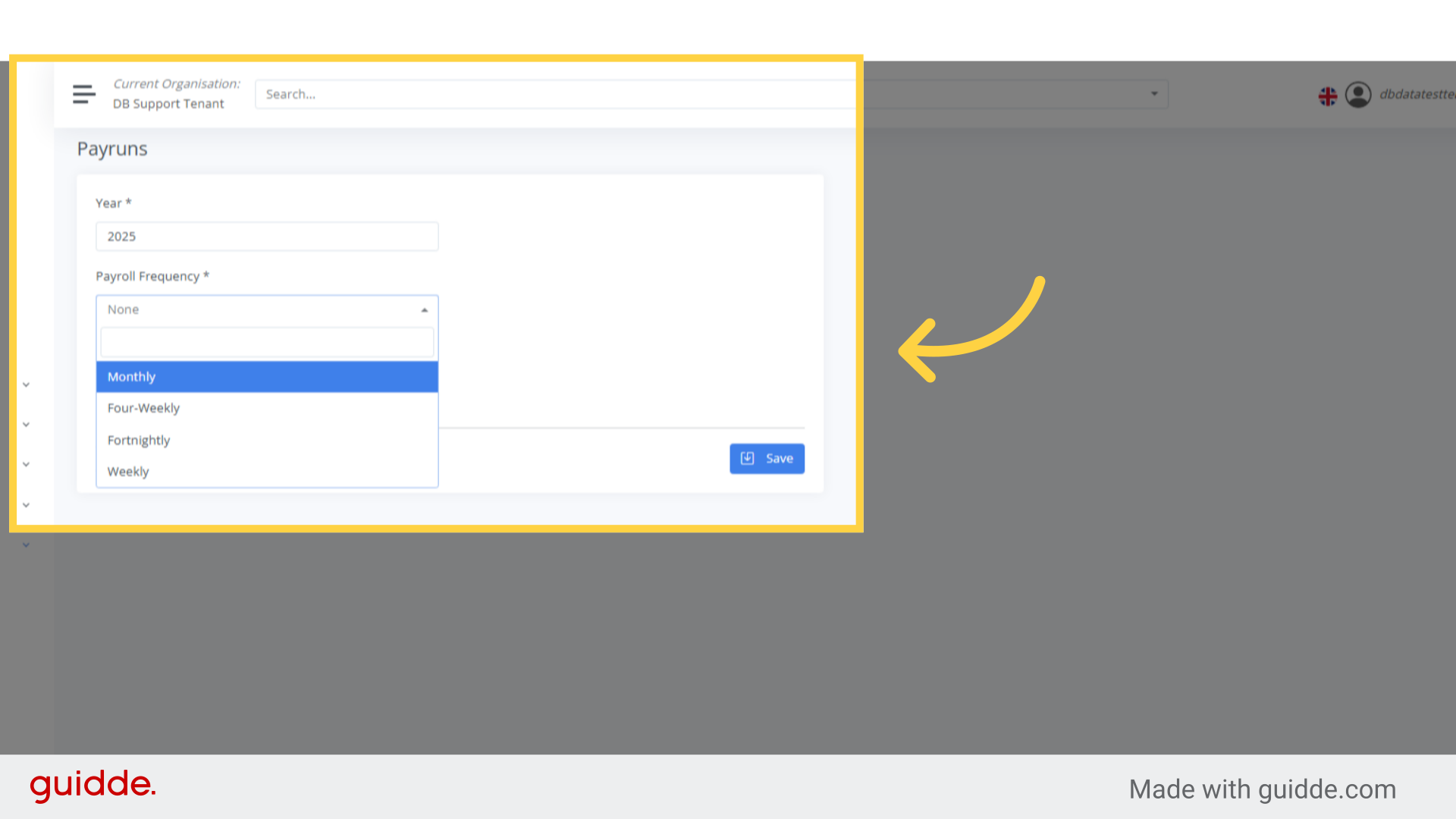
Step 3. Choose frequency #
Specify the year and the frequency you want to use for processing your payroll.
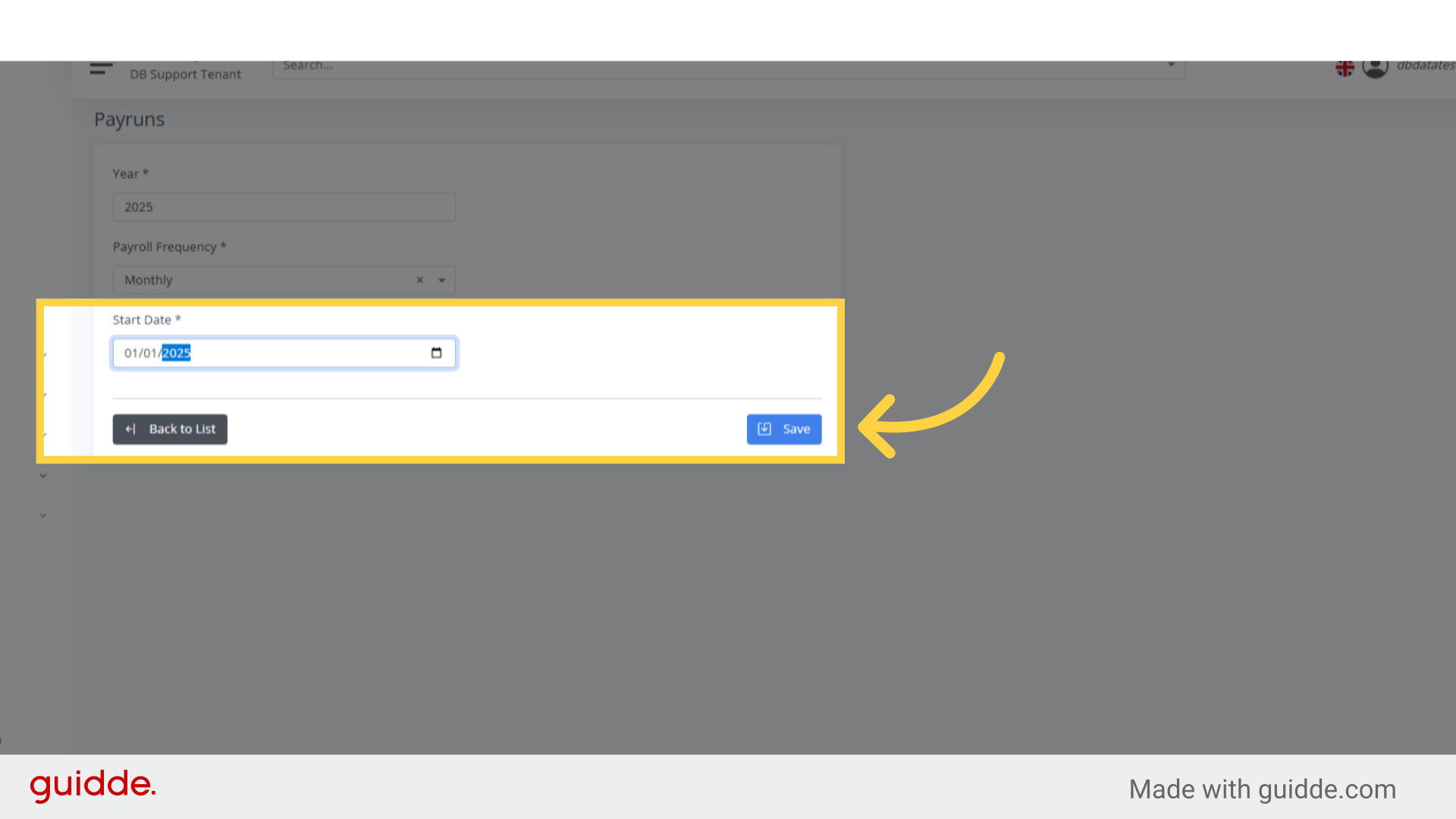
Step 4. Start date #
Enter the start date, then click “Save” or press “Enter” on your keyboard to save the changes.
Step 5. Click “Sort & Filter” #
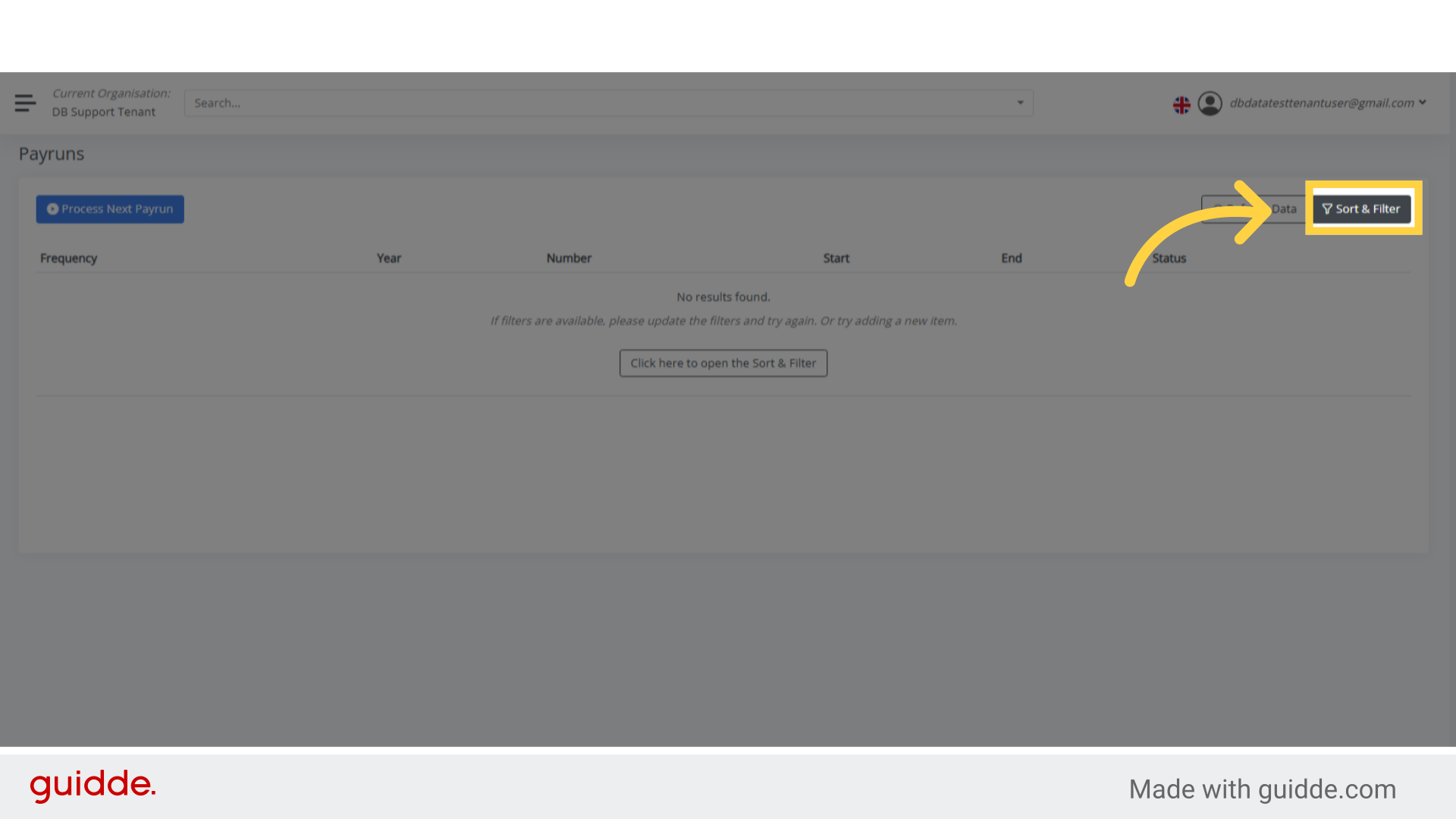
Once you click “Save,” you will notice that the page is blank.
To access all runs, click on the Sort and Filter field.
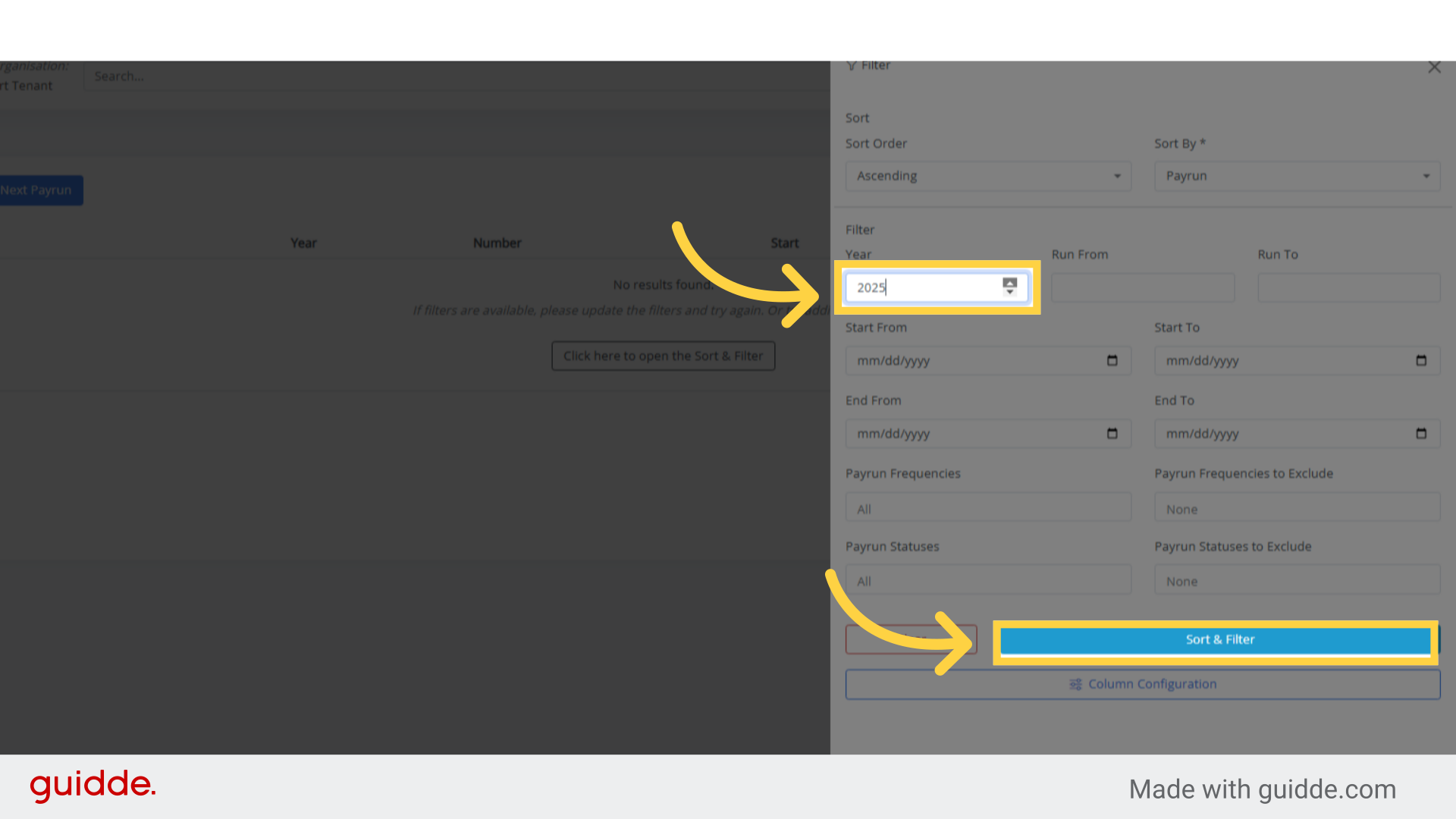
Step 6. Choose current year #
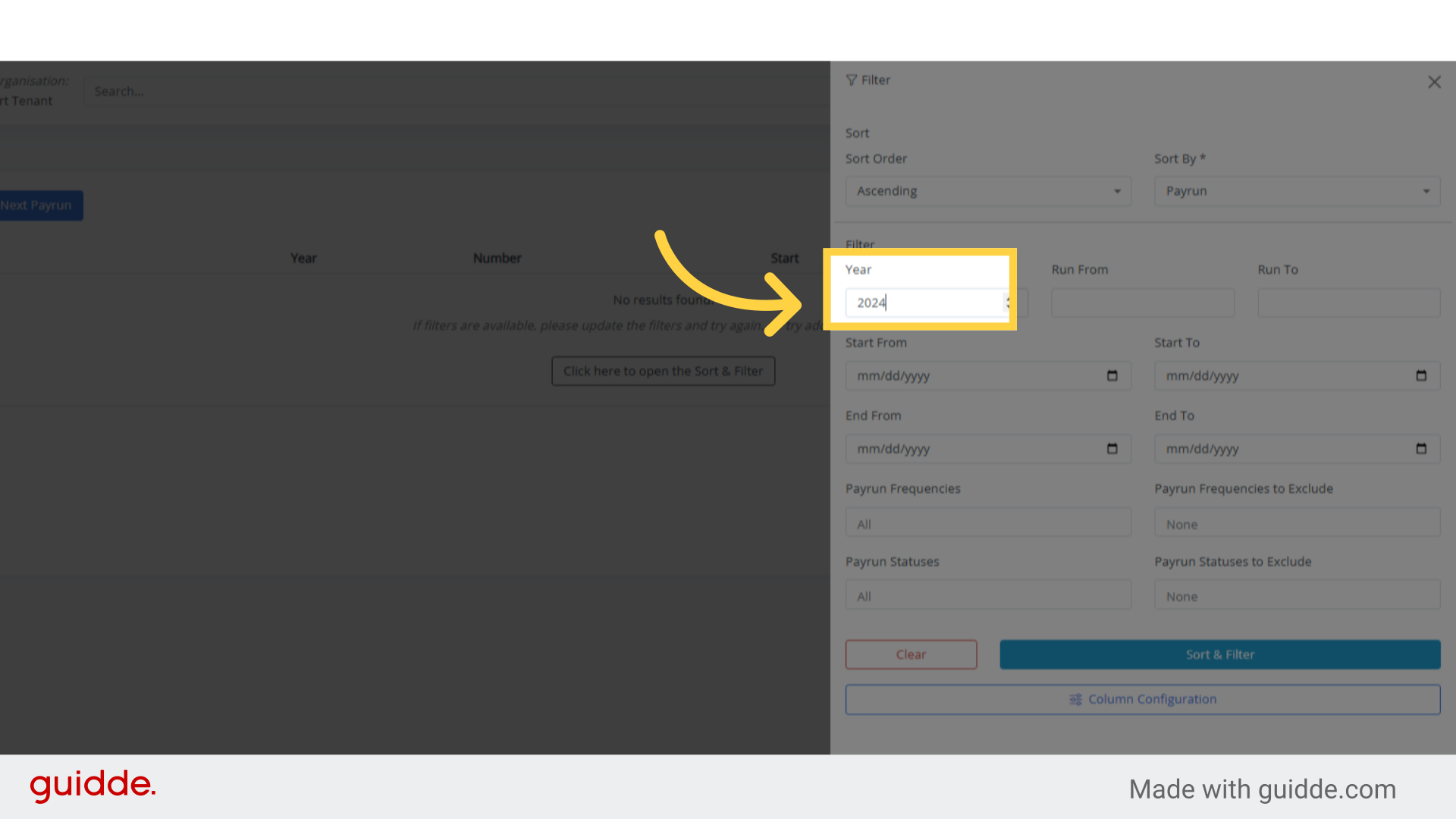
By default, you will see the current year. To change it, simply enter the year for which you have set up runs.
Step 7. Sort & Filter #
As previously mentioned, change the year and then click on the sort and filter fields.
This will display all runs that have been created and are ready to be processed for the selected year.
Once you initialize a year, all payruns will appear as ‘Not Run’.