Following BOV’s updates for SEPA BOV clients regarding the SEPA file format, you will need to generate the SEPA file to conduct a test.
Please follow the steps below to proceed:
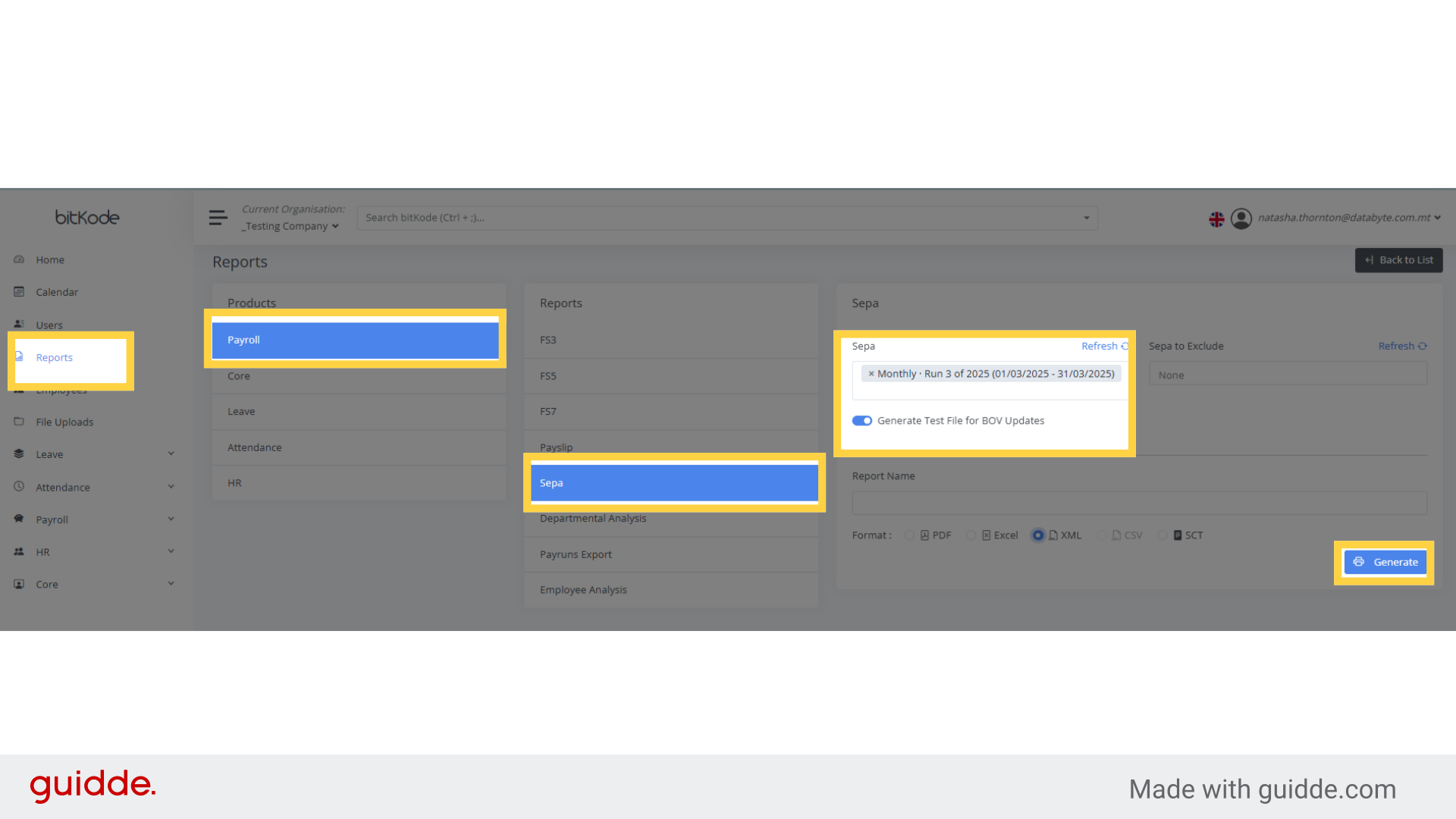
After generating the SEPA file, navigate to the Reports section from the home menu.
Generate a report from Payroll, selecting SEPA, and choose the relevant month for the already generated SEPA file.
Then, enable the toggle for Generate Test File for BOV Updates.
Finally, click Generate to create the file.
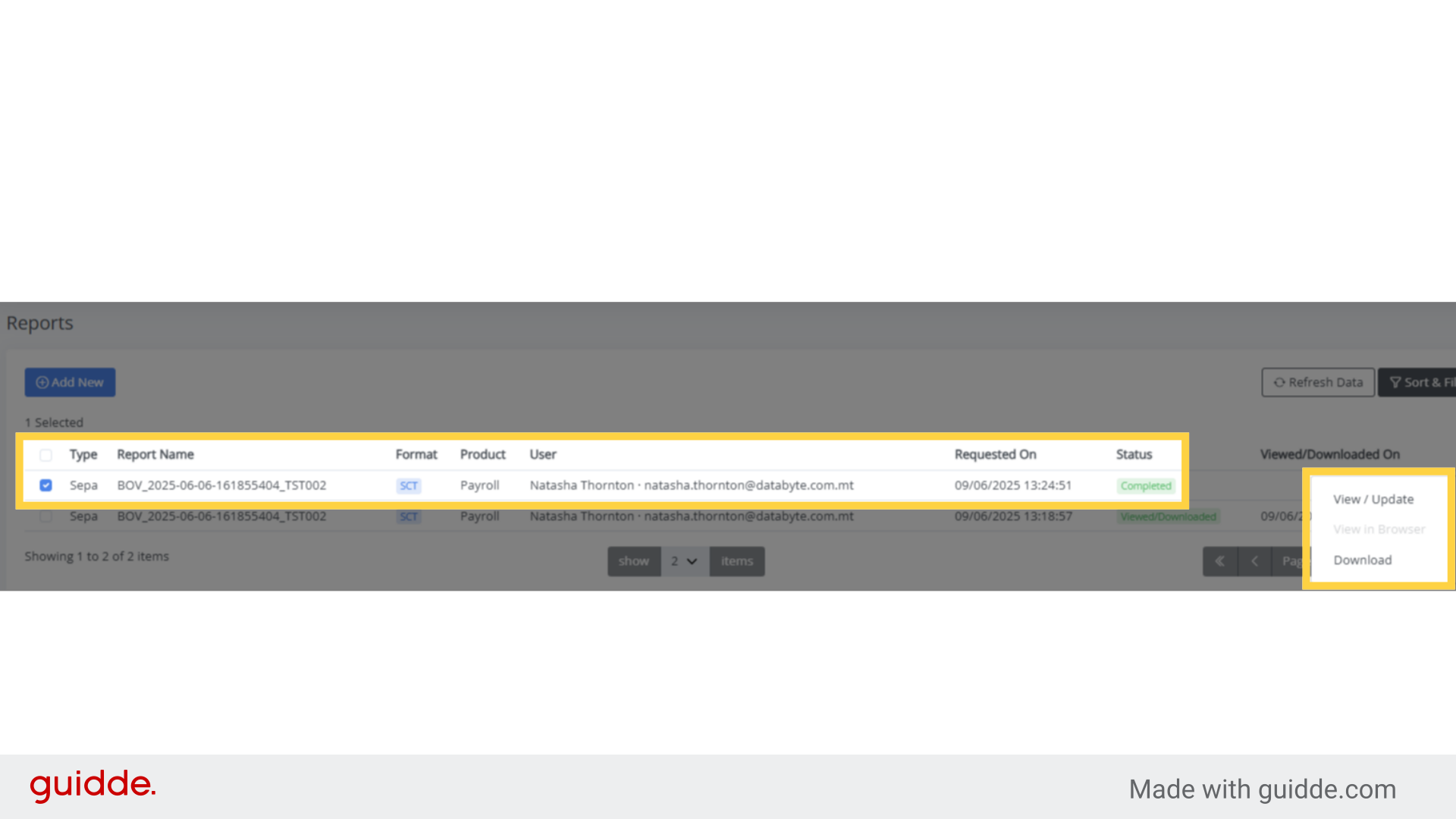
After generating the file, select the checkbox next to it.
Then, click on the Quick Action on the right-hand side to reveal the download option.
Finally, download the file onto your PC or laptop..