Table of Contents
Learn how to generate an FS7 form in Bitkode by following these instructions. #
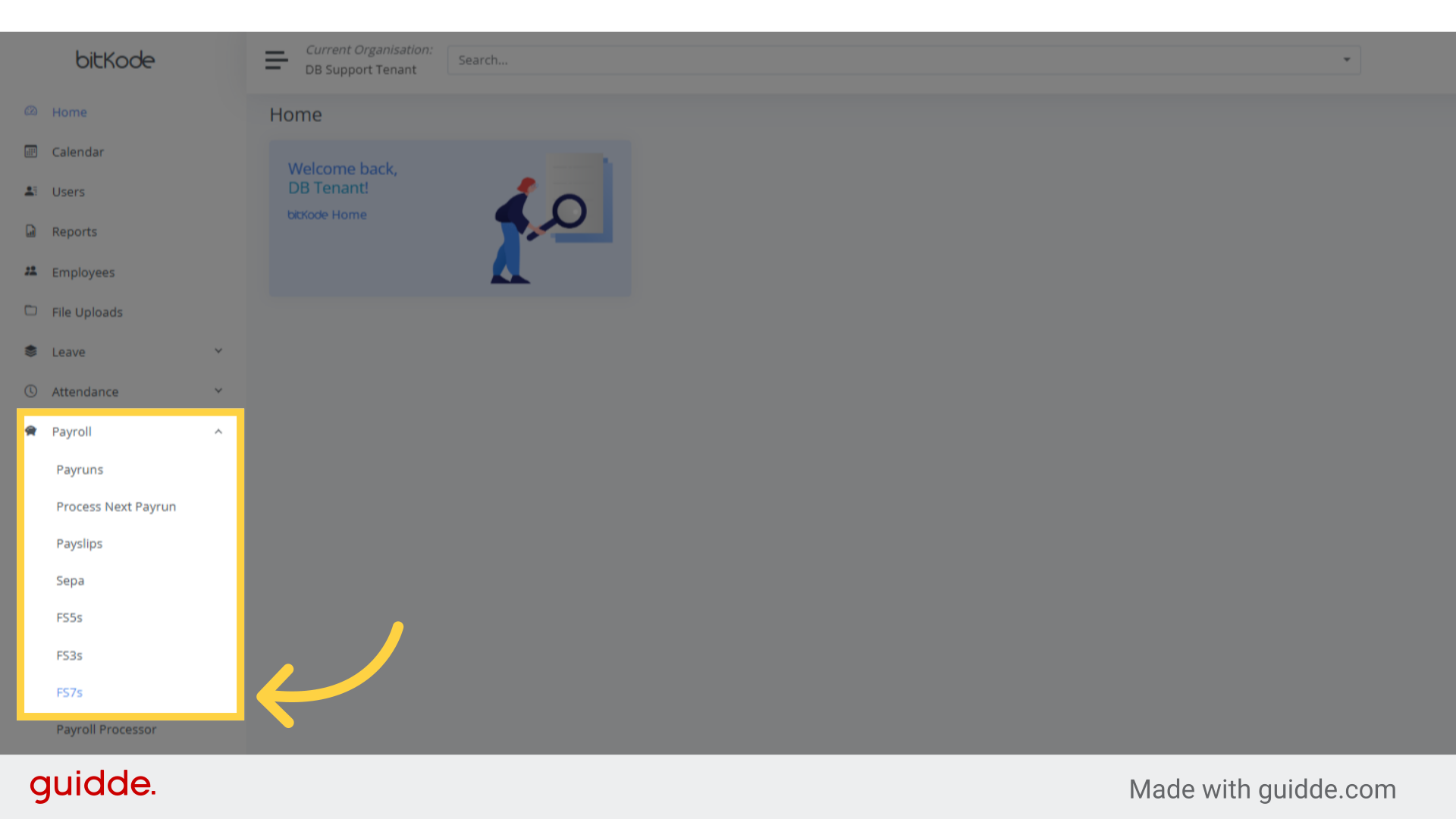
Step 1. Click “FS7s” #
Access the FS7s tab from the Payroll menu option.
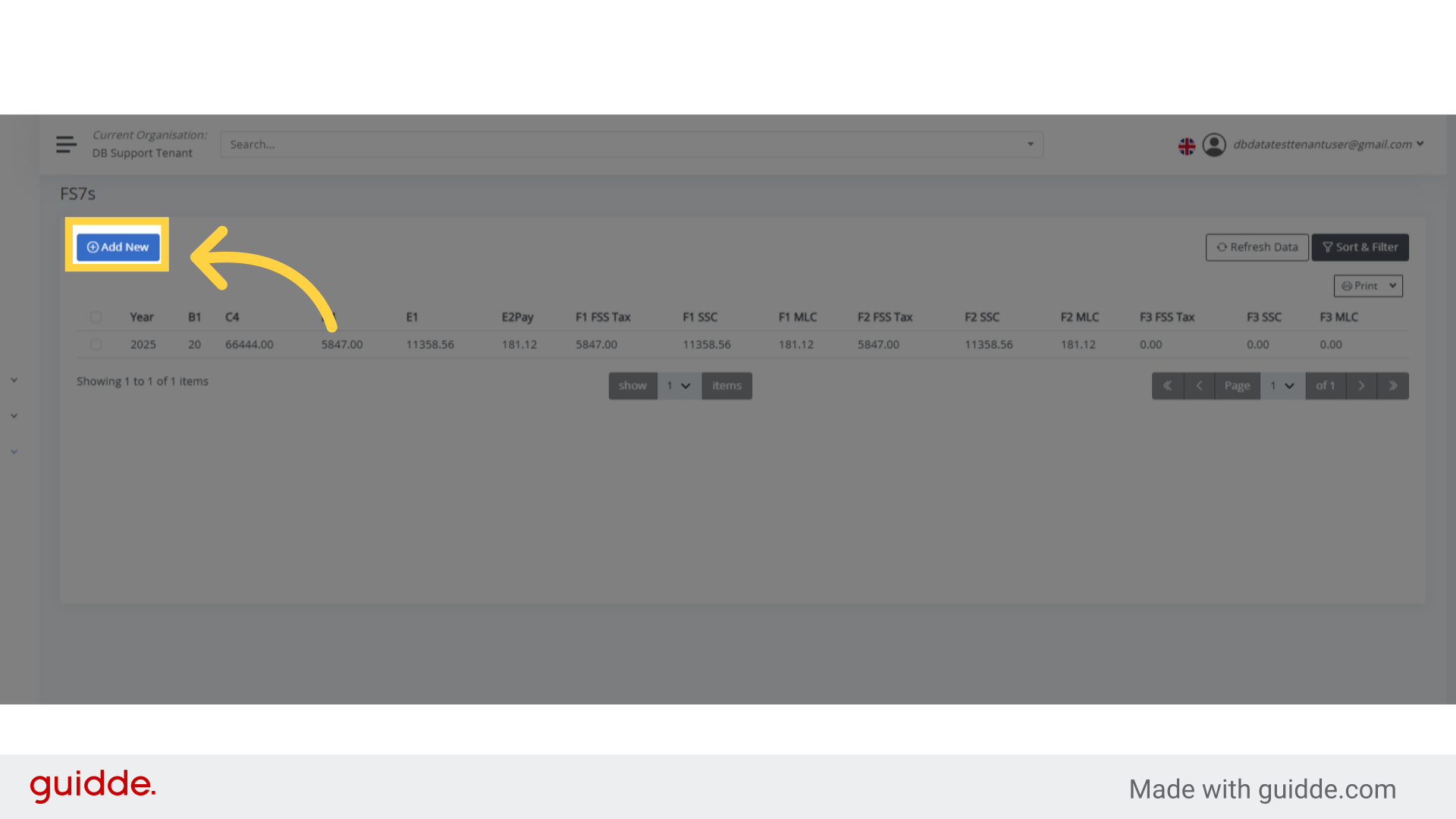
Step 2. Click “Add New” #
Select the option to add a new FS7 form.
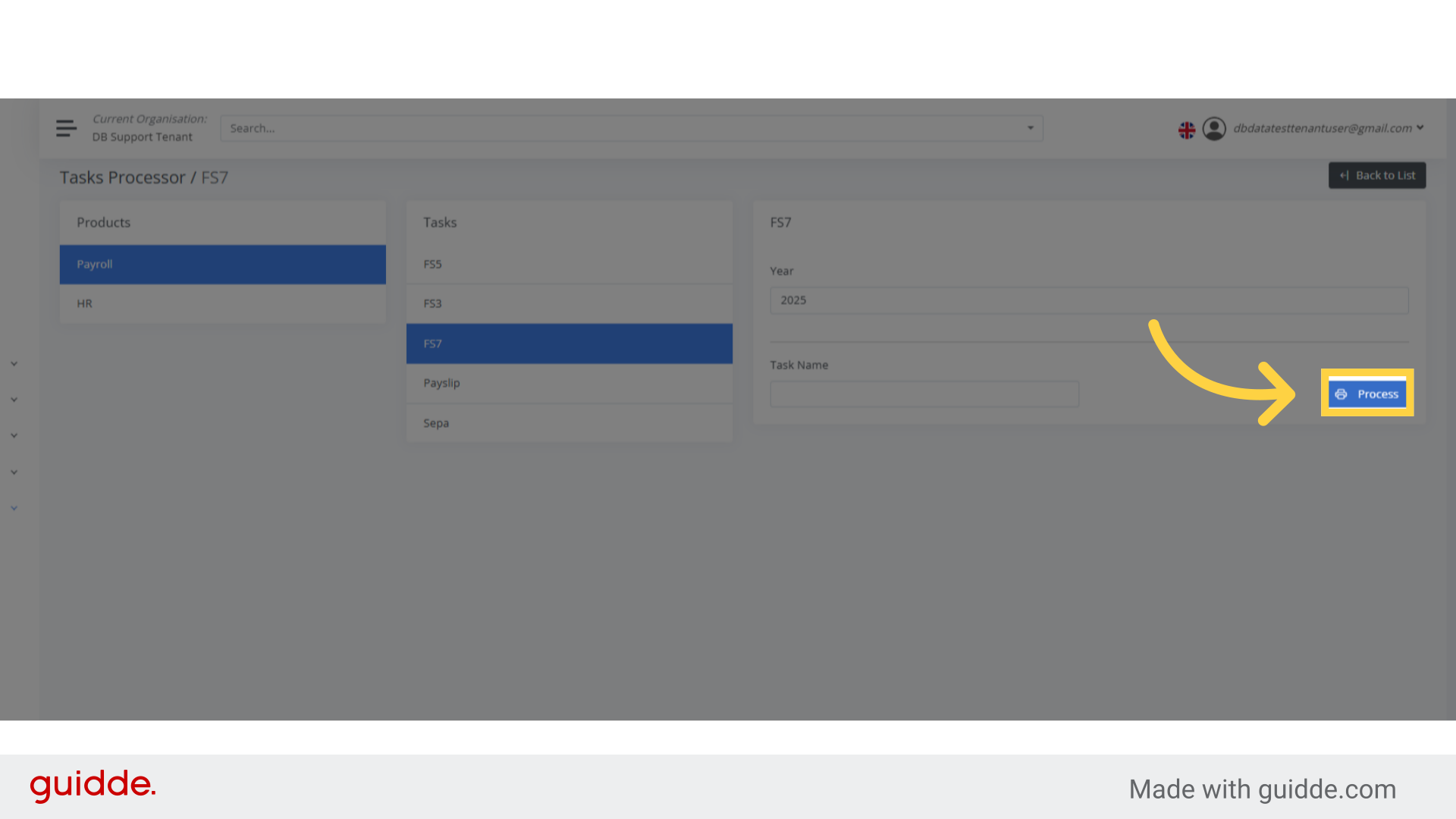
Step 3. Click “Process” #
Proceed to process the FS7.
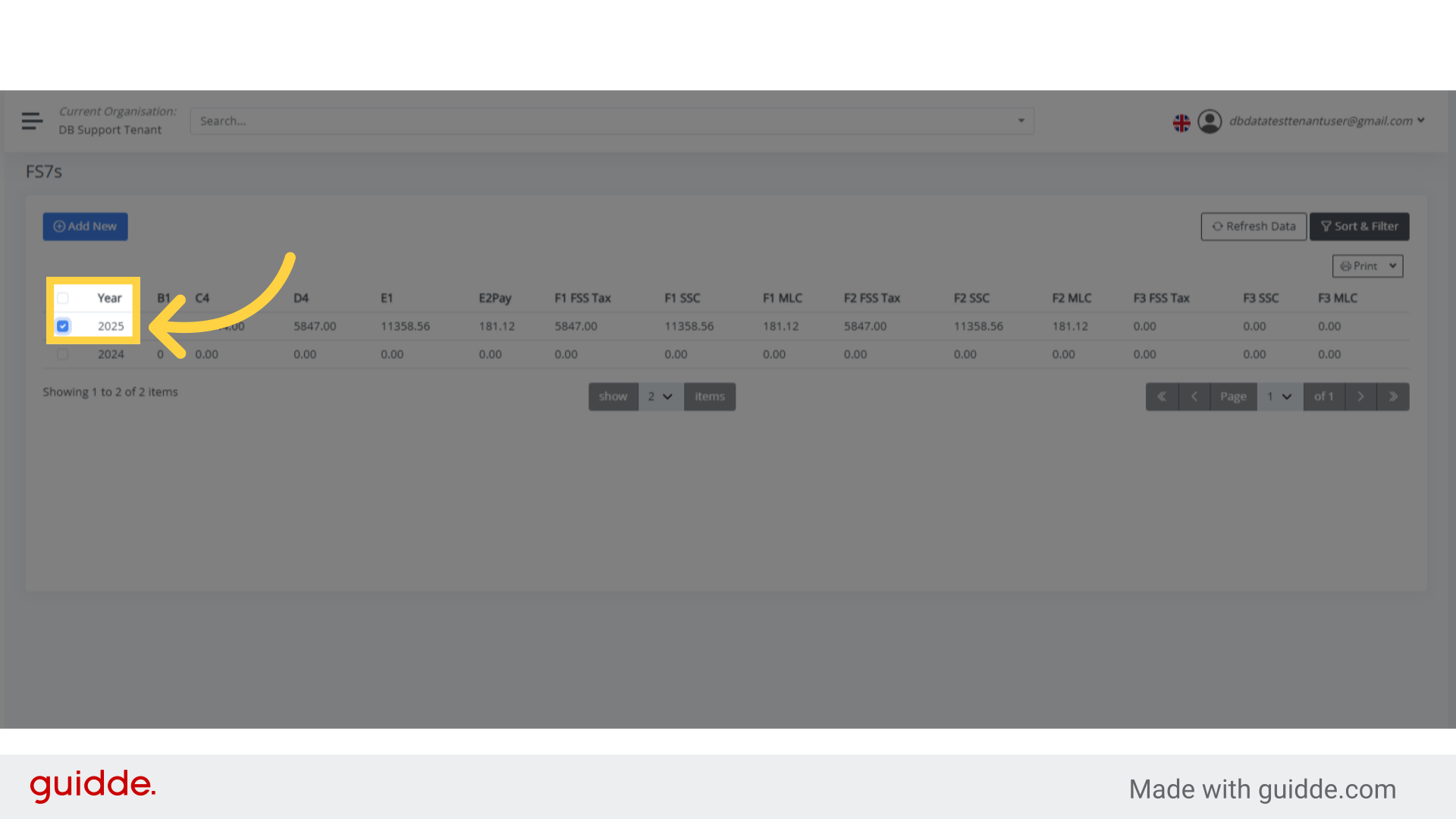
Step 4. Select check box #
Select the checkbox near the FS7 processed.
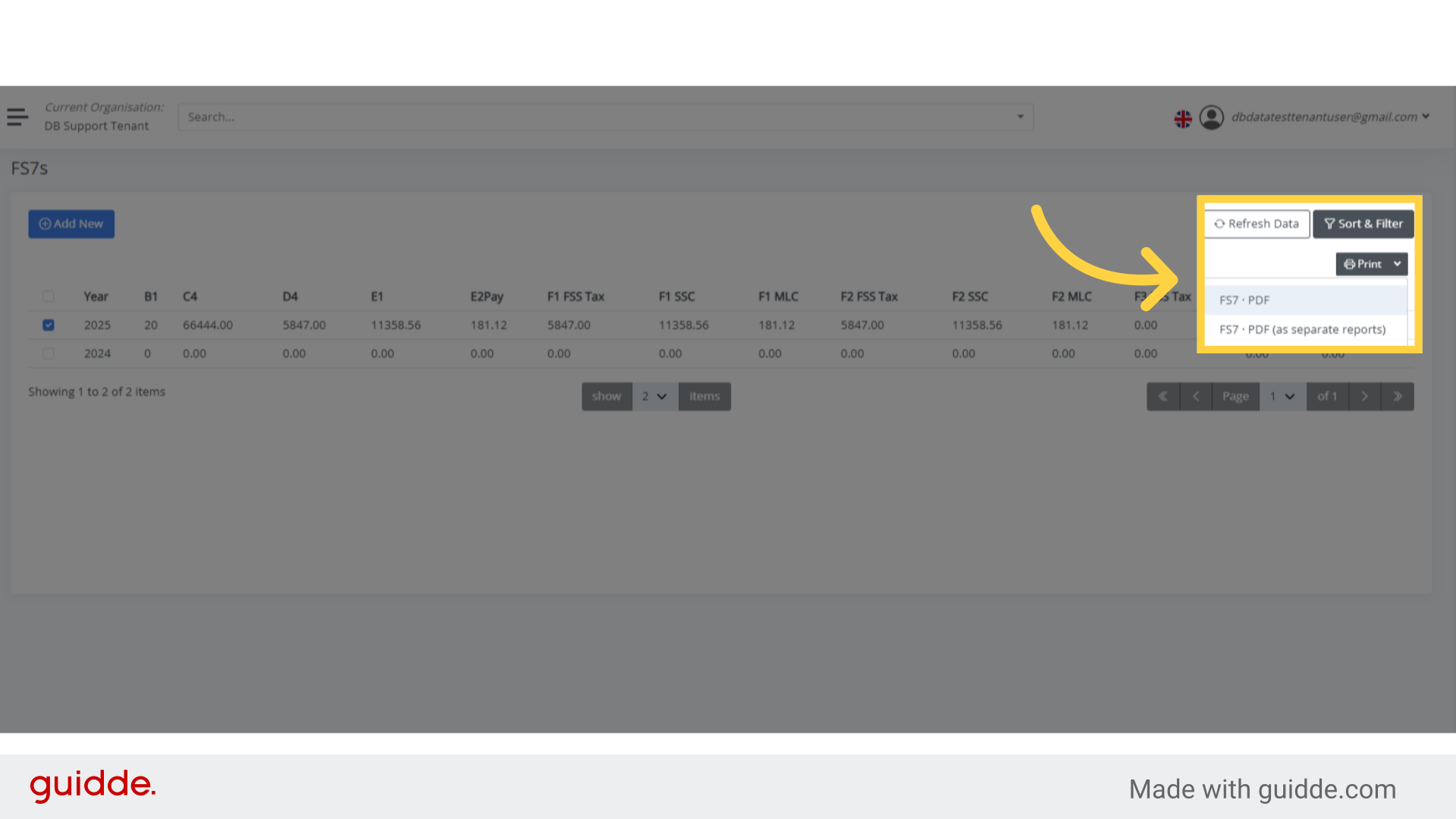
Step 5. Click “FS7 · PDF” #
Print the FS7 form as a PDF from the Print tab.
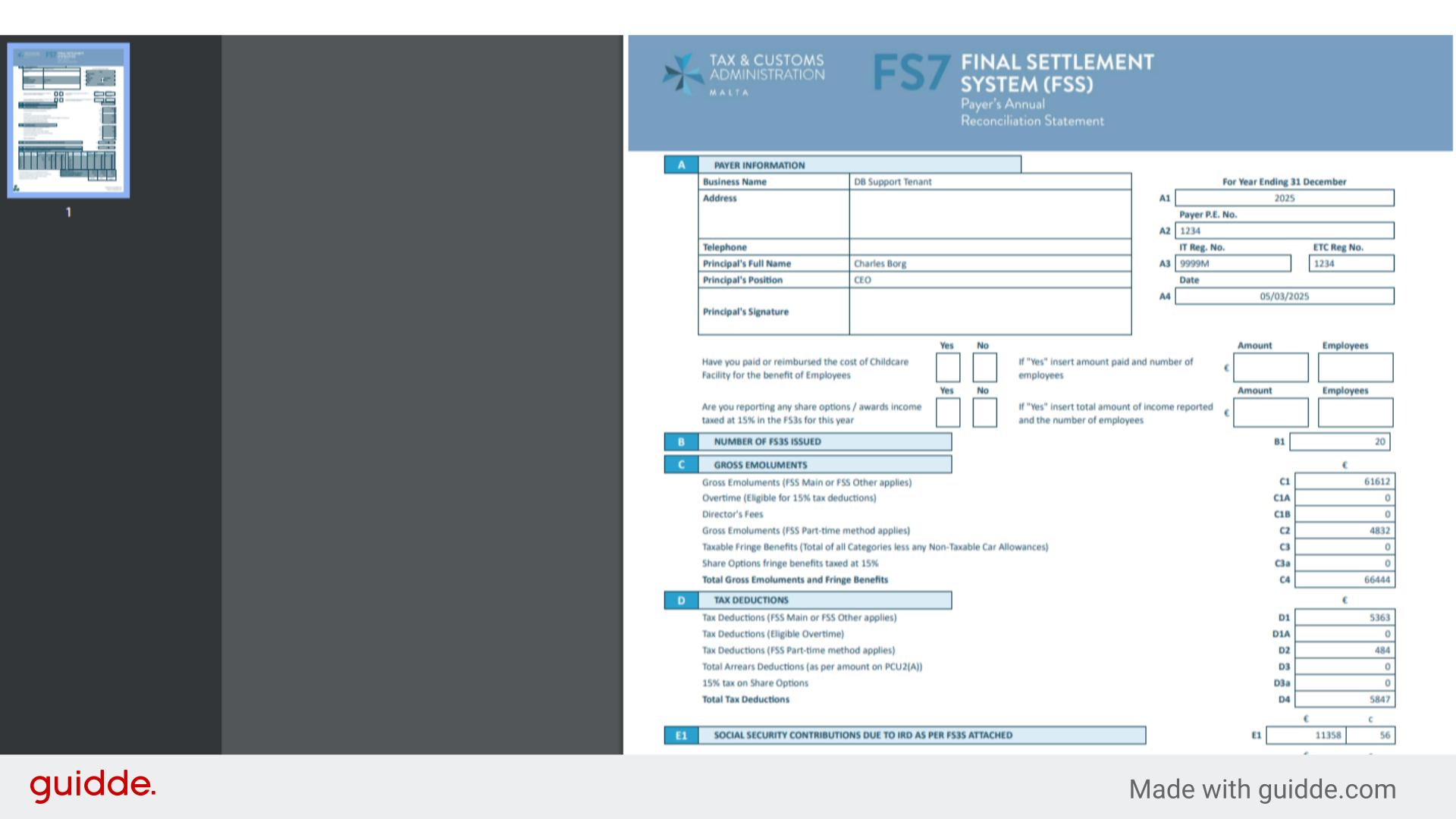
Step 6. FS7 Sample #
A sample of the FS7 processed and printed in PDF format, then download it and save it on your PC if needed.