Table of Contents
Learn how to generate payslips for employees without an email in bitKode. #
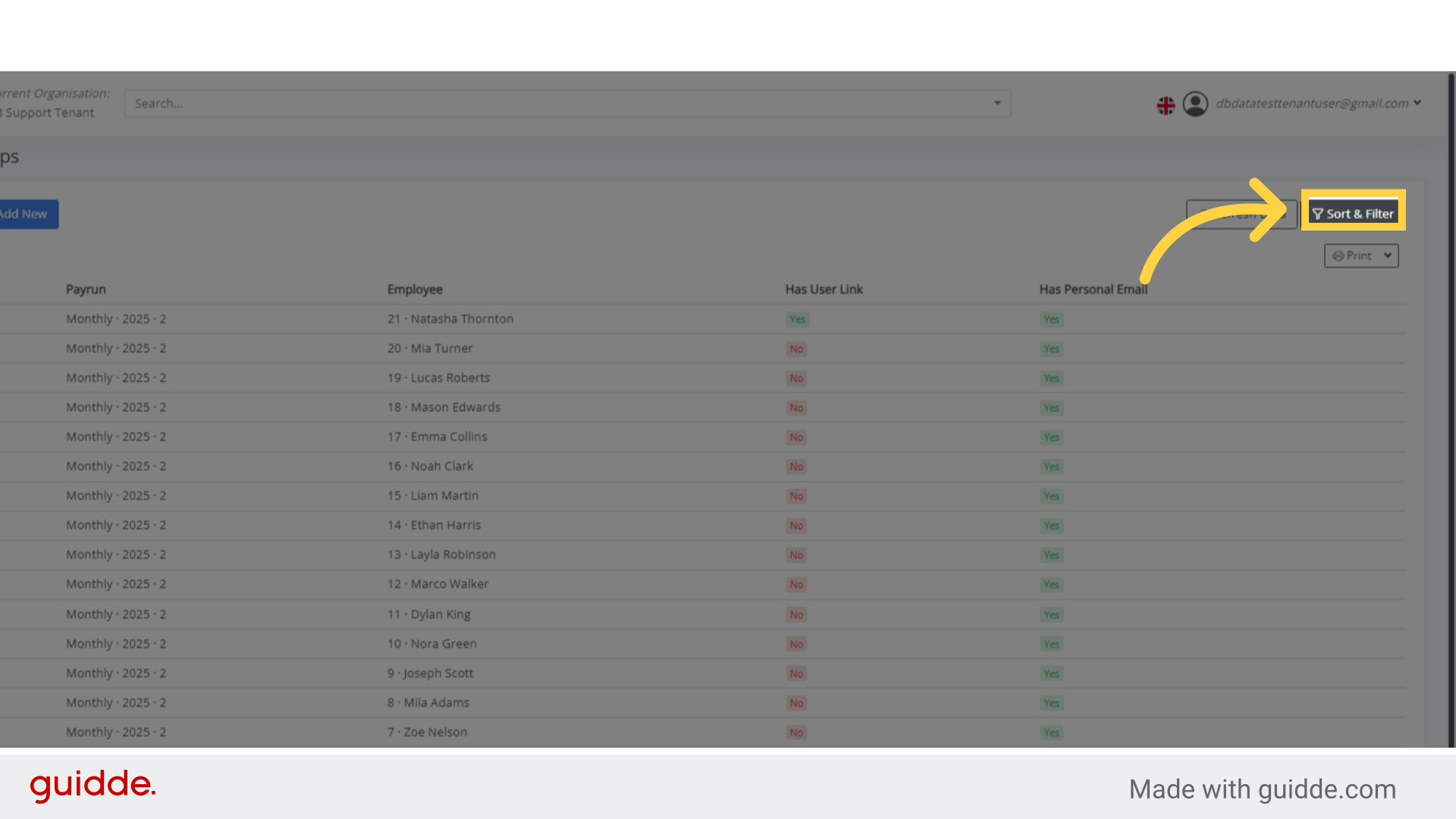
Step 1. Click “Sort & Filter” #
After selecting the payslips for the run you want to generate, click on the sort and Filter field.
Step 2. Click “Sort & Filter” #
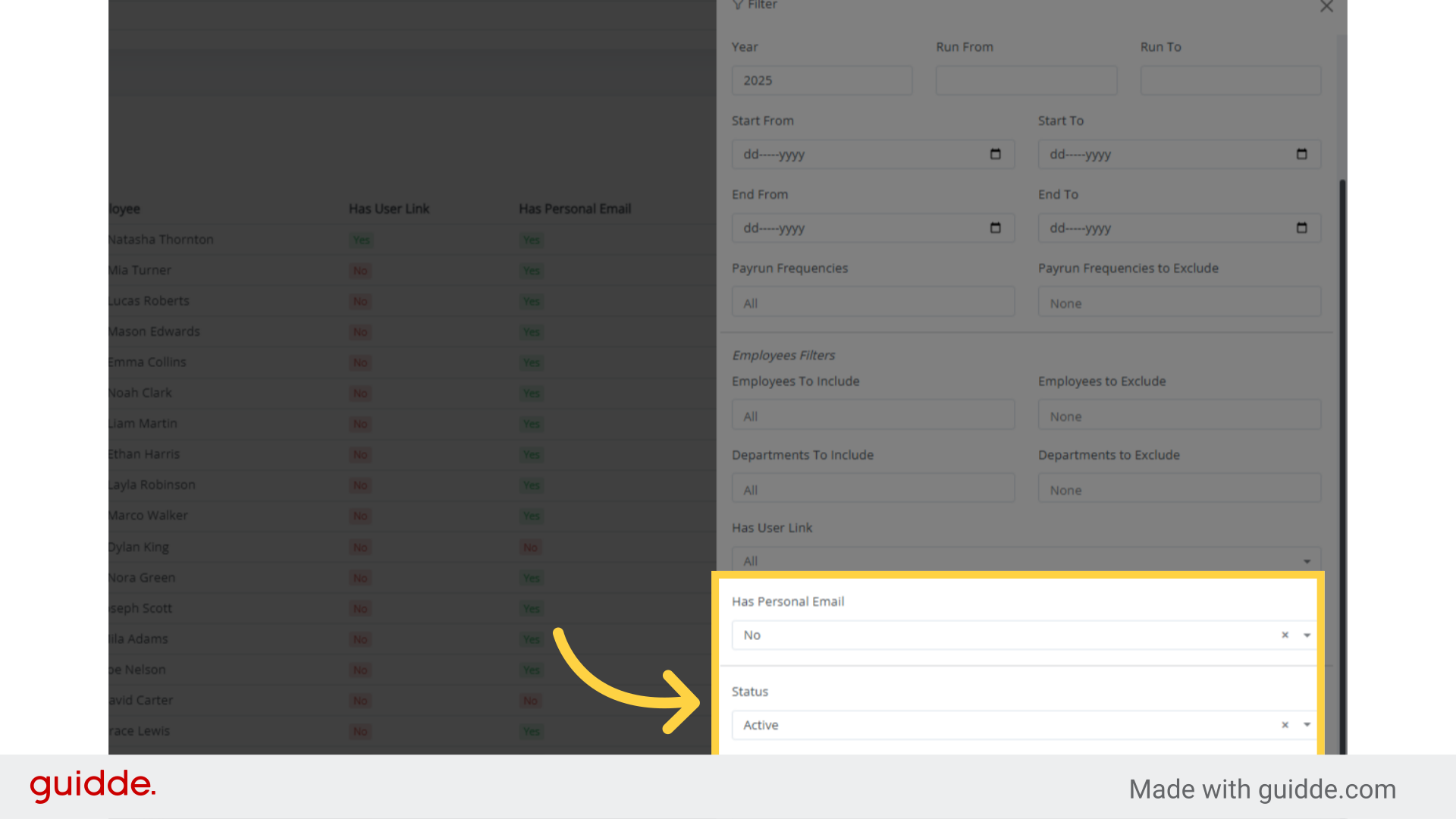
Choose “No” under the “Has Personal Email” field and click “Sort and Filter.”
This will display a list of employees who do not have a personal email in a list format.
Step 3. Fill “on” #
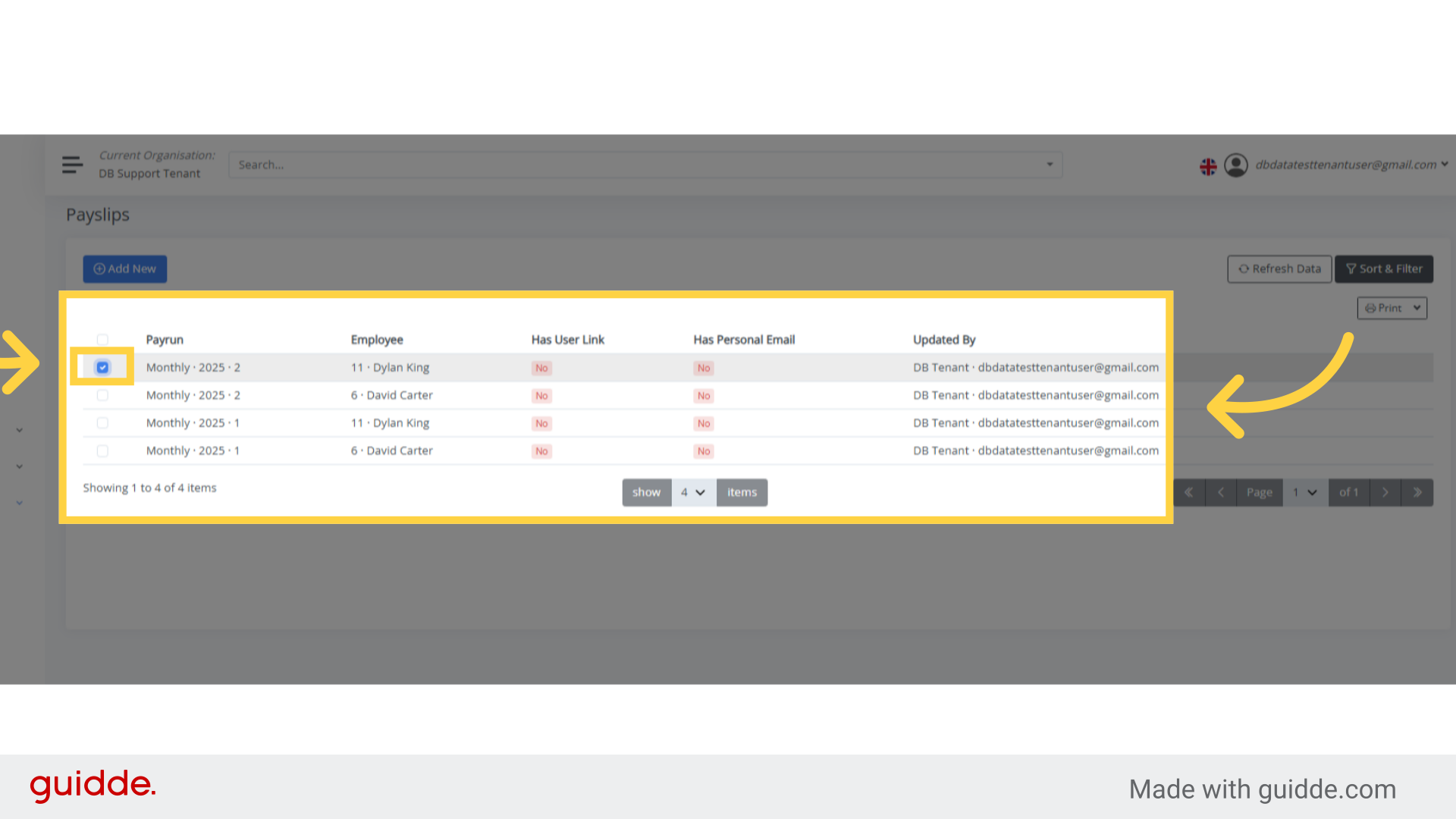
As you can see, the list of employees who do not have a personal email is displayed.
Tick the box next to the employee.
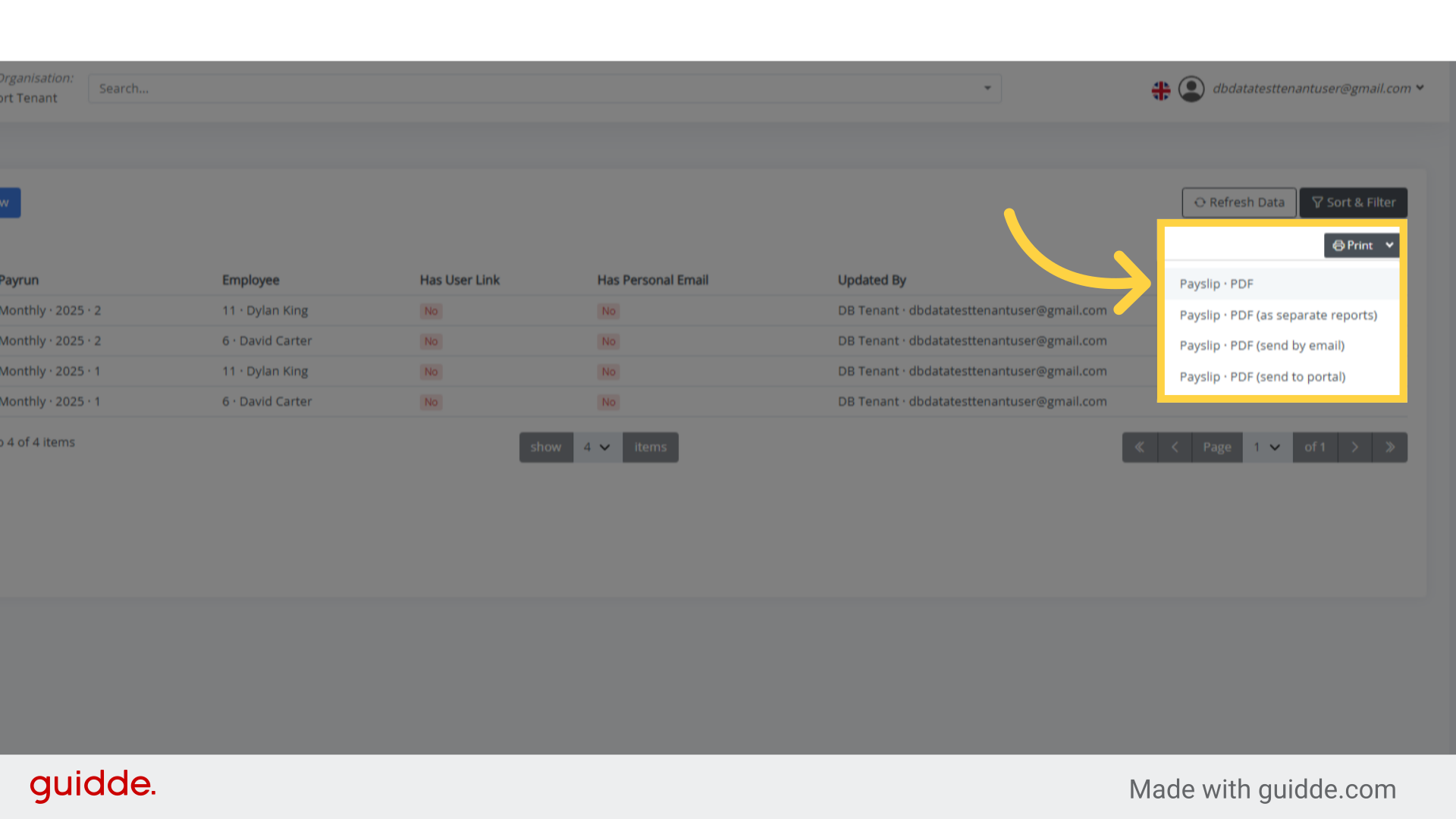
Step 4. Click “Payslip · PDF” #
The next step is to click on “Print” to display the list. In this case, choose the option “Payslip PDF.
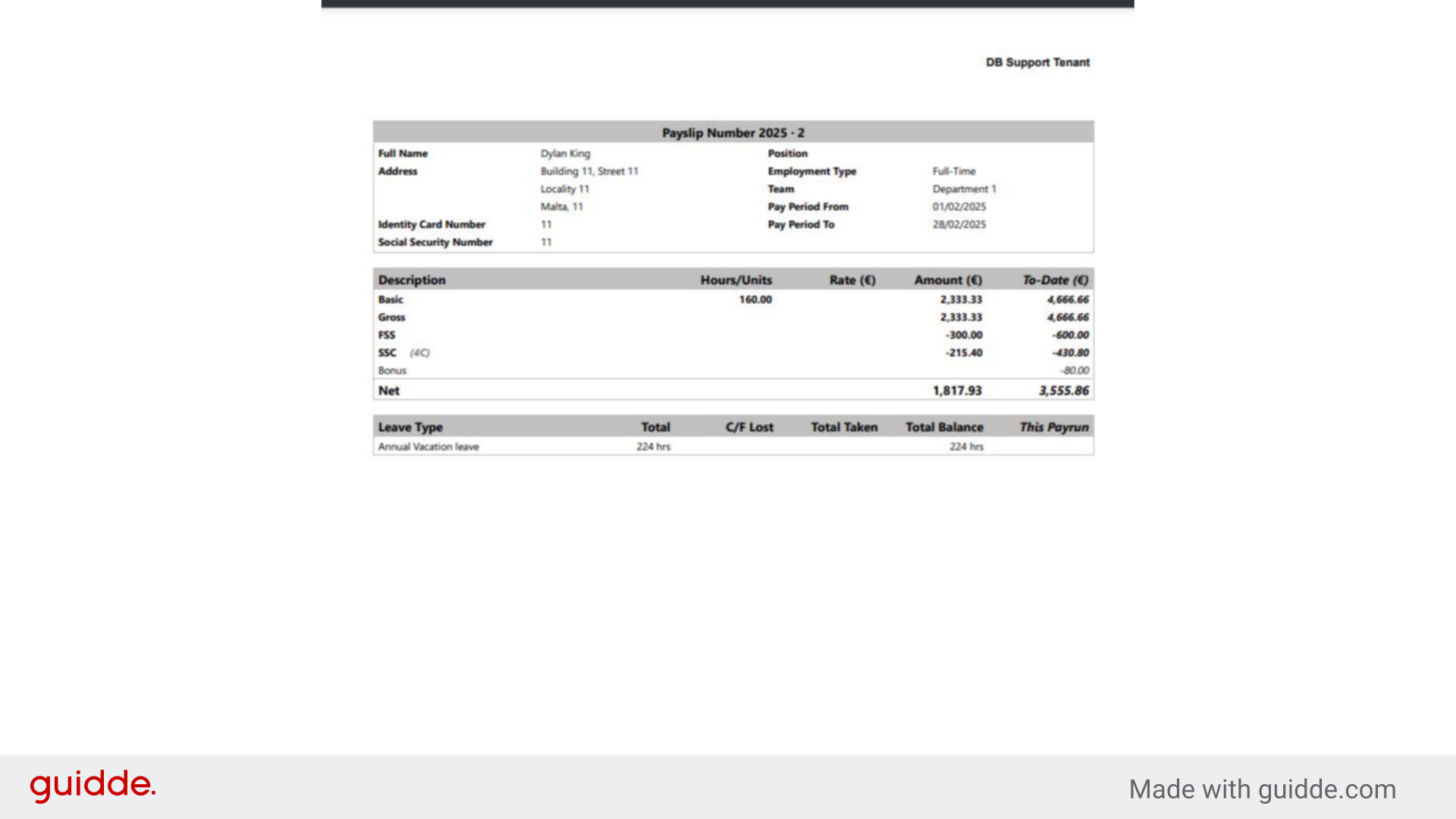
The below is a sample of the payslip PDF for the employee.