Table of Contents
Learn how to finalize a pay run in bitKode. #
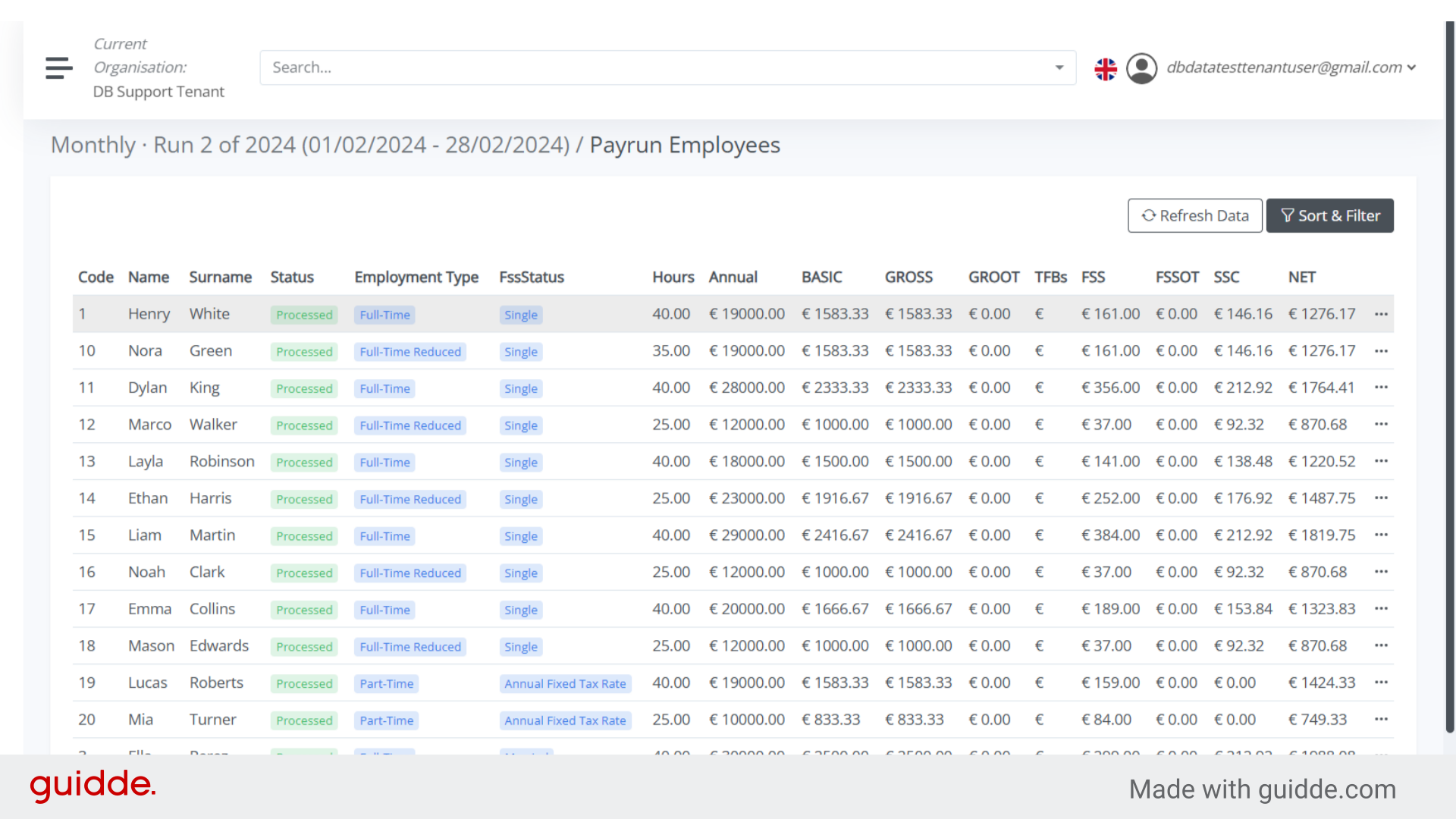
Once the payrun is processed, you will see the payruns for all employees displayed, as shown in this slide.
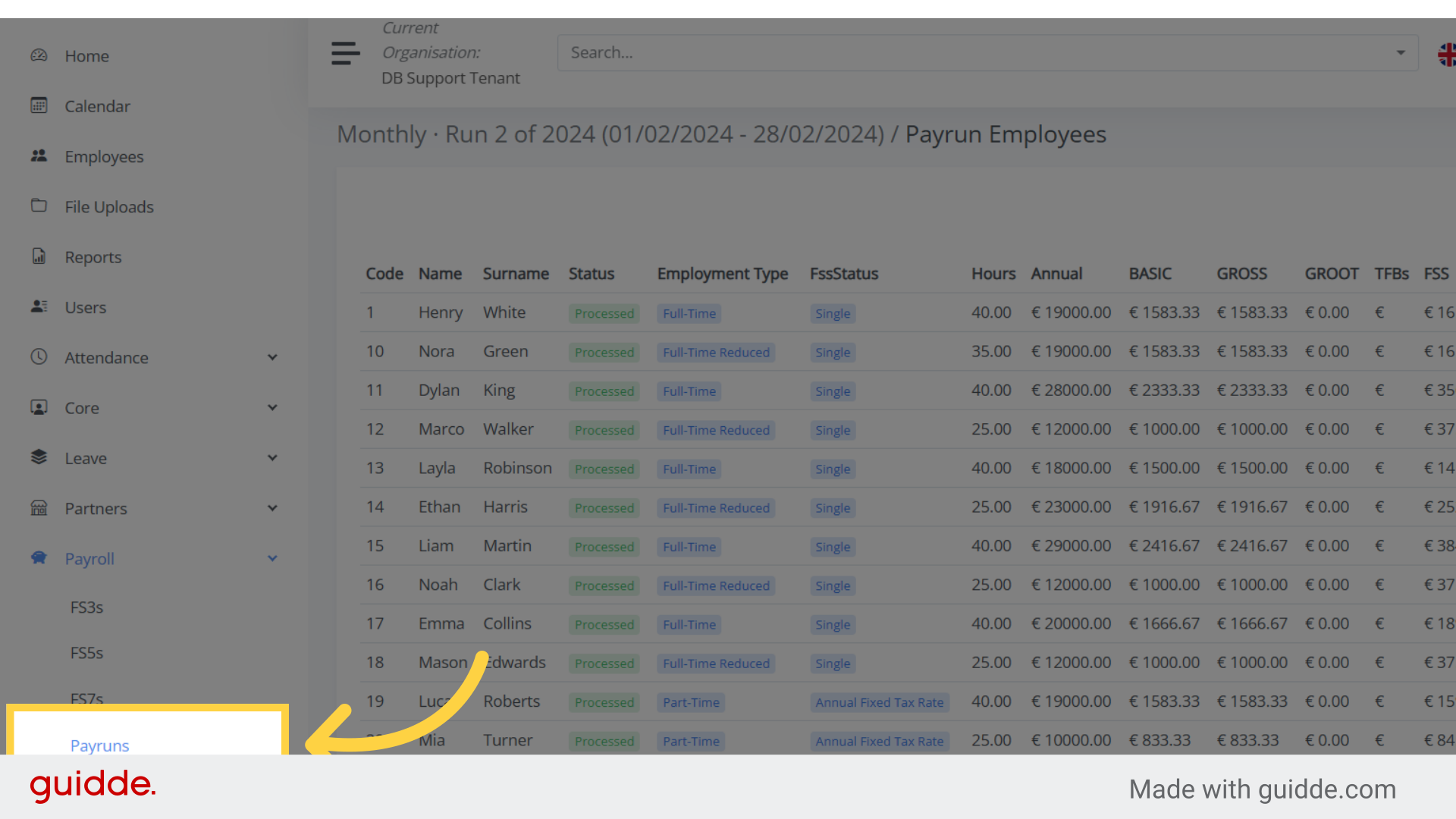
Step 1. Click “Payruns” #
To finalize the recently processed payrun, ensure all updates have been made.
Once you are ready, return to the payruns field to complete the process
Step 2. Click here #
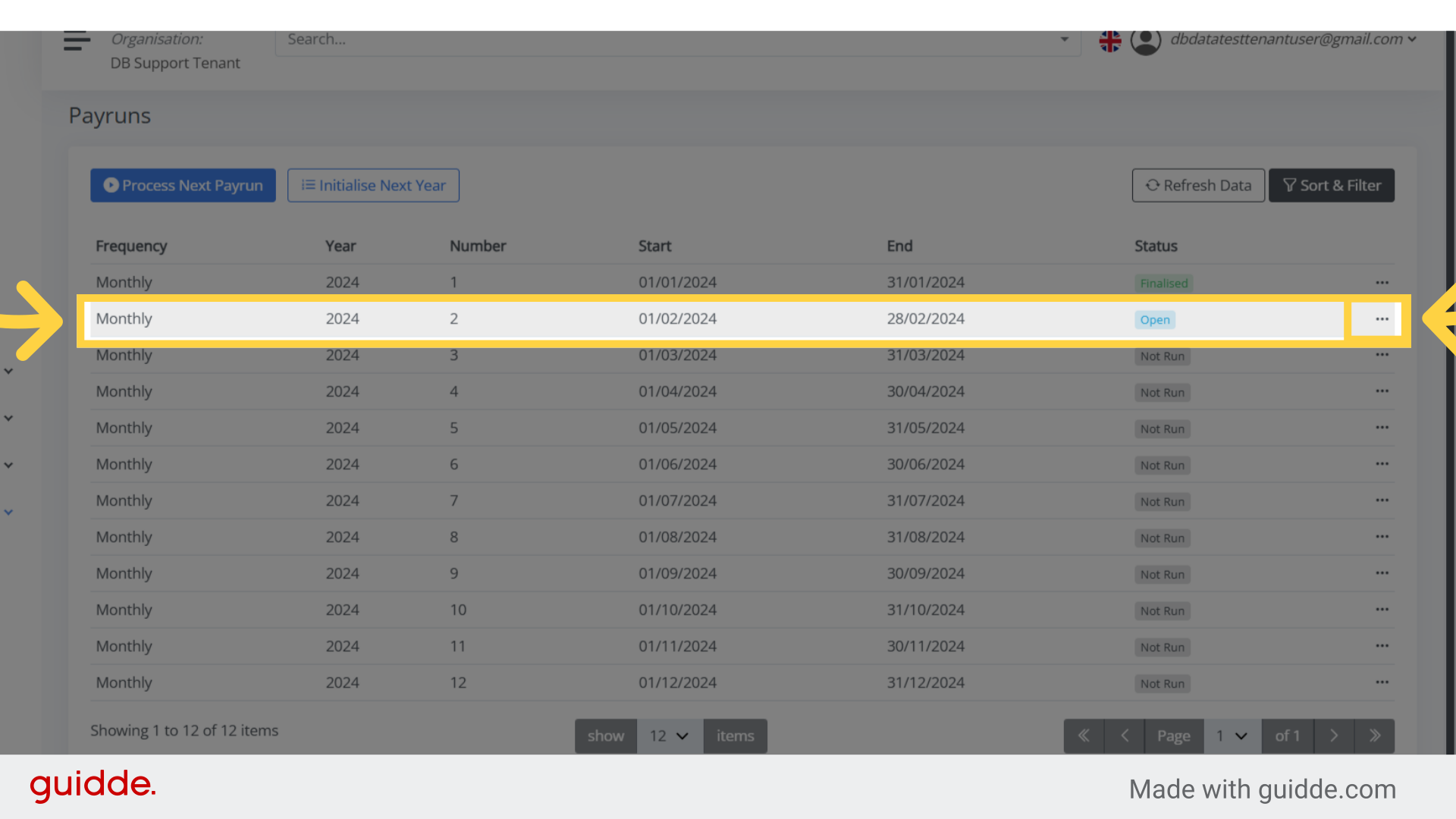
When you return to the payruns, you’ll see that the processed payrun is still open.
To finalize it, click on the three dots next to the payrun you wish to complete.”
Step 3. Click “View / Update” #
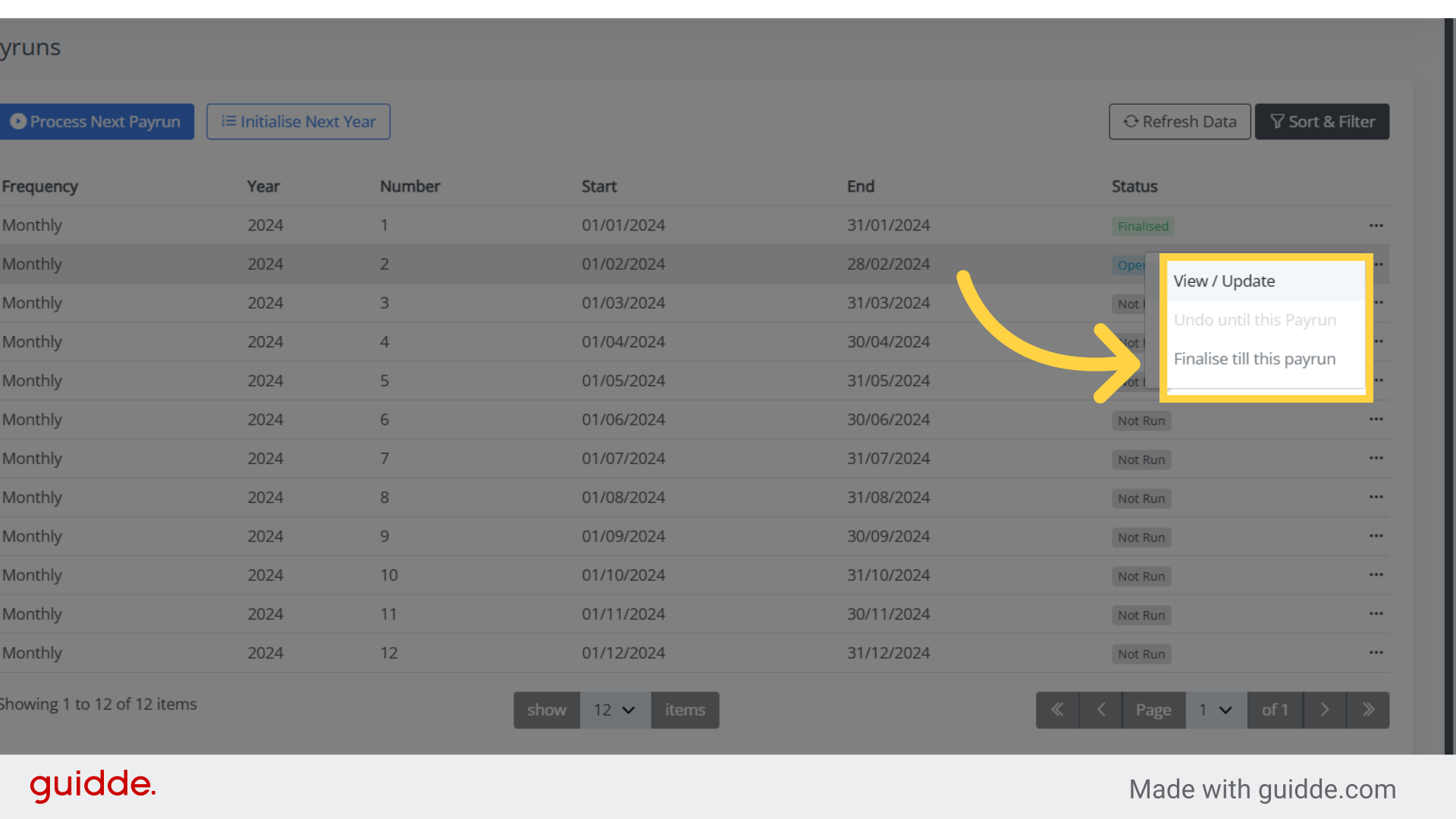
After clicking on the three dots, two options will appear: ‘View and Update’ or ‘Finalize Run.’
Simply click on ‘Finalize Run’ to complete the payrun you just processed.