
Table of Contents
This guide will walk you through the steps to manage access levels in bitKode Payroll. #
Before proceeding, ensure that your users have been invited to bitKode
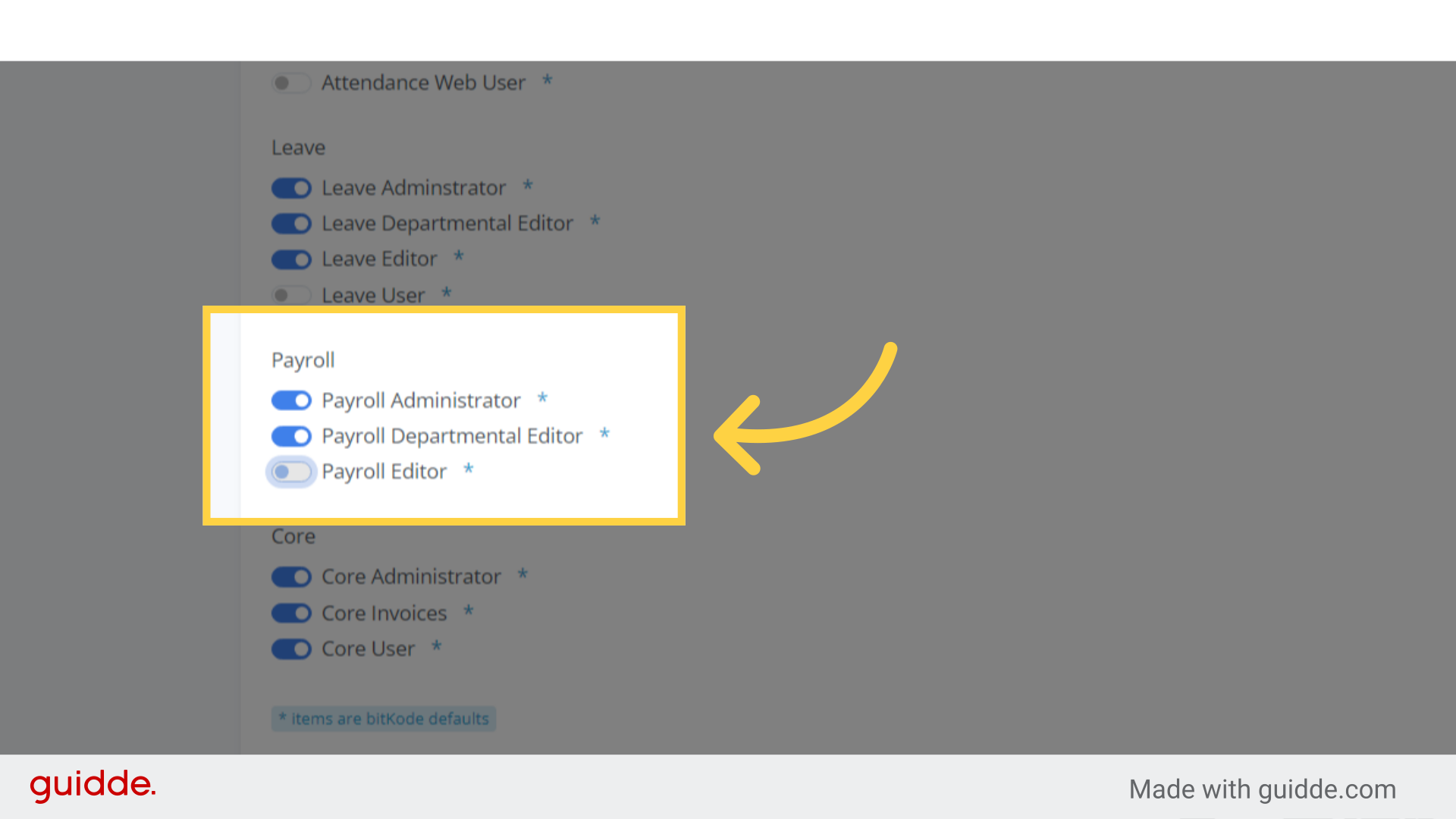
User Role Groups define the set of permissions that a user can access.
Payroll Administrator: #
- Process payroll for all employees;
- Undo/unfinalize pay runs;
- View pay run histories;
- Generate SEPA reports;
- Initialize payroll year;
- Make COLA bulk wage adjustments;
- Generate reports;
- Access all payroll-related settings;
Payroll Departmental Editor:
- Process payroll for employees under their supervised team;
- Undo/unfinalize pay runs for their supervised team;
- View pay run histories for their supervised team;
- Initialize payroll year for their supervised team;
- Make COLA bulk wage adjustments for their supervised team;
- Generate SEPA reports for their supervised team;
- Generate reports for their supervised team;
Payroll Editor:
- Same as Payroll Departmental Editor, but for all employees.
Related article;


