Table of Contents
In this guide, you will learn how to link “Employees” to Payroll in Bitkode. #
Follow the precise instructions provided to seamlessly connect employee data to the payroll system.
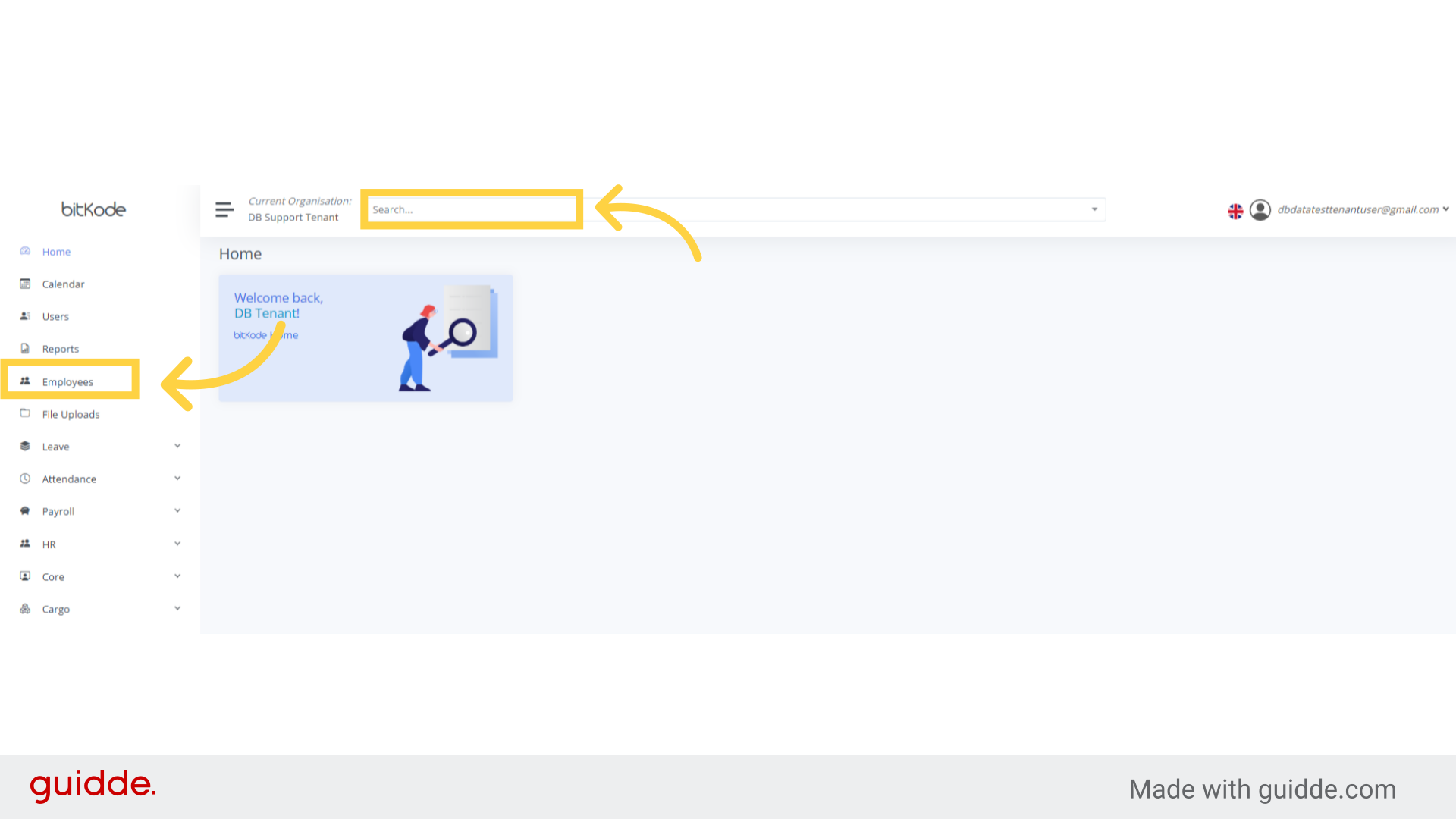
Begin by selecting “Employees” from the left-hand side menu to view the list of employees.
Alternatively, you can locate a specific employee by using the search bar located at the top center of the page.
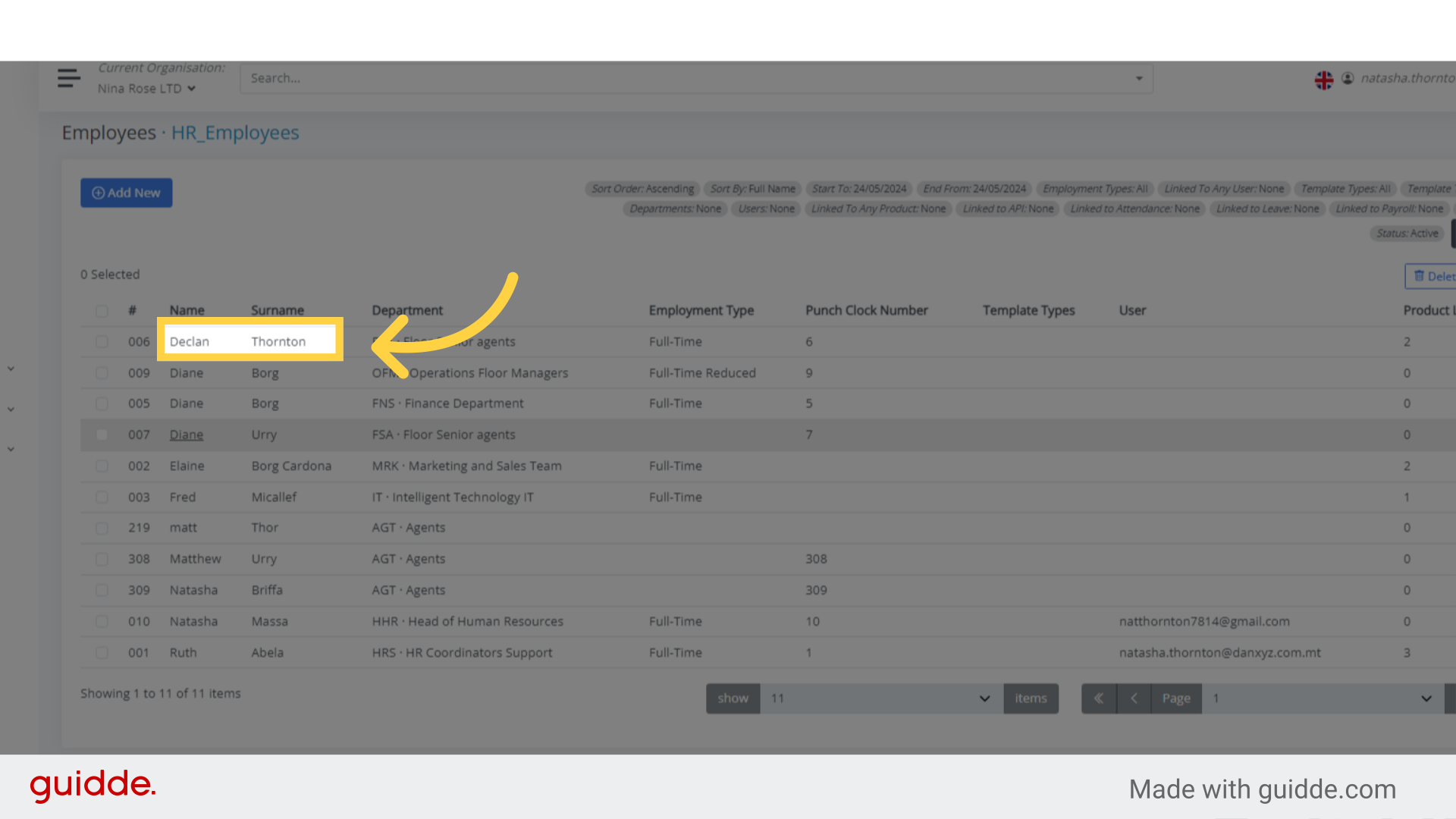
Step 1. Click on the employee #
Method to view an employee’s profile is to simply click on the employee’s name, which will open their profile.
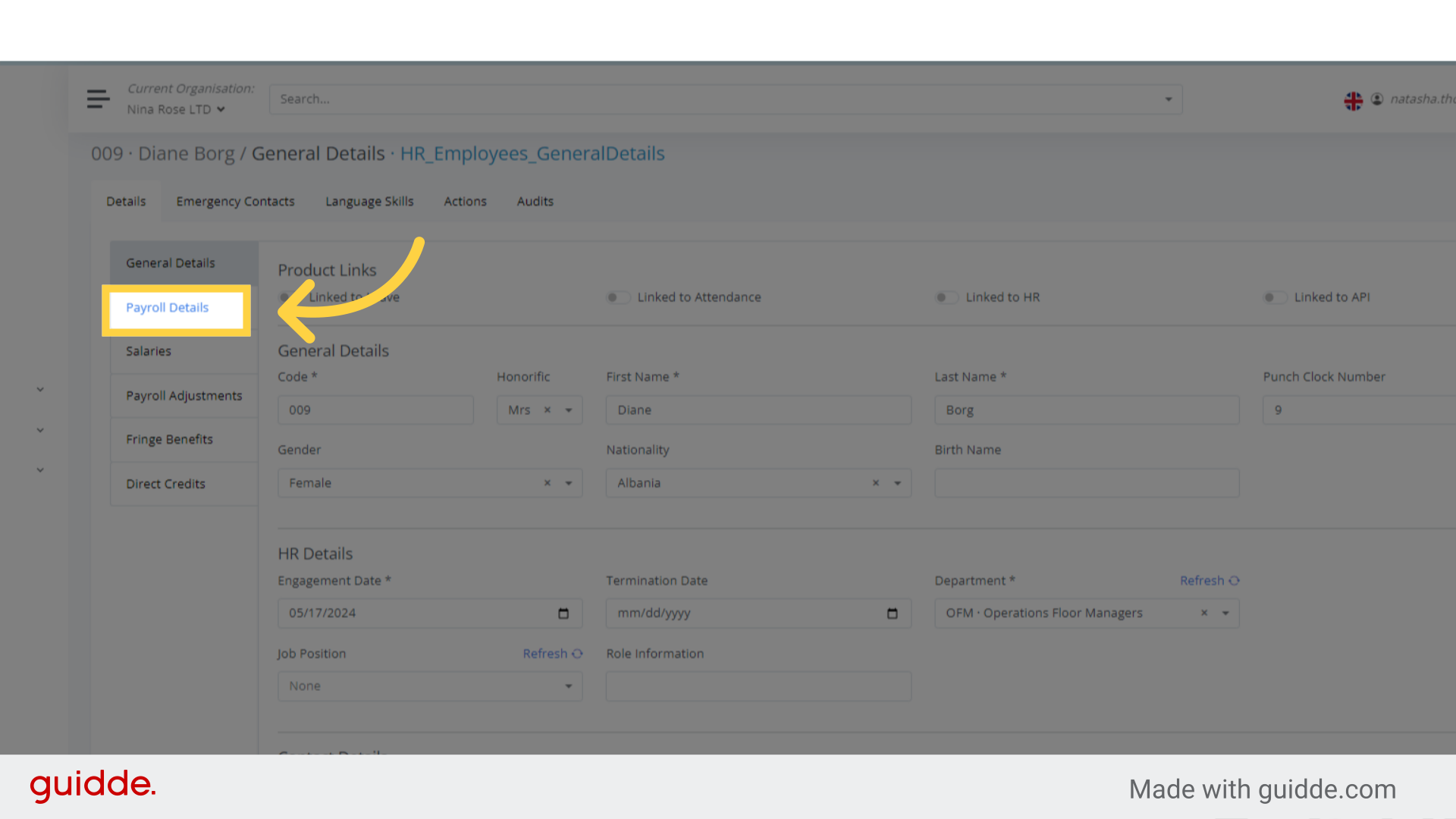
Step 2. Click “Payroll Details” #
After accessing the employee’s profile, locate and select the payroll information from the menu on the left side.
It’s important to first fill in the required payroll-related details of the employee to enable the system to link to Payroll.
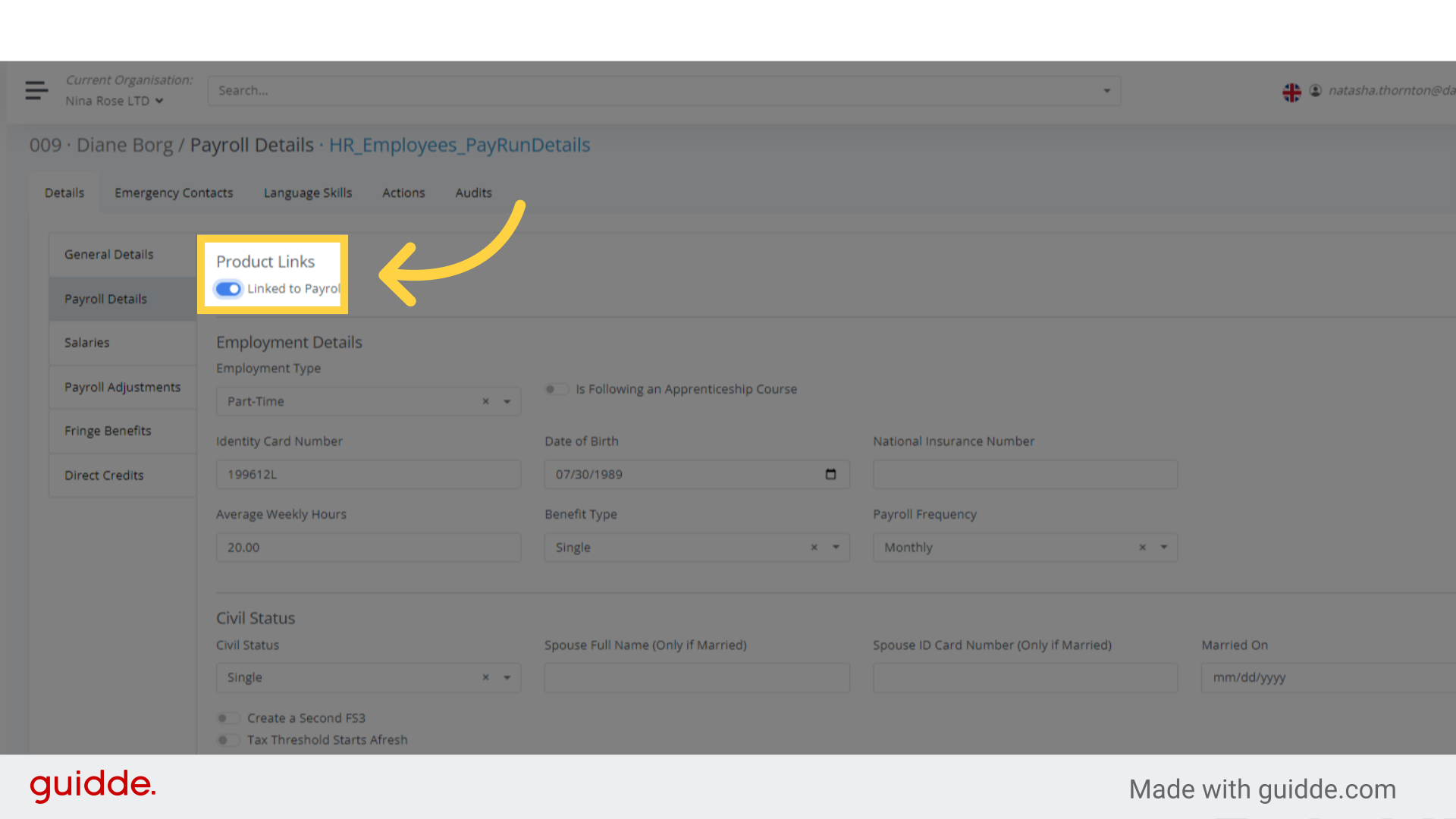
Step 3. Turn on toggle #
After successfully selecting the payroll field, activate the toggle indicated in the product links to establish a connection between the employee and their payroll.
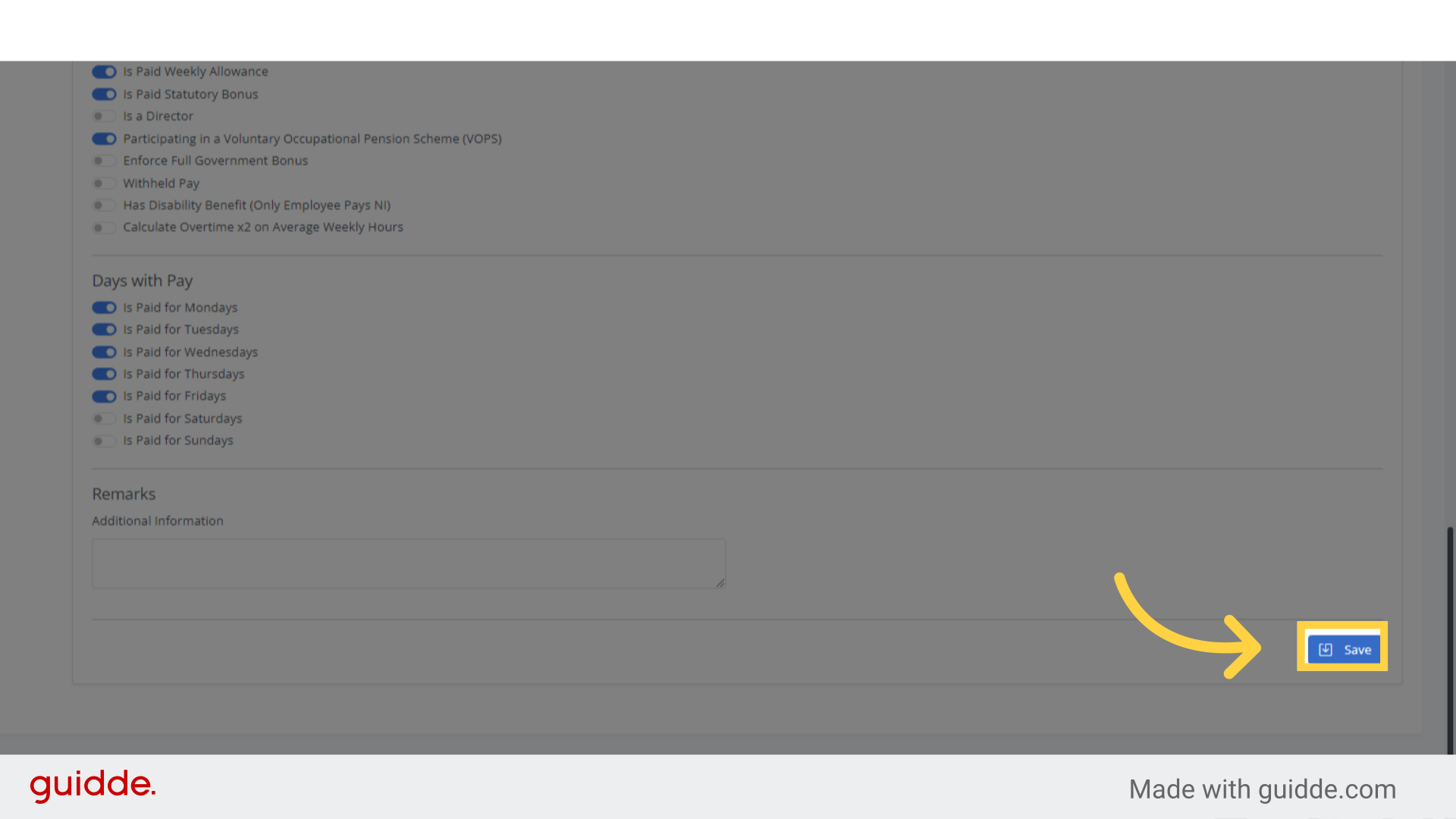
Step 4. Click “Save” #
Once you have successfully linked the employee with payroll, ensure to select ‘Save’ to retain any modifications made to the employee’s profile.
Remember, unsaved changes will not be applied to the employee’s profile.