
Table of Contents
This guide will walk you through the process of managing different levels of access in Leave. #
Is the user invited? #
Before proceeding, ensure that your users have been invited to bitKode.
Please refer to the training guide on how to invite users to bitKode.
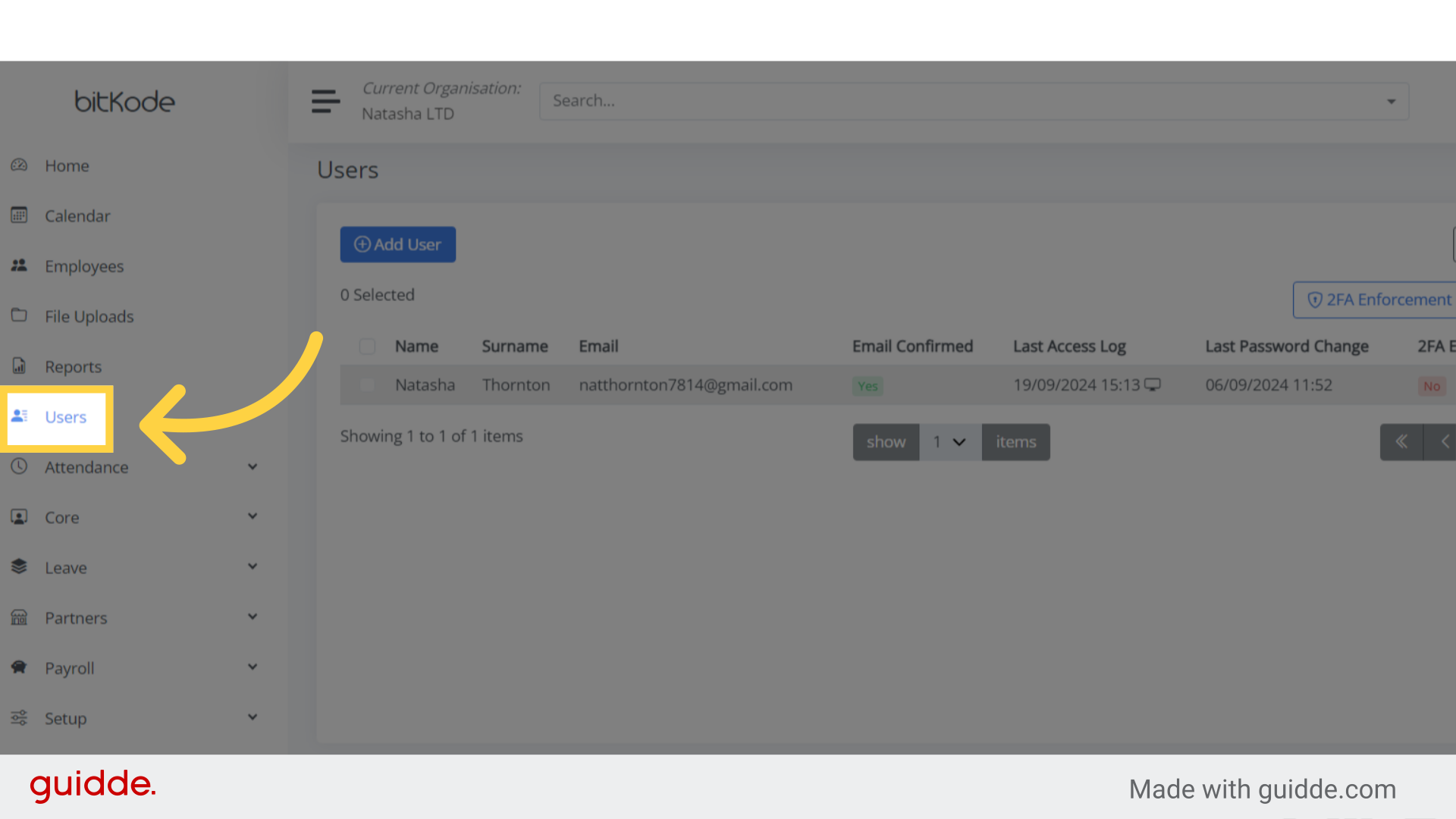
Step 1: Select Users #
In the main menu of your bitKode home, select “Users”.
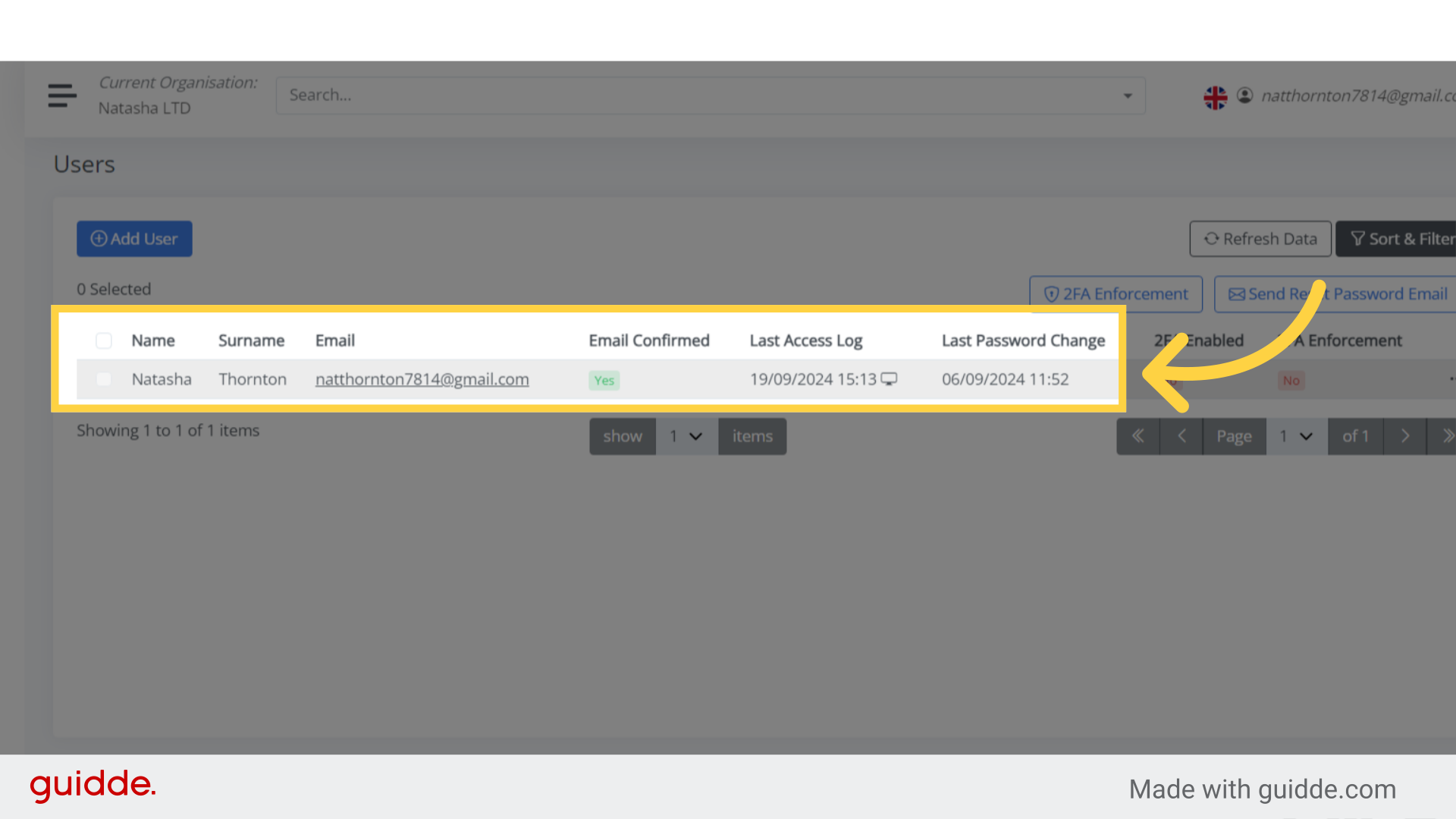
Step 2 . Select user from list #
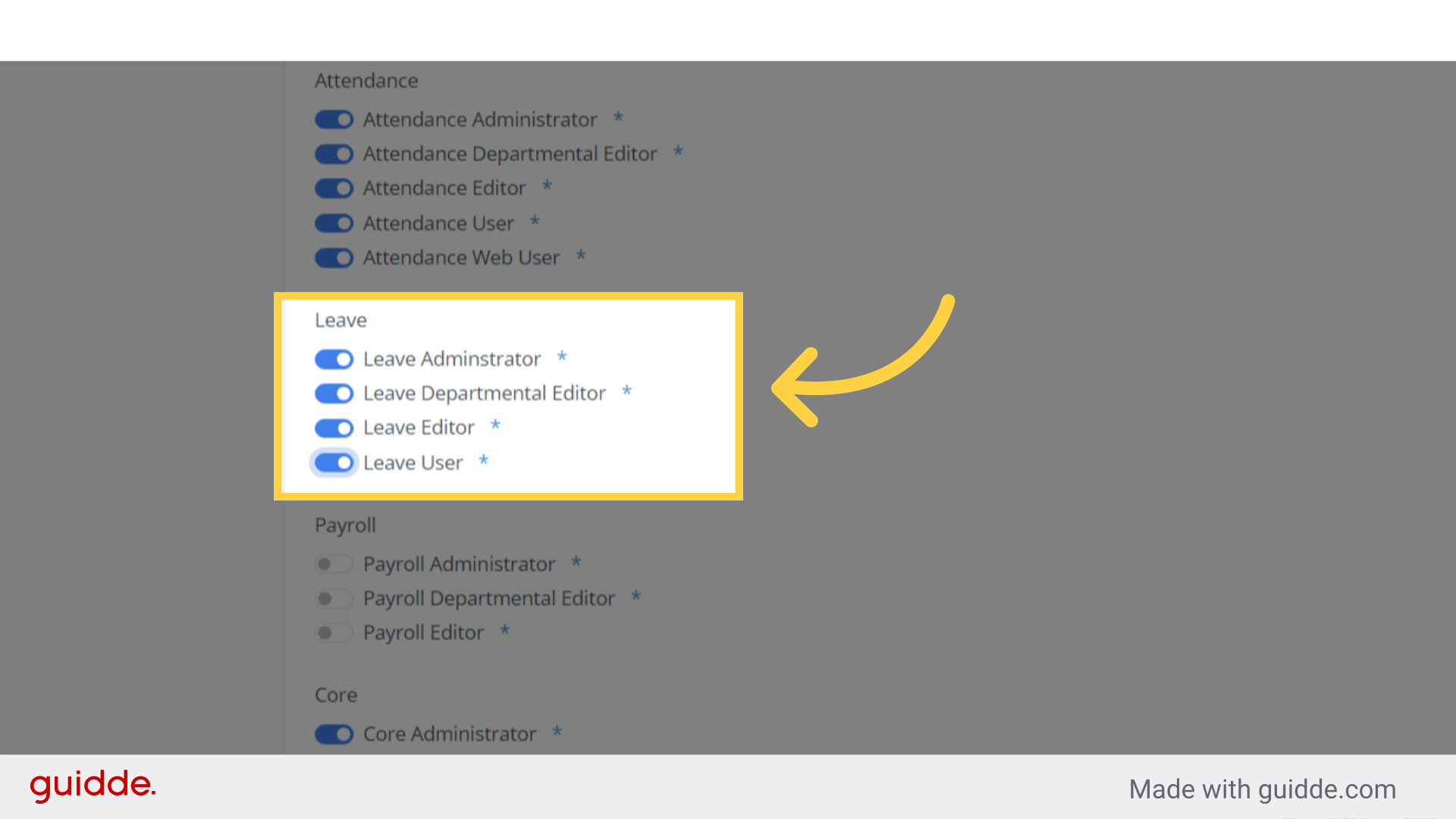
Step 3. List of Role Groups/permissions #
Leave Administrator:
- Request leave on behalf of employees
- View leave entitlements;
- Approve or reject leave requests;
- View all leave bookings;
- Add and create different leave entitlements;
- Select stop leave periods;
- Set team request limits;
- Generate reports;
- Close leave types for the year;
Leave Editor:
- Same as Leave Administrator, but cannot close leave types for the year
Leave Departmental Editor:
- View leave balances for supervised team;
- Approve or reject leave requests only for supervised team;
- View all leave bookings for supervised team;
- Generate reports limited to their supervised team;
Leave User:
- Request their own leave;
- View their own leave entitlements;
- View all their leave bookings and requests made by their team.
The guide covered configuring access levels in Leave.


