Table of Contents
This article will guide you on how to provide your employees with access to book their own leave at any time from any internet-enabled device with a web browser. Either, from their personal computer, or mobile phone. #
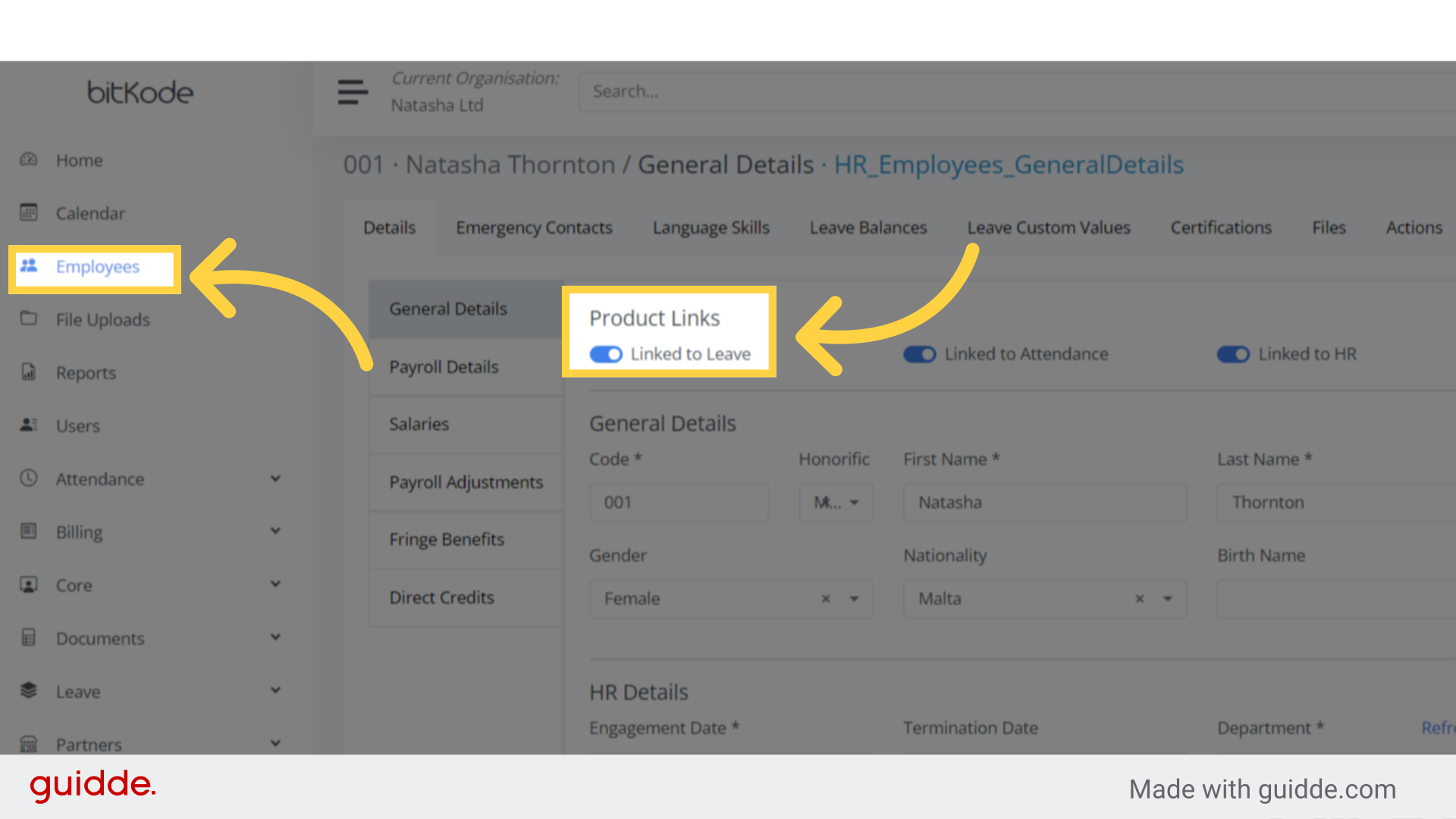
Step 1. Click “Employees” #
After creating the employee, and linking him or her to Leave.
The employee must be given login credentials to access bitKode by inviting the users to bitKode.
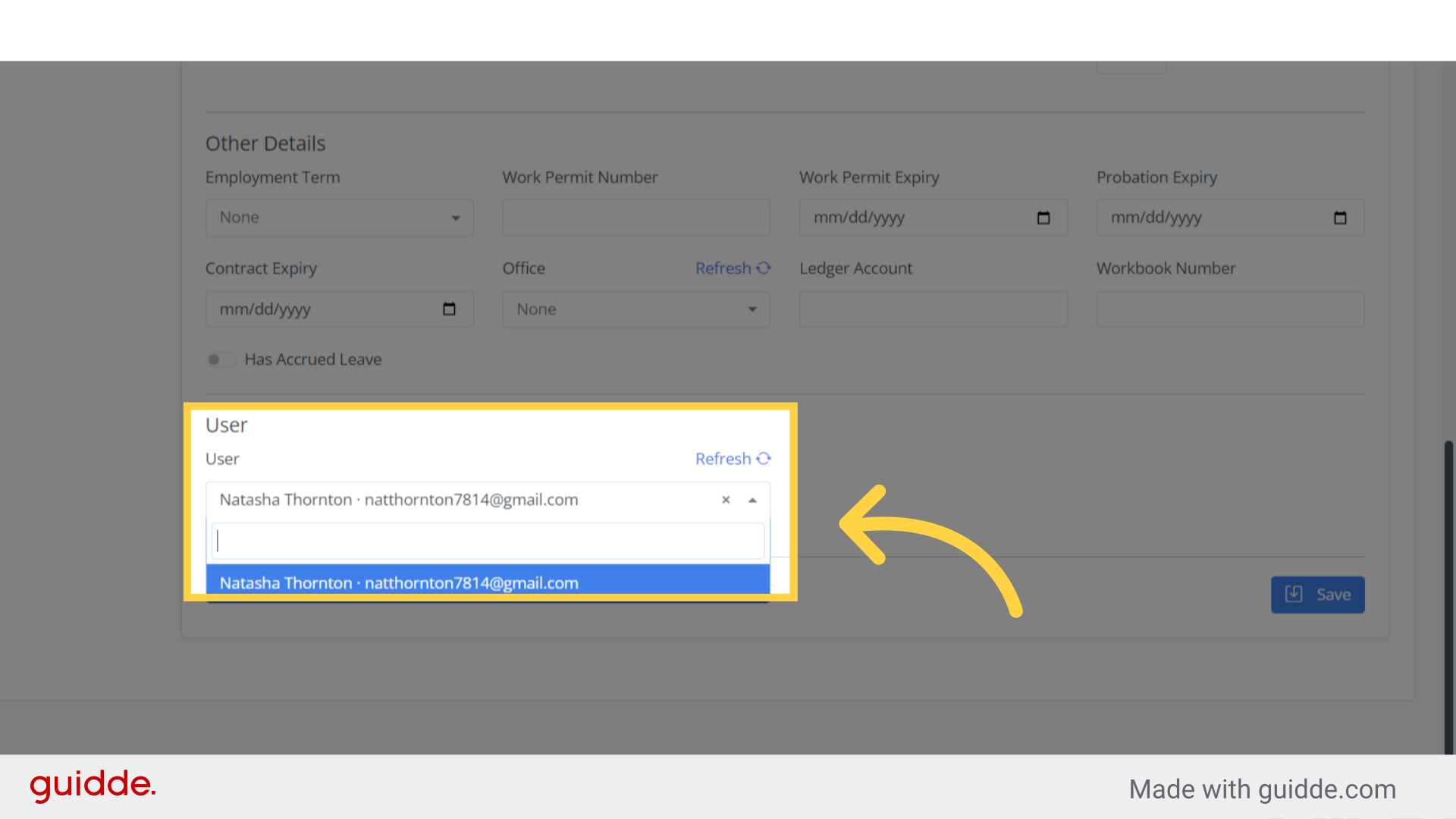
Step 2. Link employee with user #
To associate an existing employee with a user profile, access the employee’s profile and search for the user field.
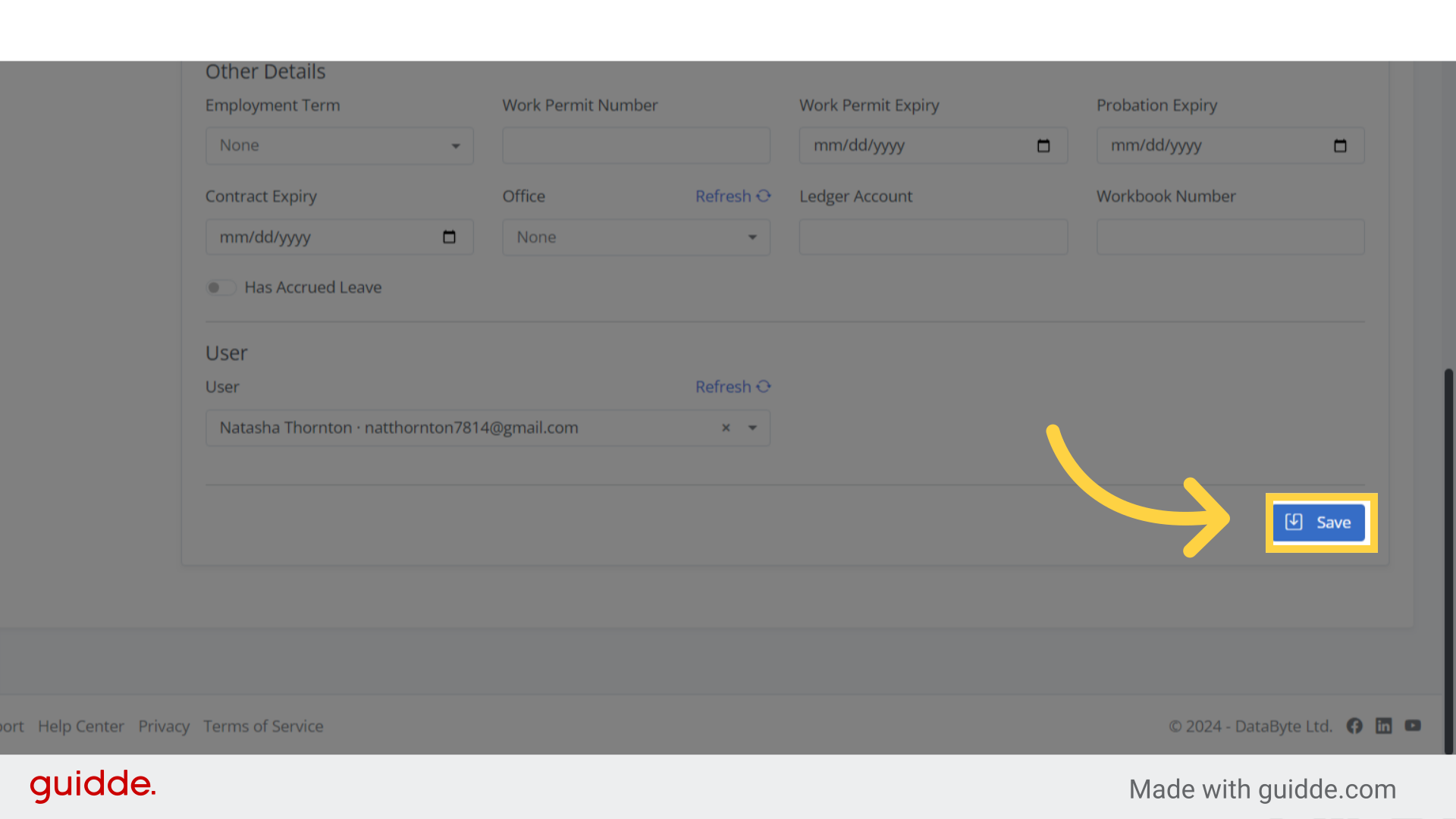
Step 3. Click save #
To save the changes you’ve made, click the Save button.
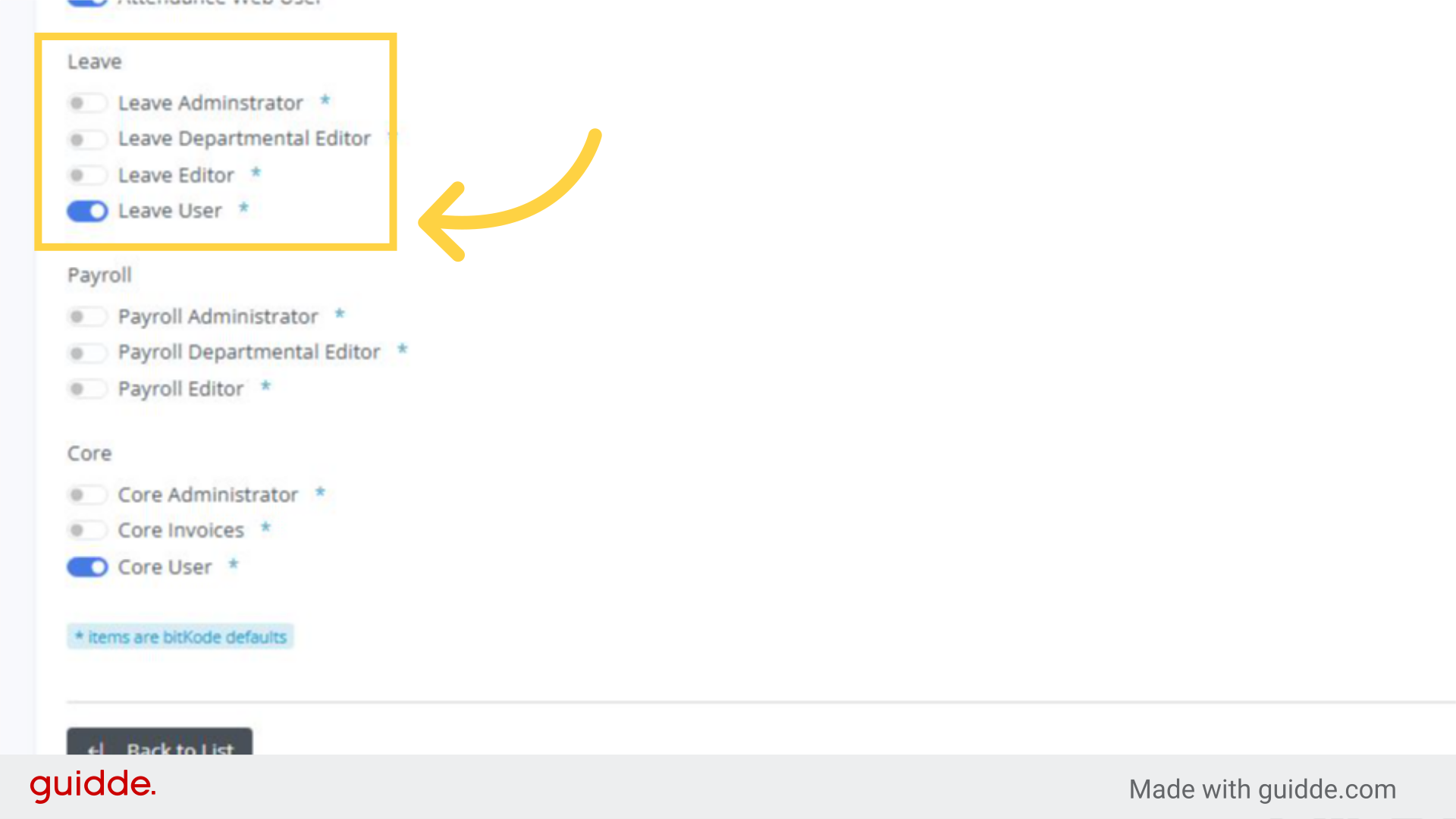
In addition to linking the employee to the corresponding user, the individual must be granted leave user permissions in the users section.
This will enable them to book their own leave by logging in with their credentials.