
Table of Contents
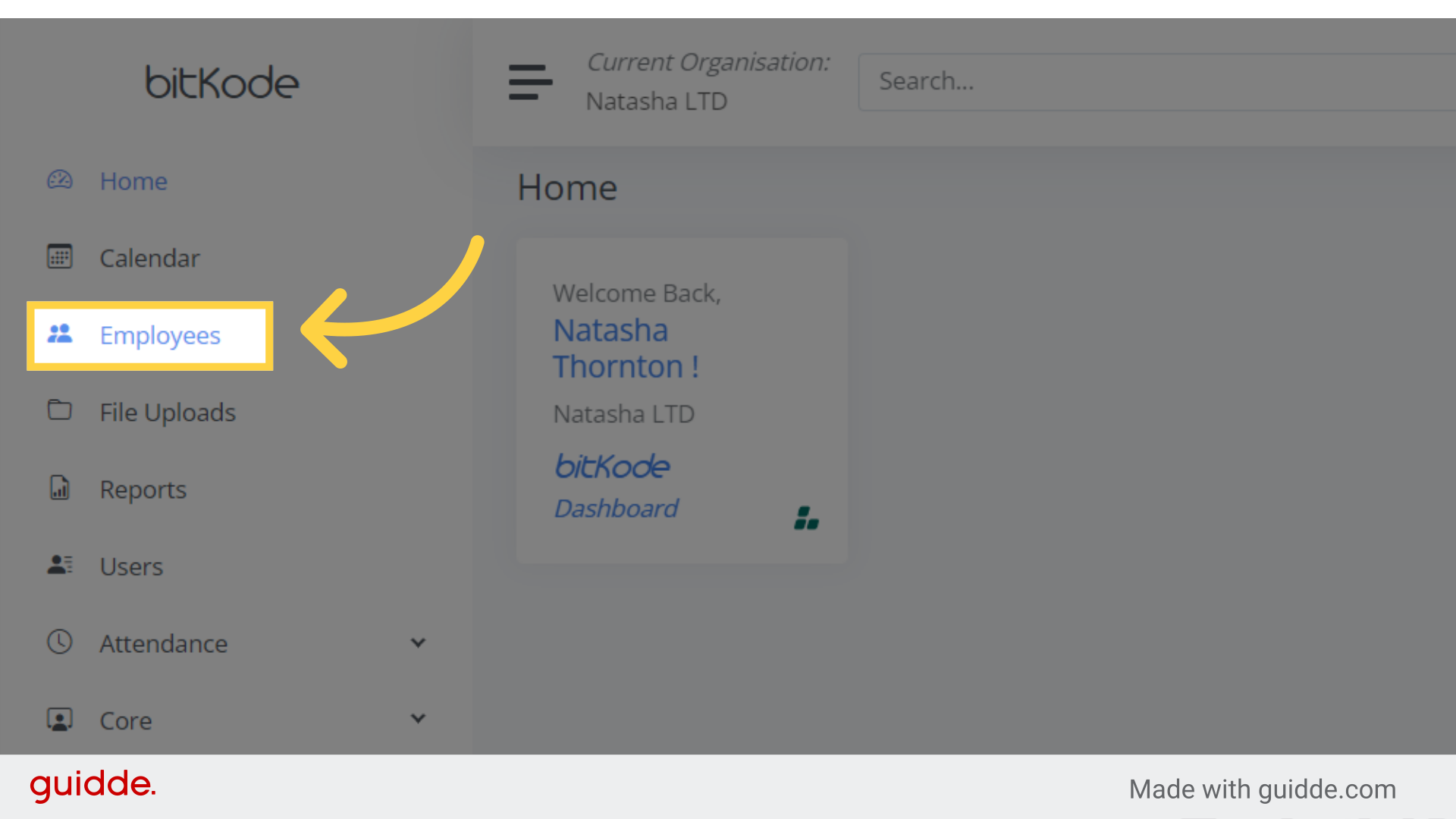
Step 1. “Employees” #
An Employee is an individual whose data you are collecting and processing.
To manage their data, such as Payroll, Attendance, or Leave records, the Employee must be licensed in the system.
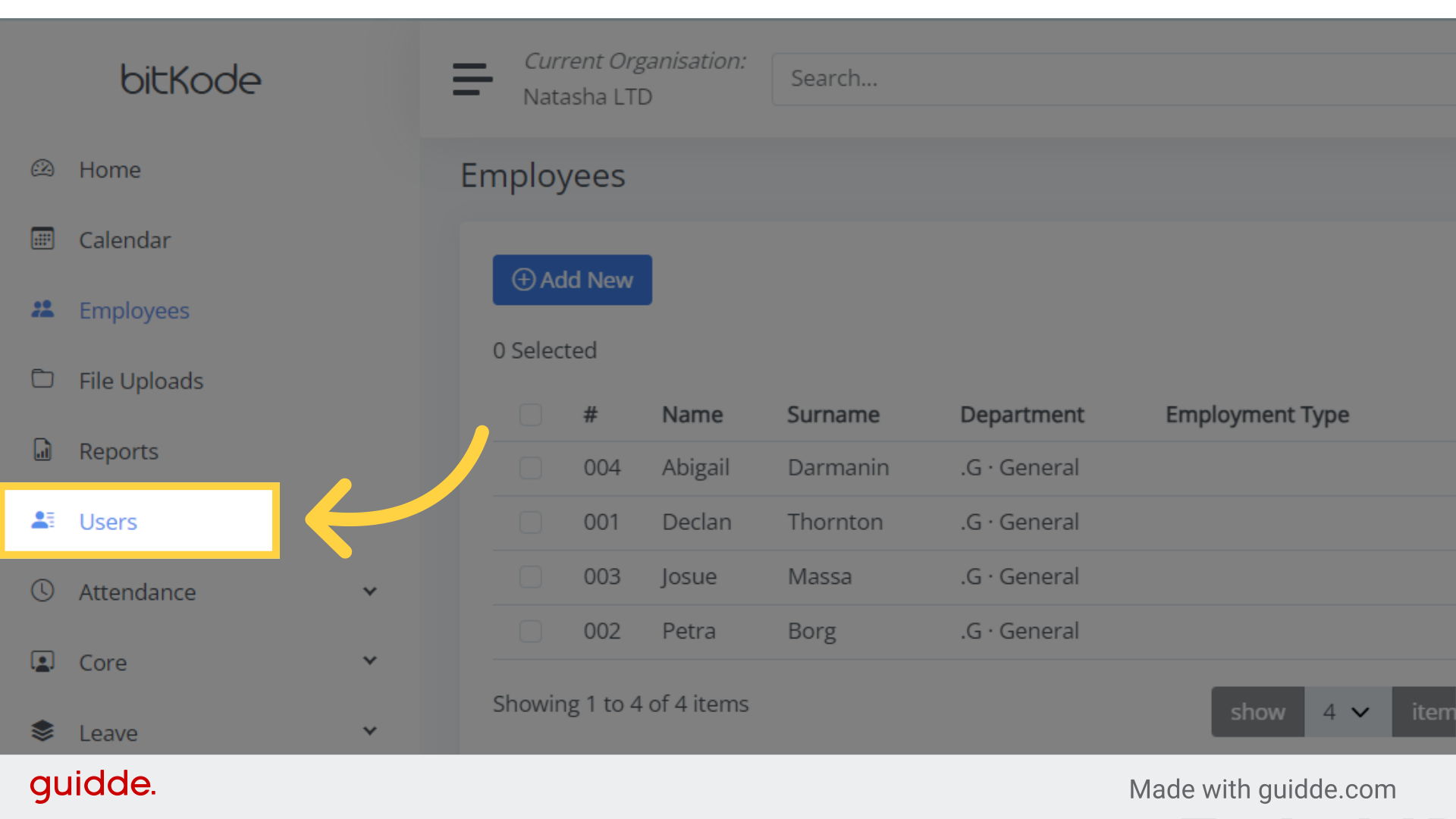
Step 2. “Users” #
A User is an individual who can access the system using a username and password.
The company can have an unlimited number of users, and no license is required for them.
Step 3. “Users/Employees” #
In Bitkode, you can encounter one of the following three scenarios:User who is not an Employee:
For example, a payroll accountant who logs into the system to process payroll but is not employed by the company.
Employee who is not a User:
In some cases, you may have an employee who does not need to log into the system.
For example, employees whose payroll is processed by the system.
Individual who is both a User and an Employee:
For example, a user/employee who logs into the system to book and manage their leave records, punch in/out remotely, or view their own payslips and FS3s.
In this case, the employee must be linked to the respective user.
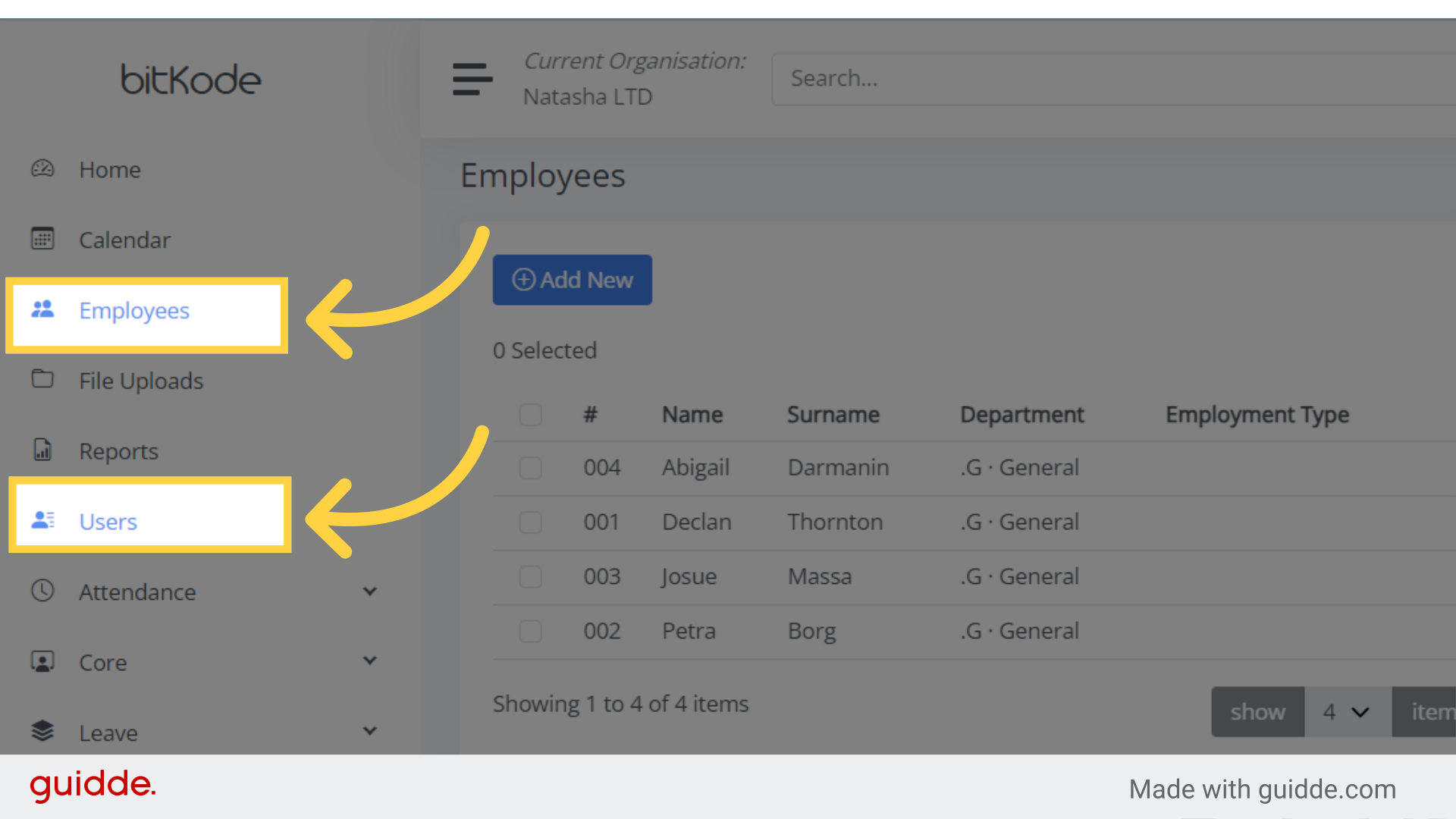
In this guide, you learned how to differentiate between Users and Employees in Bitkode.
By navigating to the respective sections, you can easily distinguish the roles within the application.


