
Table of Contents
Learn how to duplicate an employee in Bitkode effortlessly by following these detailed steps. #
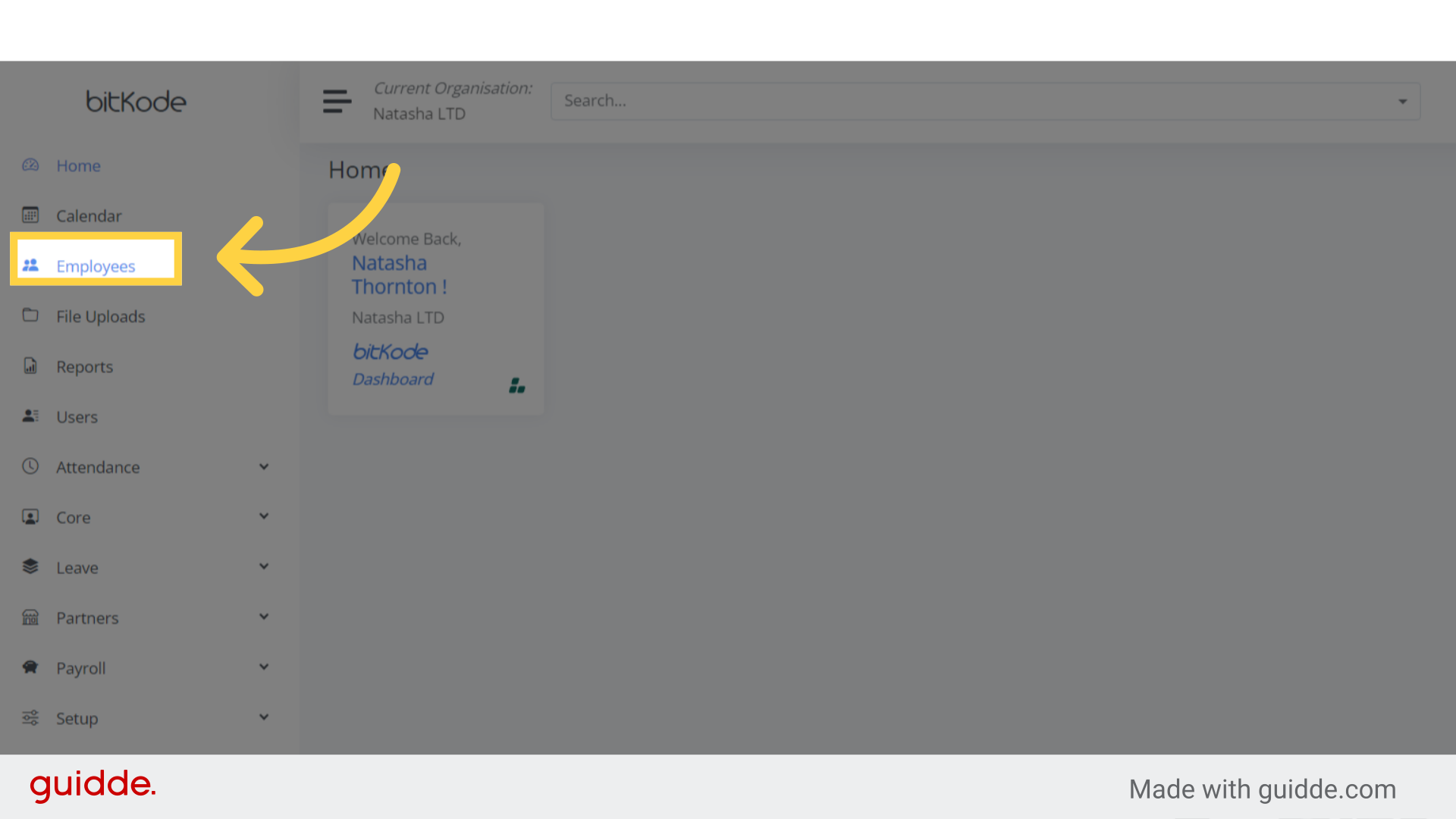
Step 1. Click “Employees” #
To duplicate an employee, search for the desired employee from the employee list.
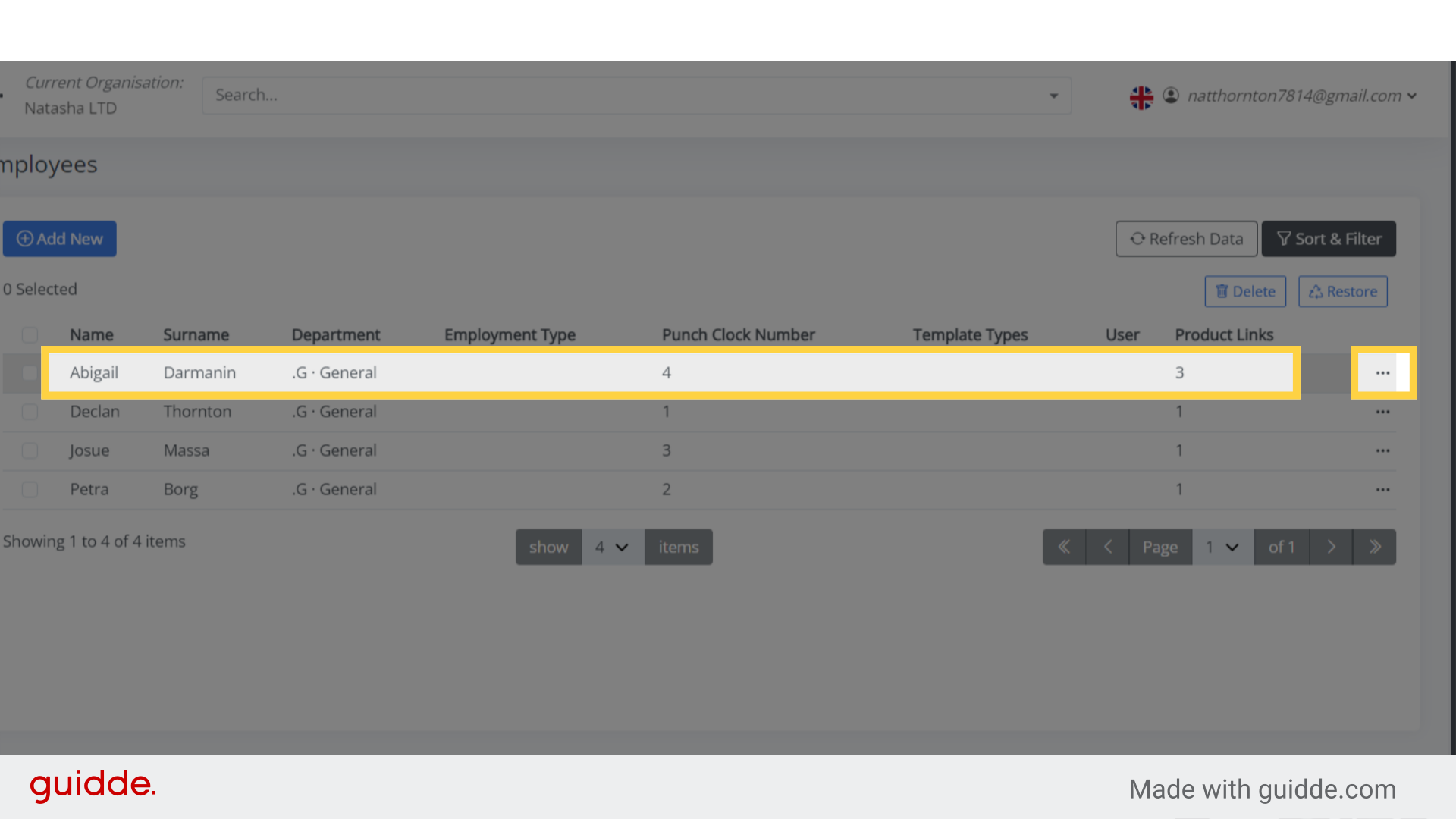
Step 2. Click here #
Locate the specific employee you want to duplicate, and click on the three dots on the right-hand side.
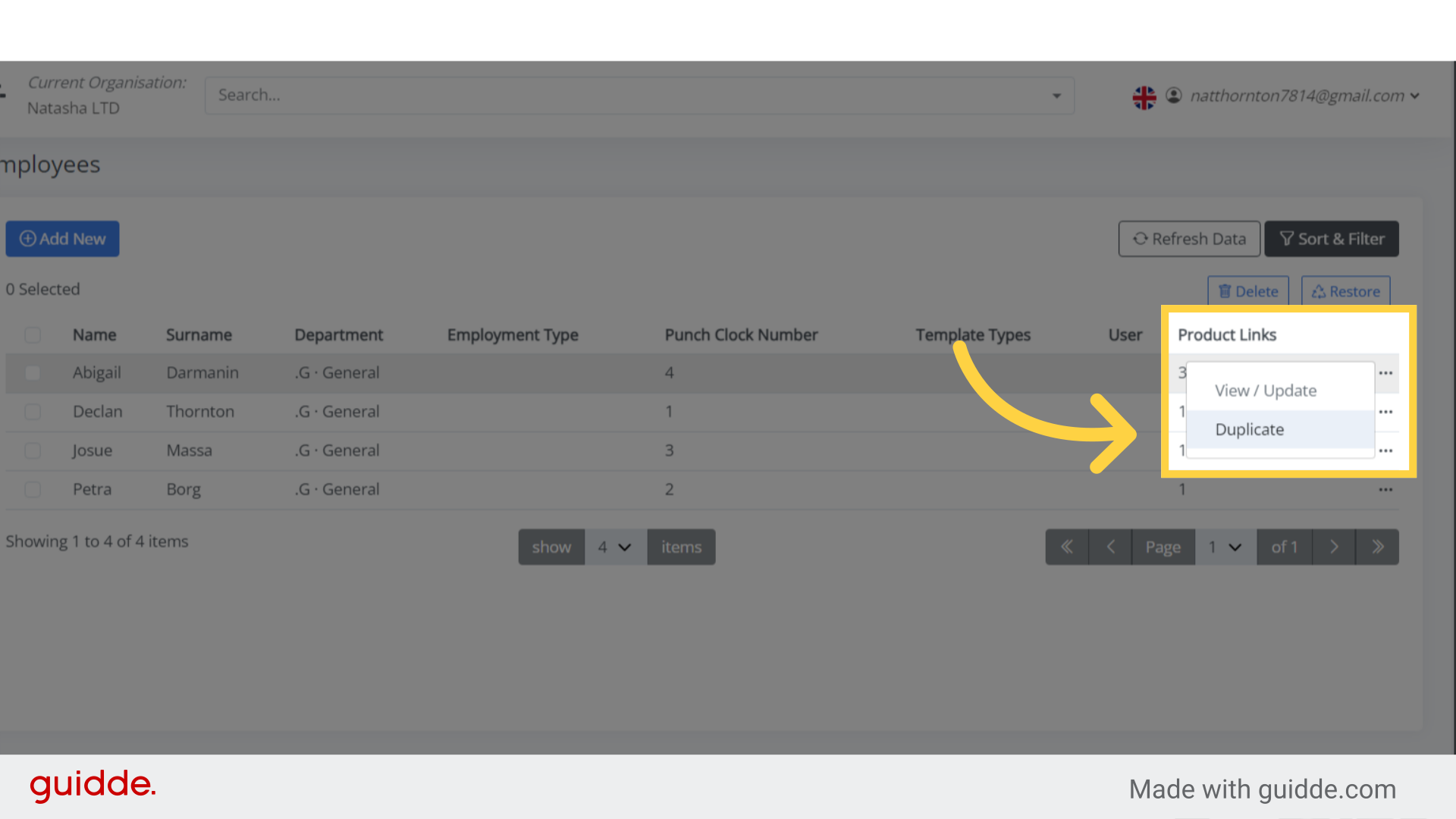
Step 3. Click “Duplicate” #
Once you click the three dots, the ‘Duplicate’ option will appear.
Just click on Duplicate.
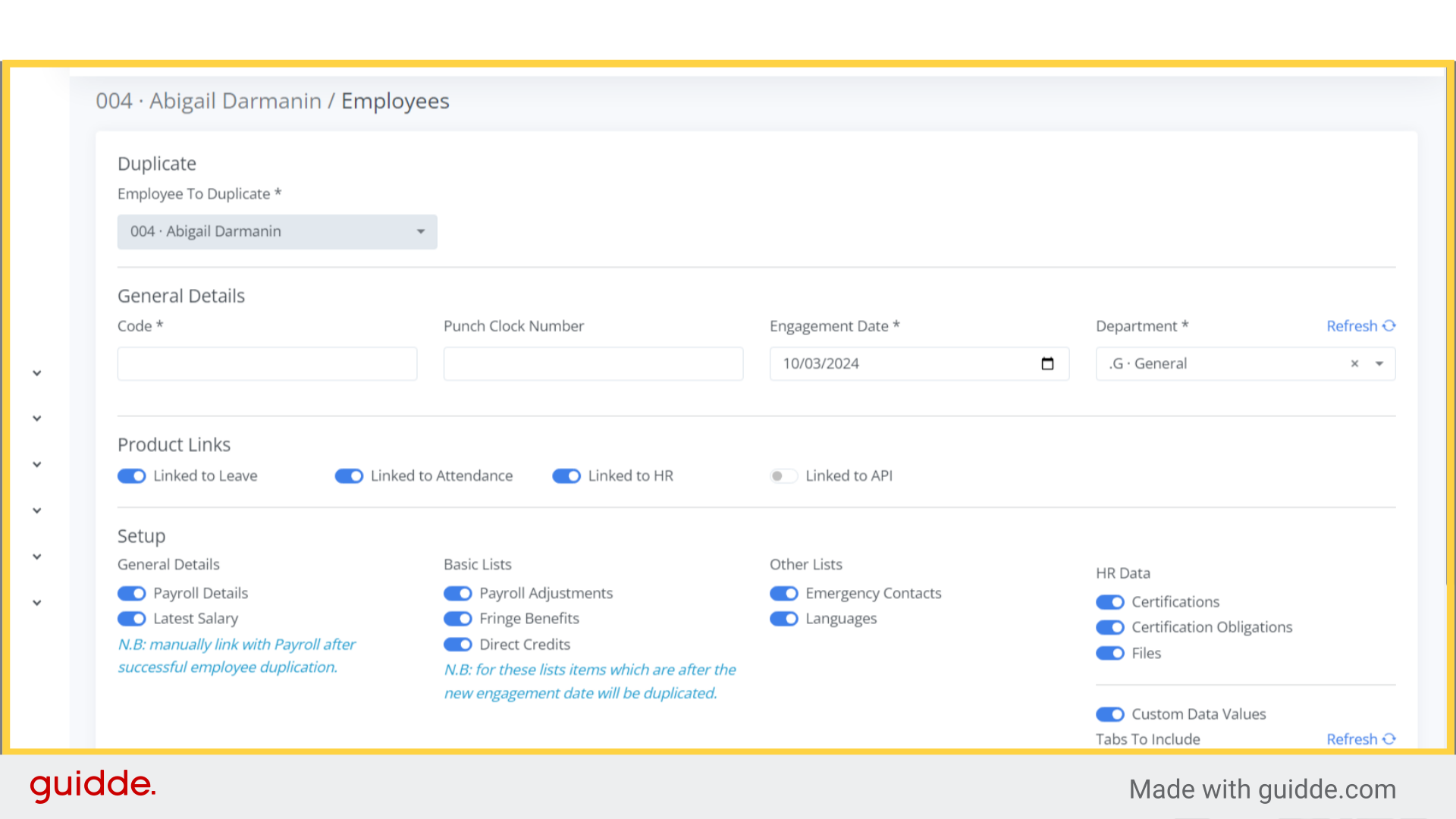
Step 4. Click “Code *” #
As you can see, the employee has been duplicated.
It’s crucial to remember that if you duplicate an employee to bypass adding a new one, you must update all the details of the duplicated profile.
This feature is primarily intended for situations where the same employee was terminated.
You cannot reuse the same profile, a new profile must be created.
However, you can duplicate the existing profile, modify the necessary details, and add the new engagement date to the duplicated profile.
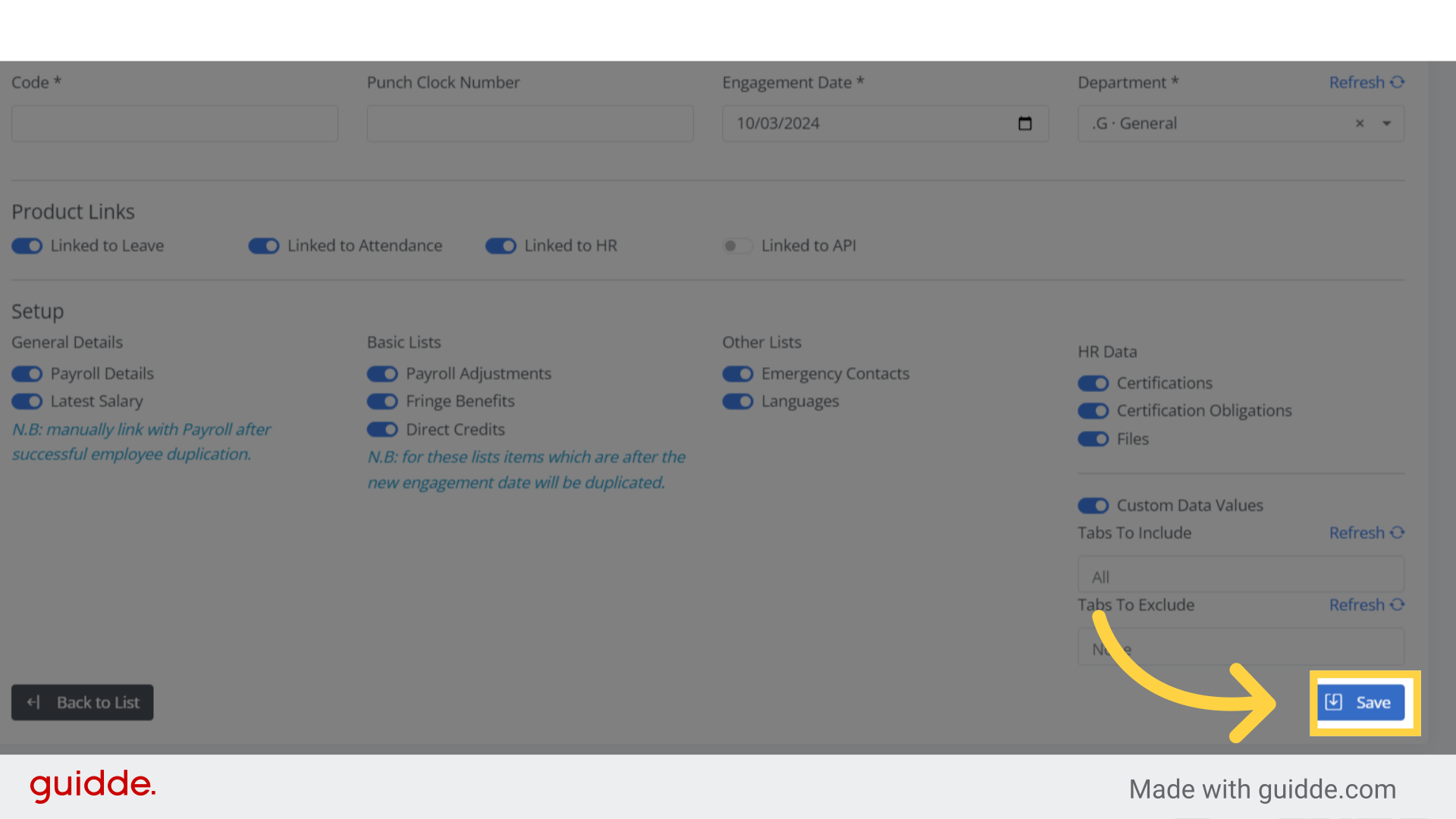
Step 5. Click “Save” #
Once all details are updated, click Save or press Enter on your keyboard to save the changes.
This guide covered the step-by-step process of duplicating an employee in Bitkode.


