
Table of Contents
This guide will walk you through the steps to add and update an employee’s language proficiency levels in Bitkode. #
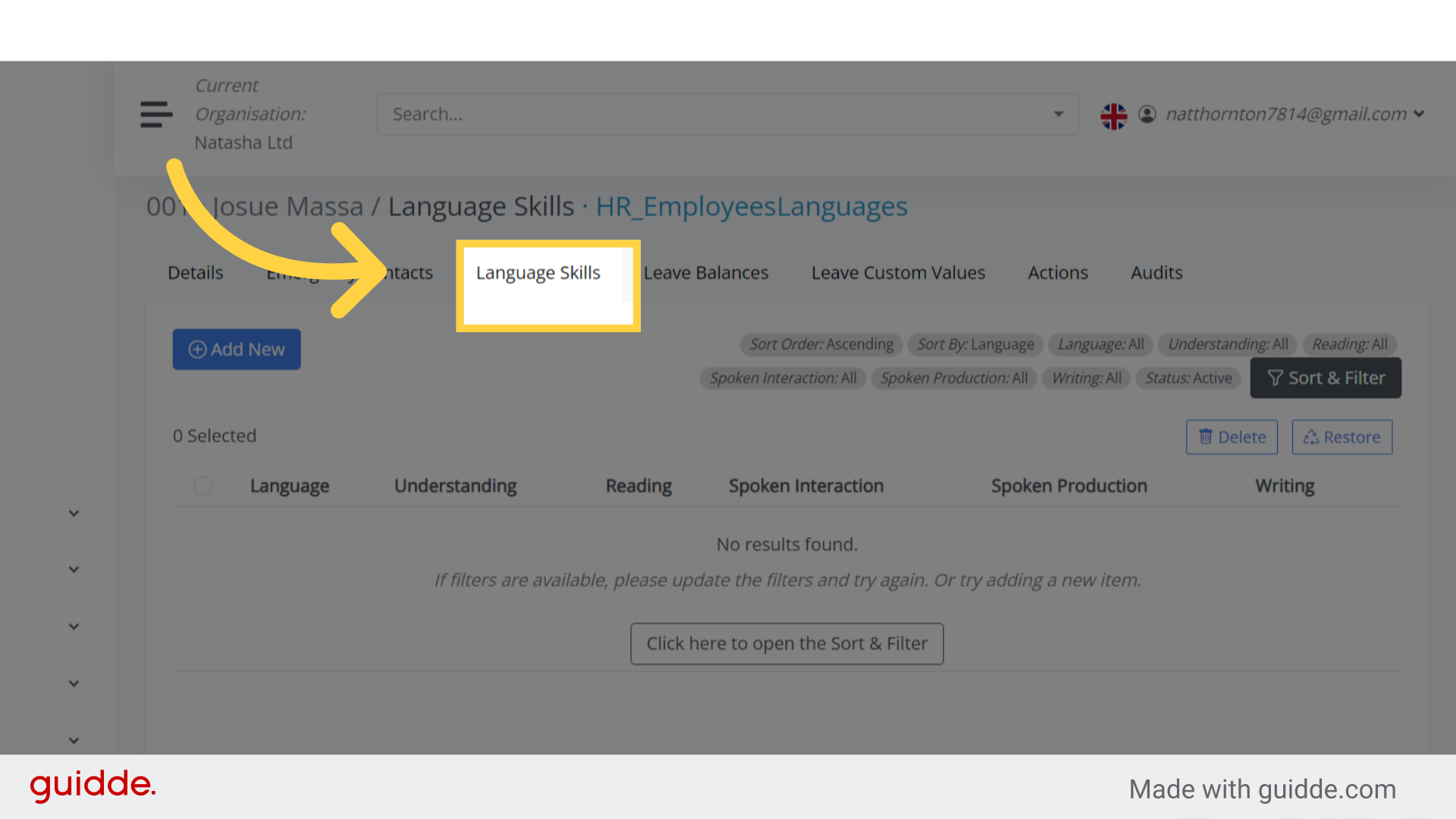
Step 1. Click “Language Skills” #
After accessing the employee’s profile, choose language skills.
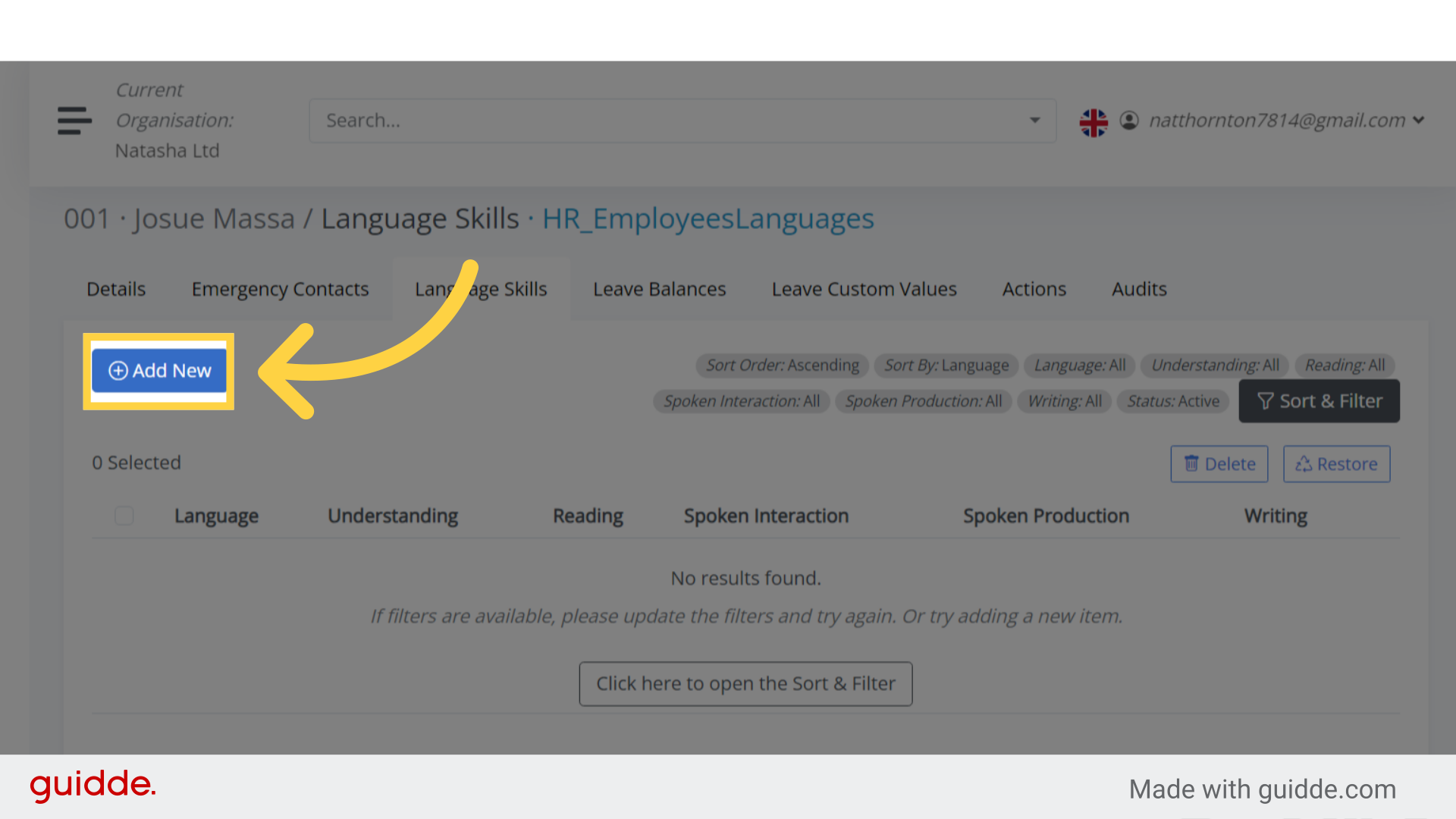
Step 2. Click “Add New” #
To add a new language skill, select the Add New option.
Step 3. Languages #
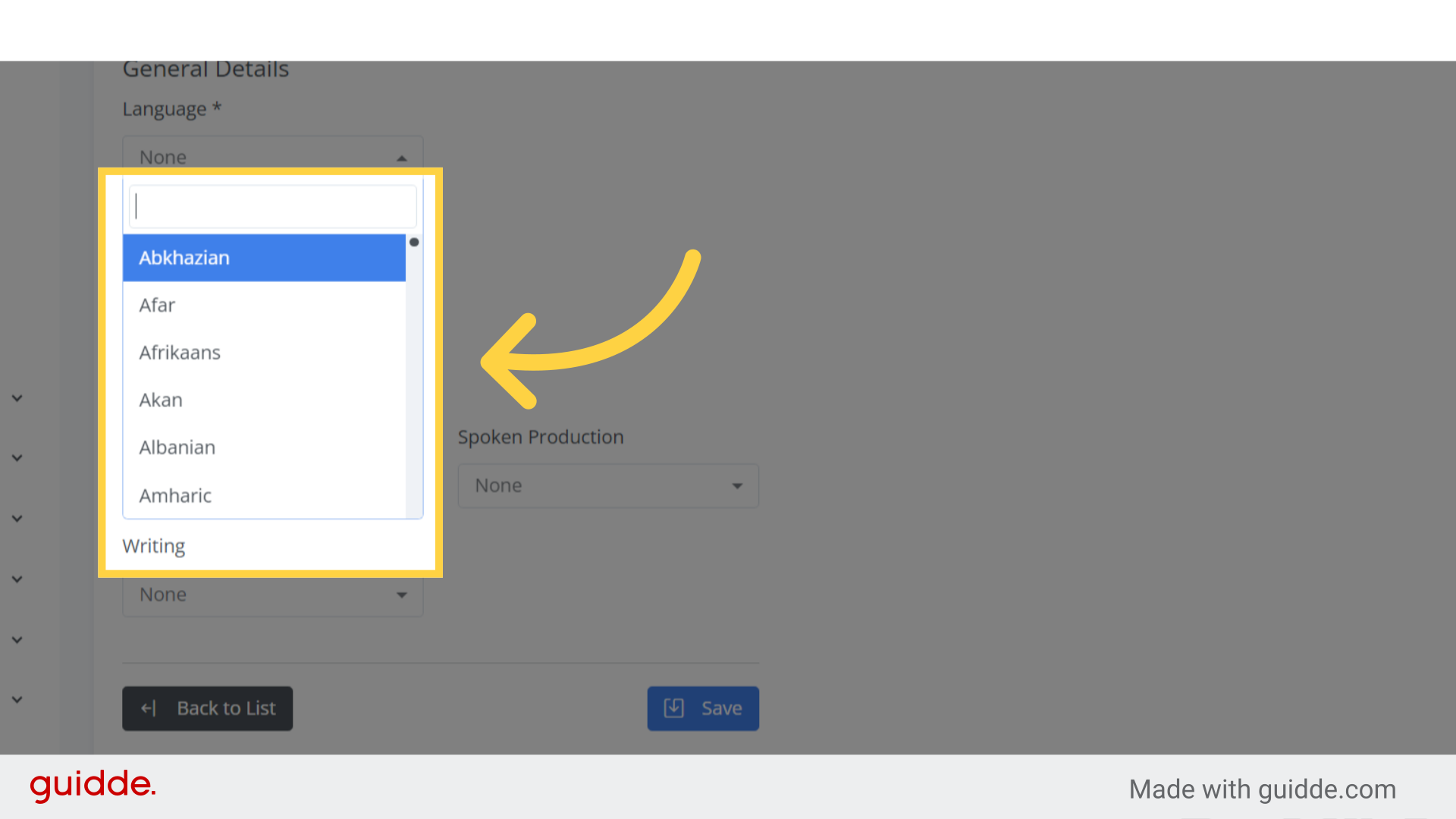
When you access the language field drop-down list, you’ll find all the available languages listed.
You can then choose the desired language from the options provided.
Step 4. Proficiency levels #
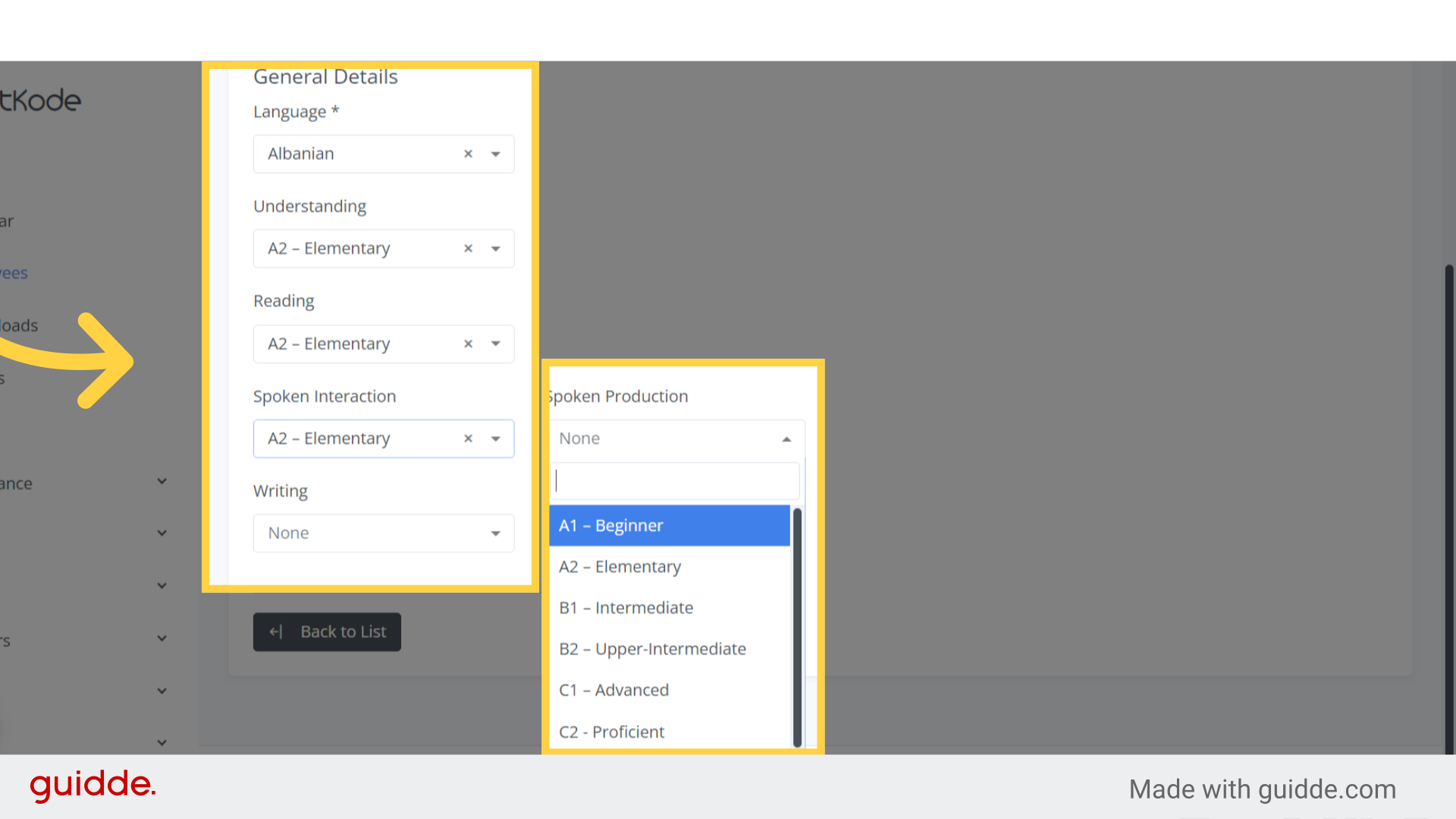
You can also choose the proficiency level for understanding;
- reading;
- spoken interaction;
- writing;
- and spoken production.
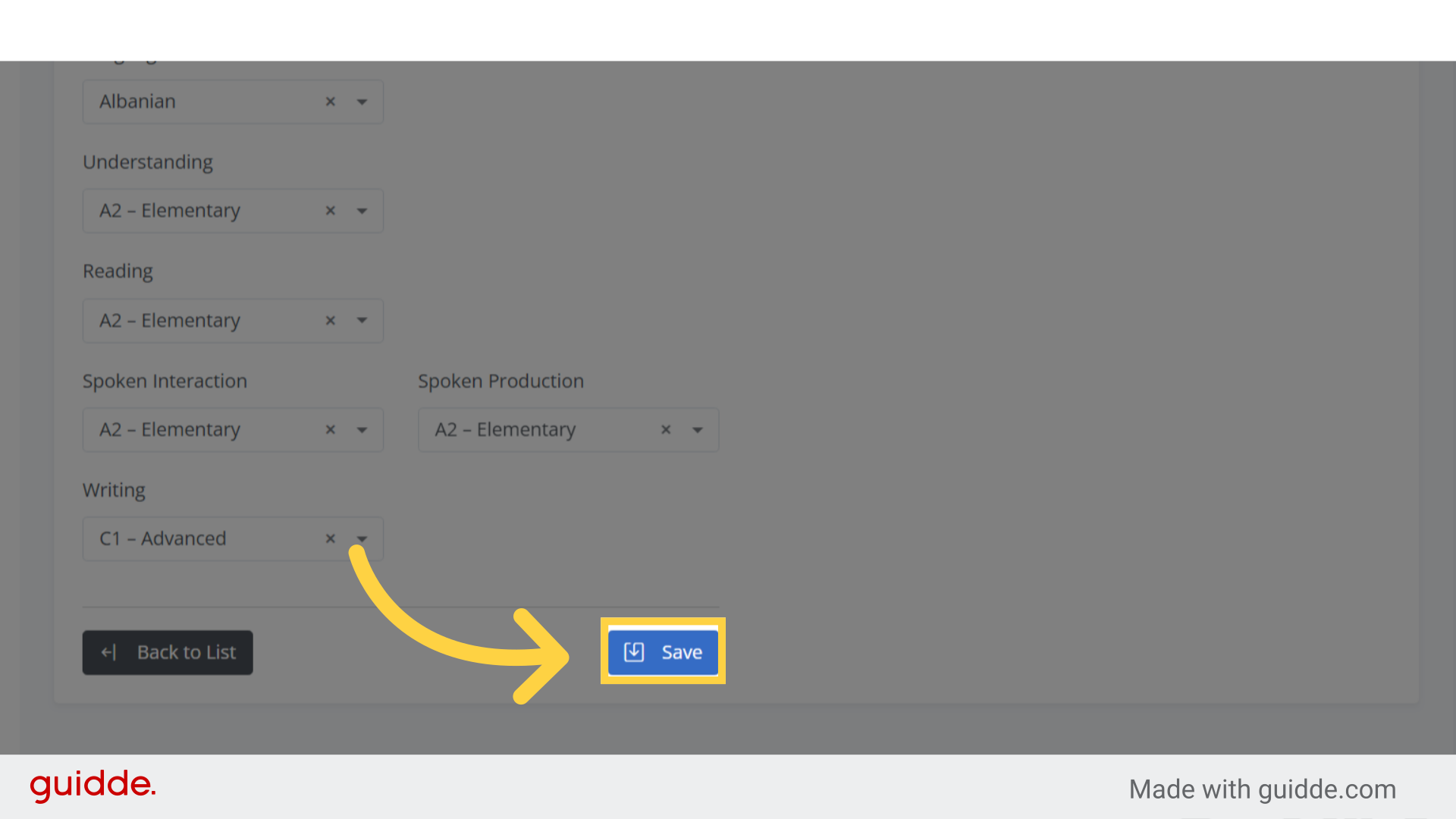
Step 5. Click “Save” #
To save the listed items, click the Save button.
Step 6. Click here #
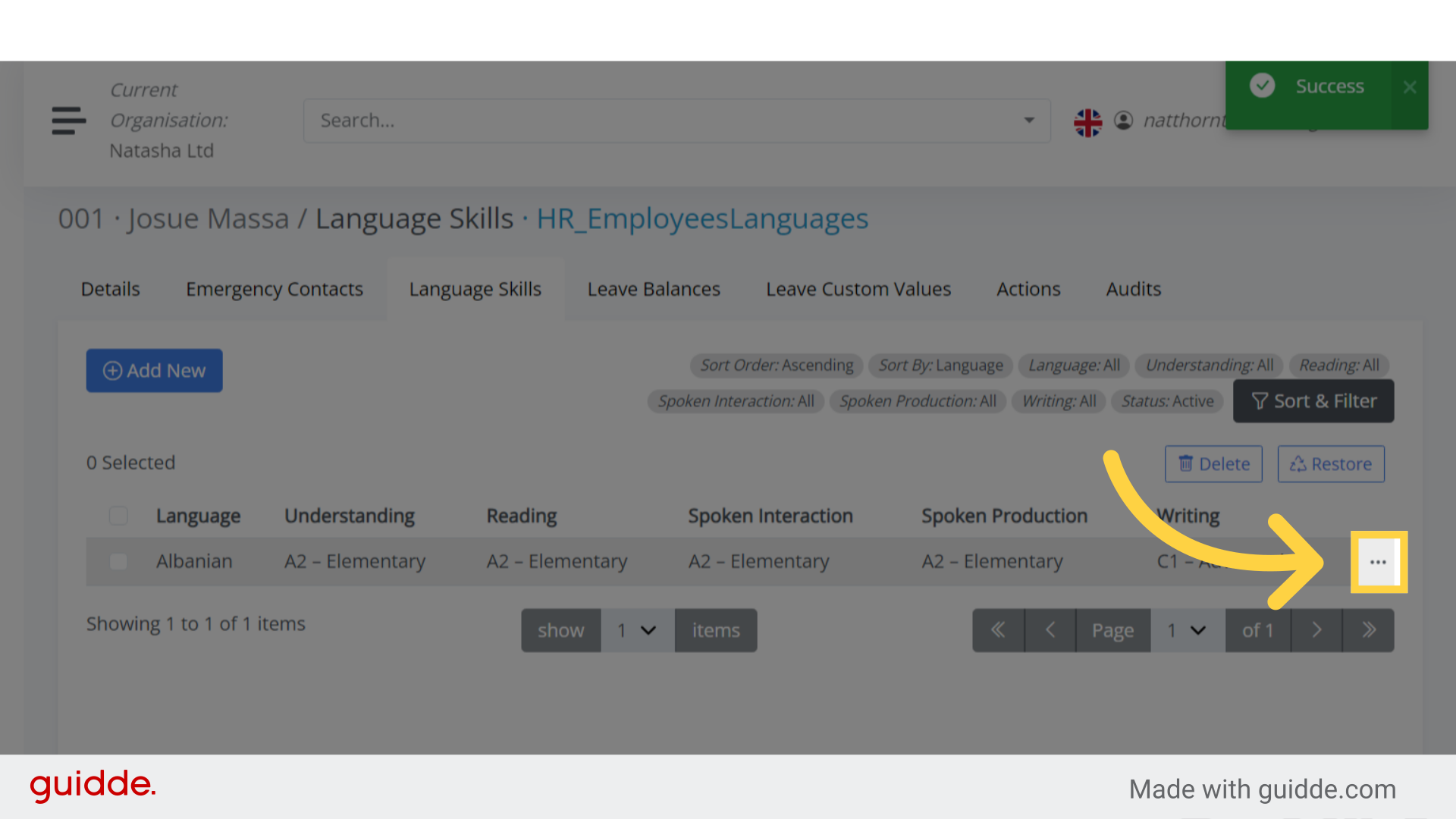
To update the languages you’ve just created;
- locate the language you want to modify.
- Click on the three dots icon on the right-hand side.
Step 7. Click “View / Update” #
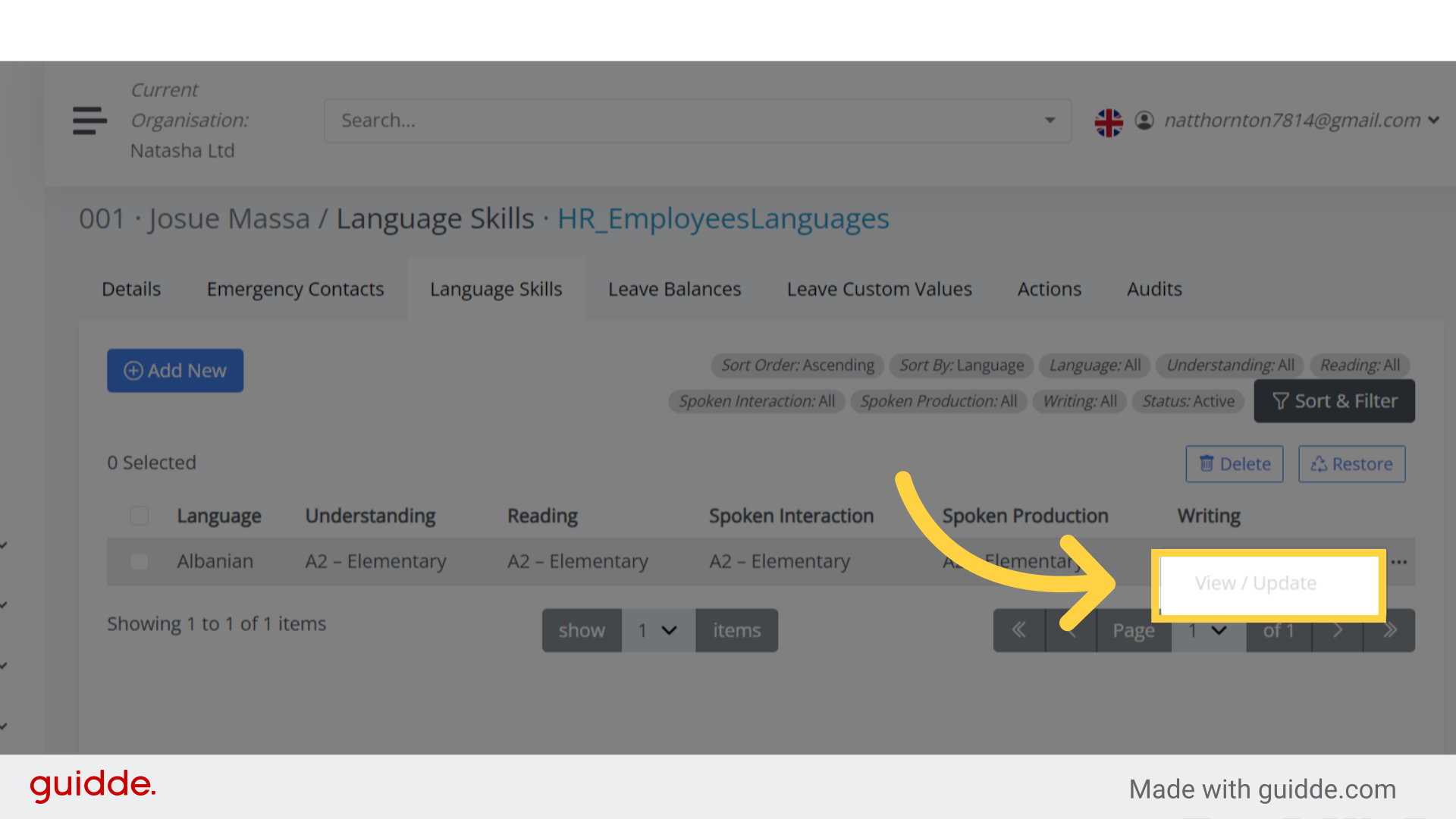
Once you’ve chosen the language you want to update, and clicked on the three dots.
Select the View and Update option.
This will redirect you to make the desired changes
This guide covered the process of accessing, adding, and updating language skills for employees in Bitkode.


