Table of Contents
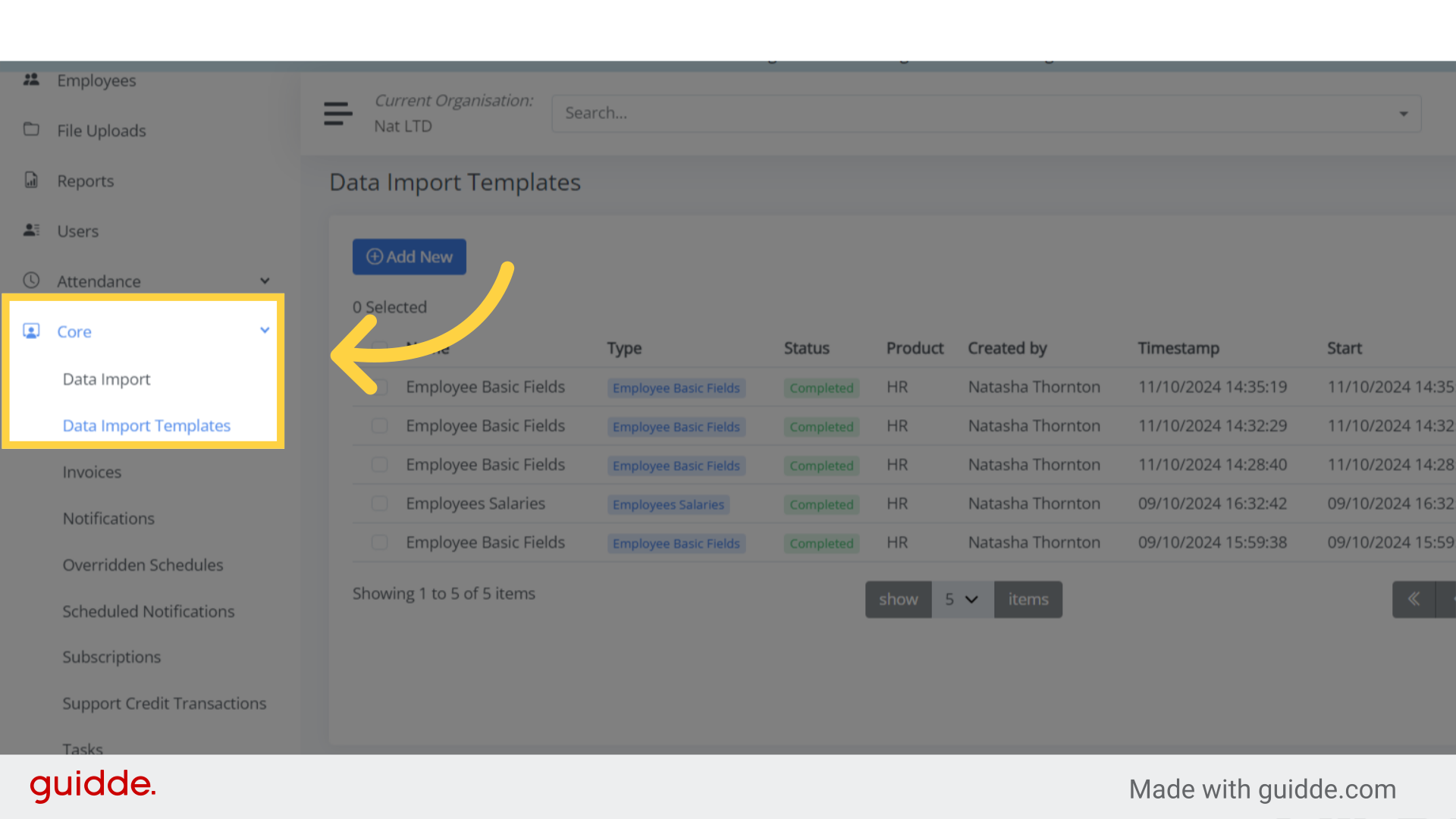
bitKode enables the import of employee data using Microsoft Excel, simplifying data entry for large datasets. #
The Import feature can be utilized for:
- Adding new employees to bitKode;
- Importing additional data for existing employees;
- Bulk editing data for existing employees;
Actions available through the Import feature include:
- Importing and bulk-editing basic employee fields, example, Employee Number, First Name, Last Name, etc.
- Importing and bulk-editing basic employee lists, example, Salary, Fixed Payroll Data, Fringe Benefits, and Direct Credit Details.
- Linking employees with the required subscription modules.
- Importing and bulk-editing custom employee fields (available with the HR Advanced subscription).
- Importing and bulk-editing custom employee lists (available with the HR Advanced subscription).