
Table of Contents
Learn how to distinguish between General and Employee file uploads with Bitkode. #
Follow these straightforward instructions to navigate through the process effortlessly. #
To begin using Bitkode and to upload specific files, follow these steps:
Log in to your Bitkode account.
Look for the option to upload files.
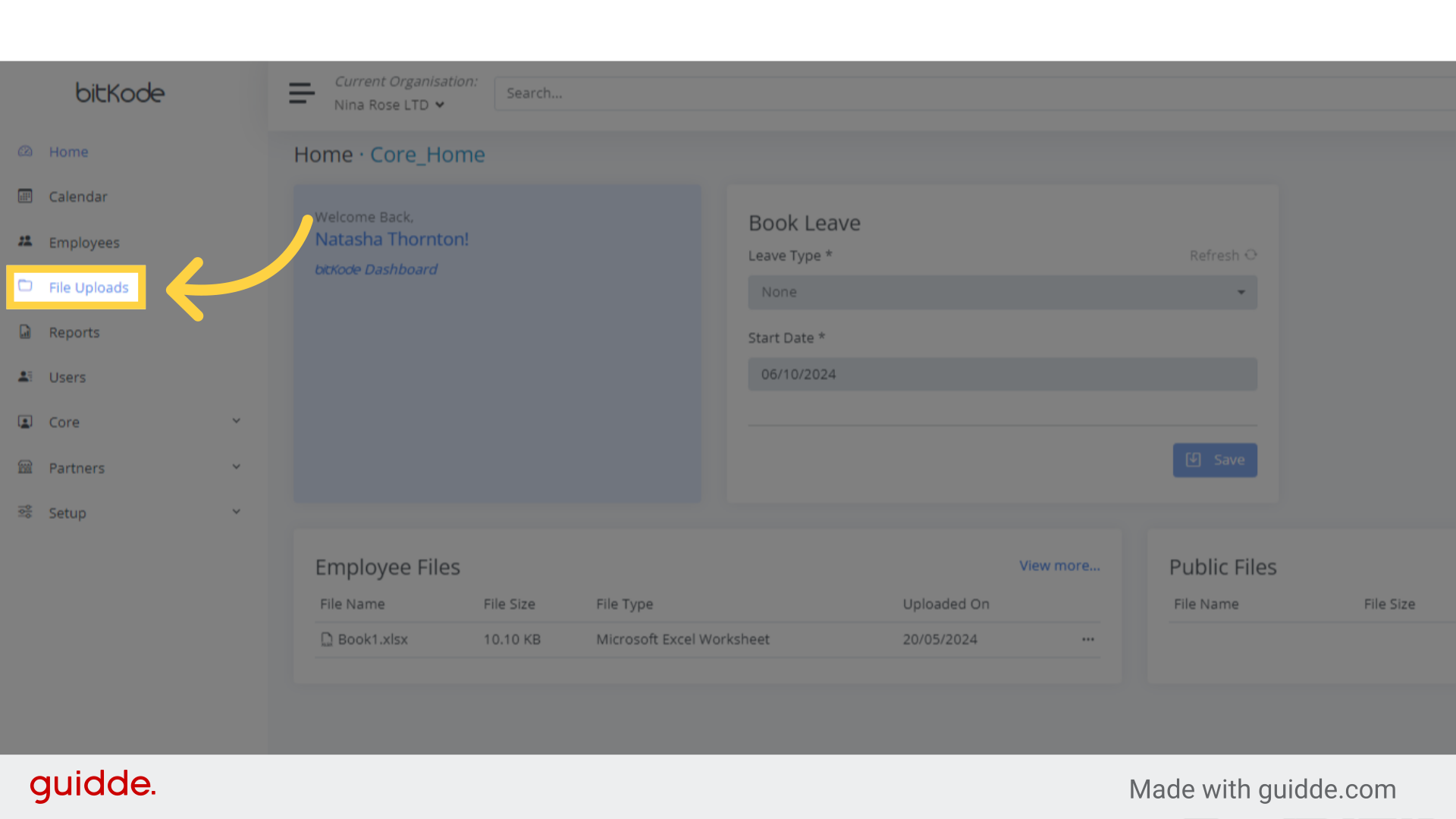
Step 1. Click “File Uploads” #
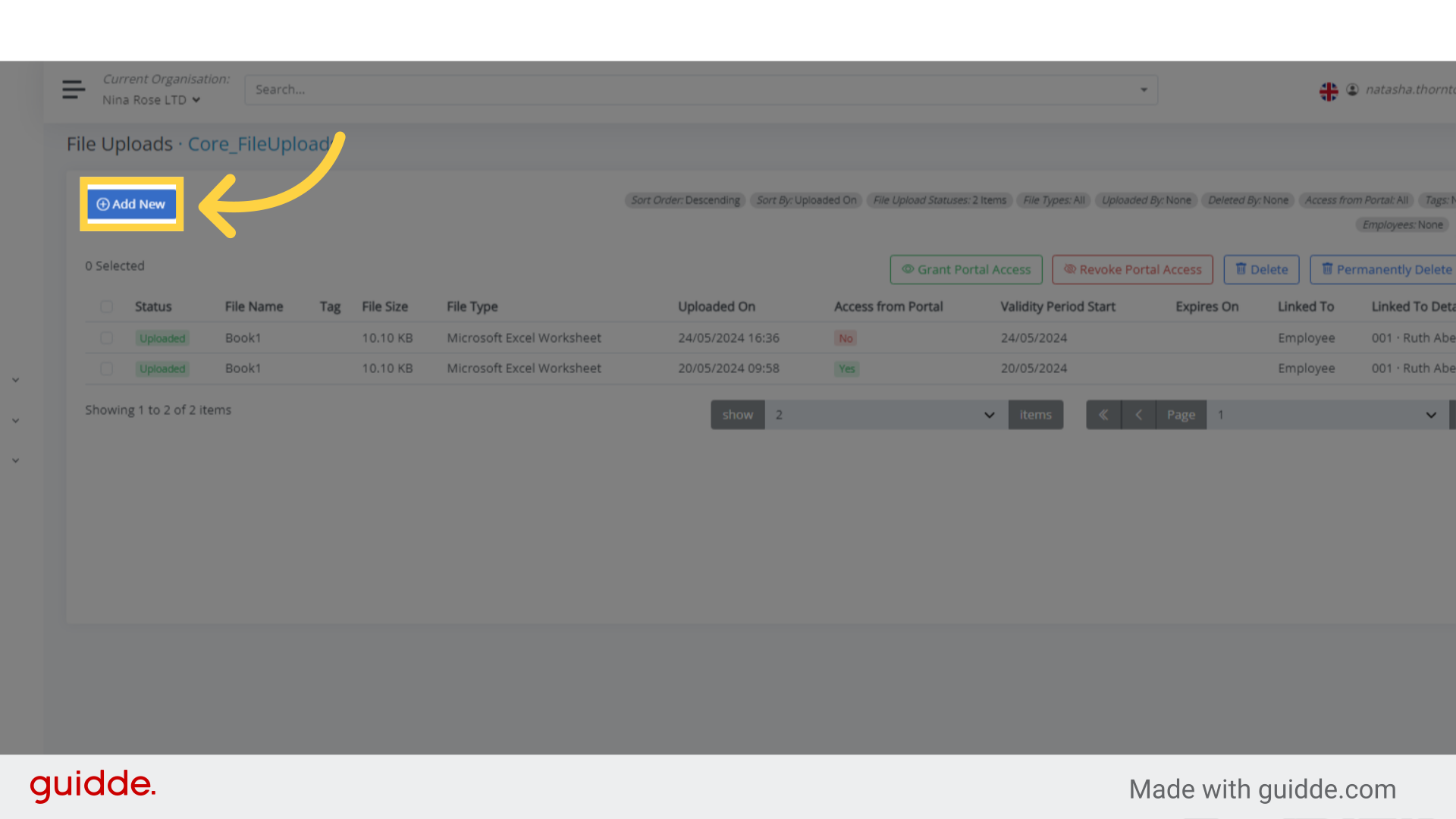
Step 2. Click “Add New” #
After clicking on “Upload Files”, you’ll find an option to “Add New”. Click on that to proceed.
Step 3. Difference between general and employee? #
The Employee File Repository system in Bitkode serves as a centralized location for organizing scattered papers, files, and data.
It offers the following features:
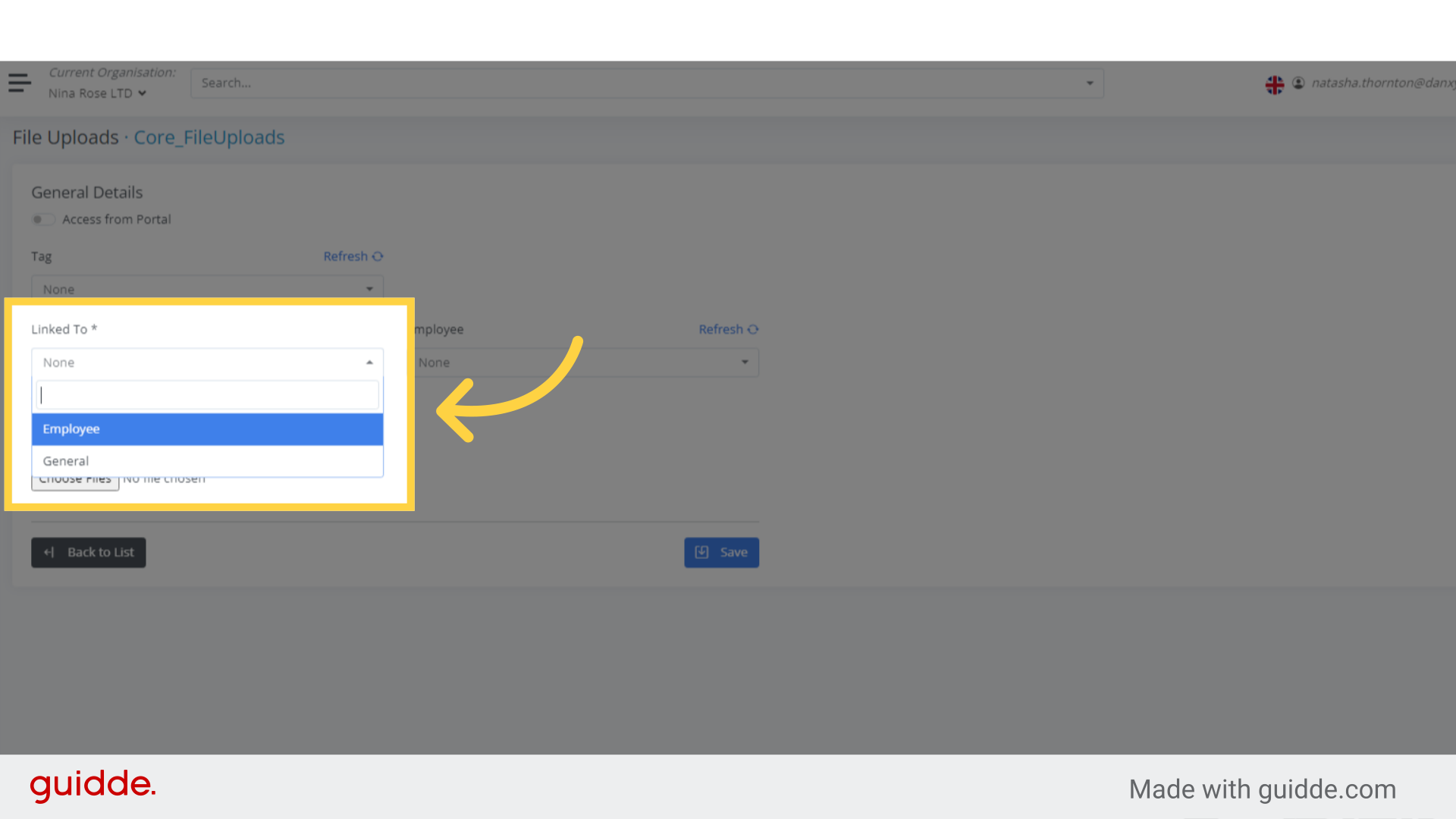
Step 4. General Folder: #
General Folder: This folder contains generic company-related files accessible to all employees.
Examples include the Employee Handbook, Company Policies (such as Internet Usage Policies), and Health and Safety manuals.
Employees can view these files in their Employee Portal.Employee Folder: In this folder, specific employee-related files are stored.
These might include employment contracts, CVs, training records, and work-related certificates.
Each employee has their own personal folder linked to them.
Remember that administrative permissions are required to access the Setup page.
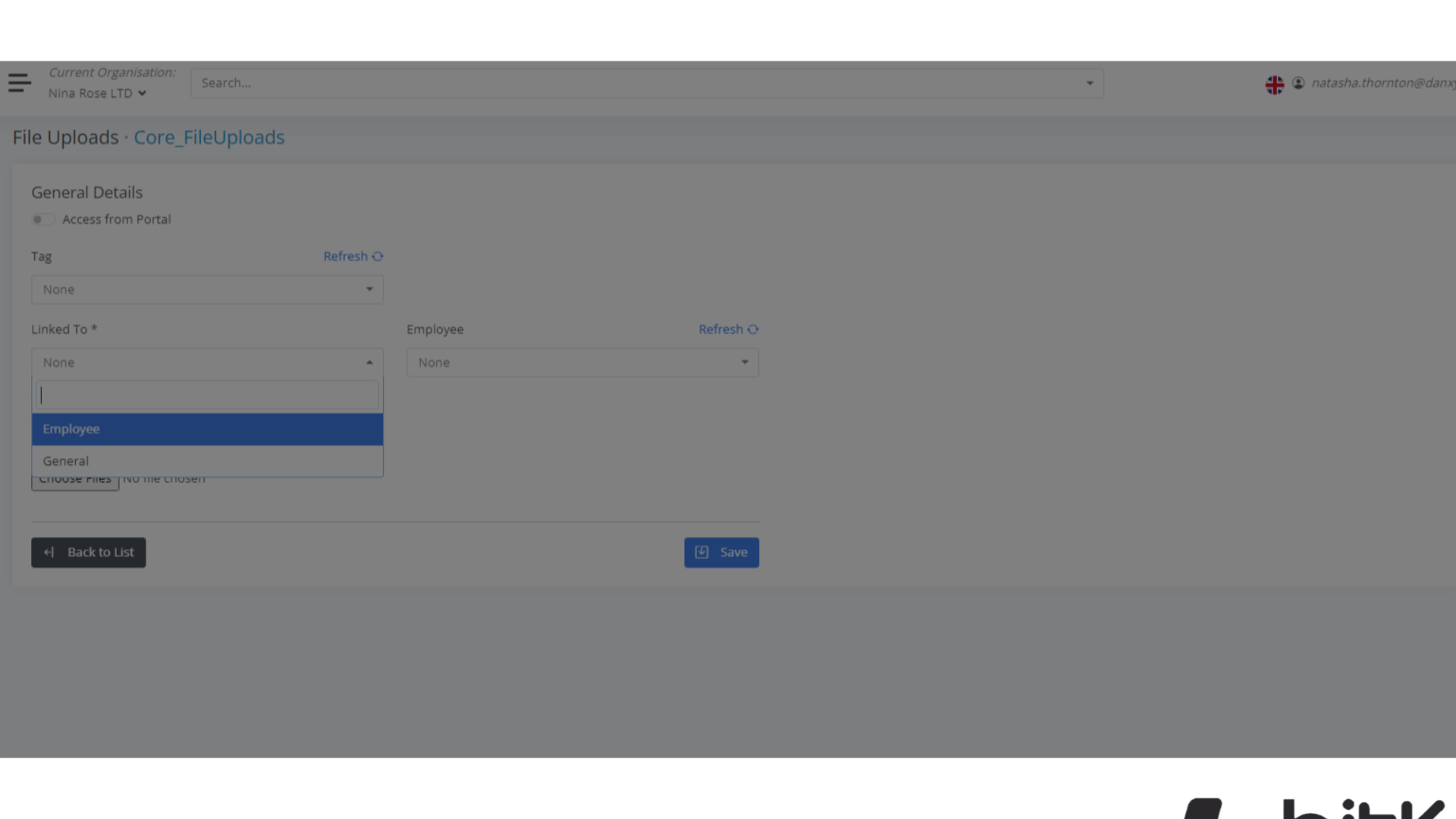
This guide walked you through the steps to differentiate between General and Employee file uploads in Bitkode.
Thank you.


