
Table of Contents
This guide will walk you through setting up department supervisors in Bitkode. #
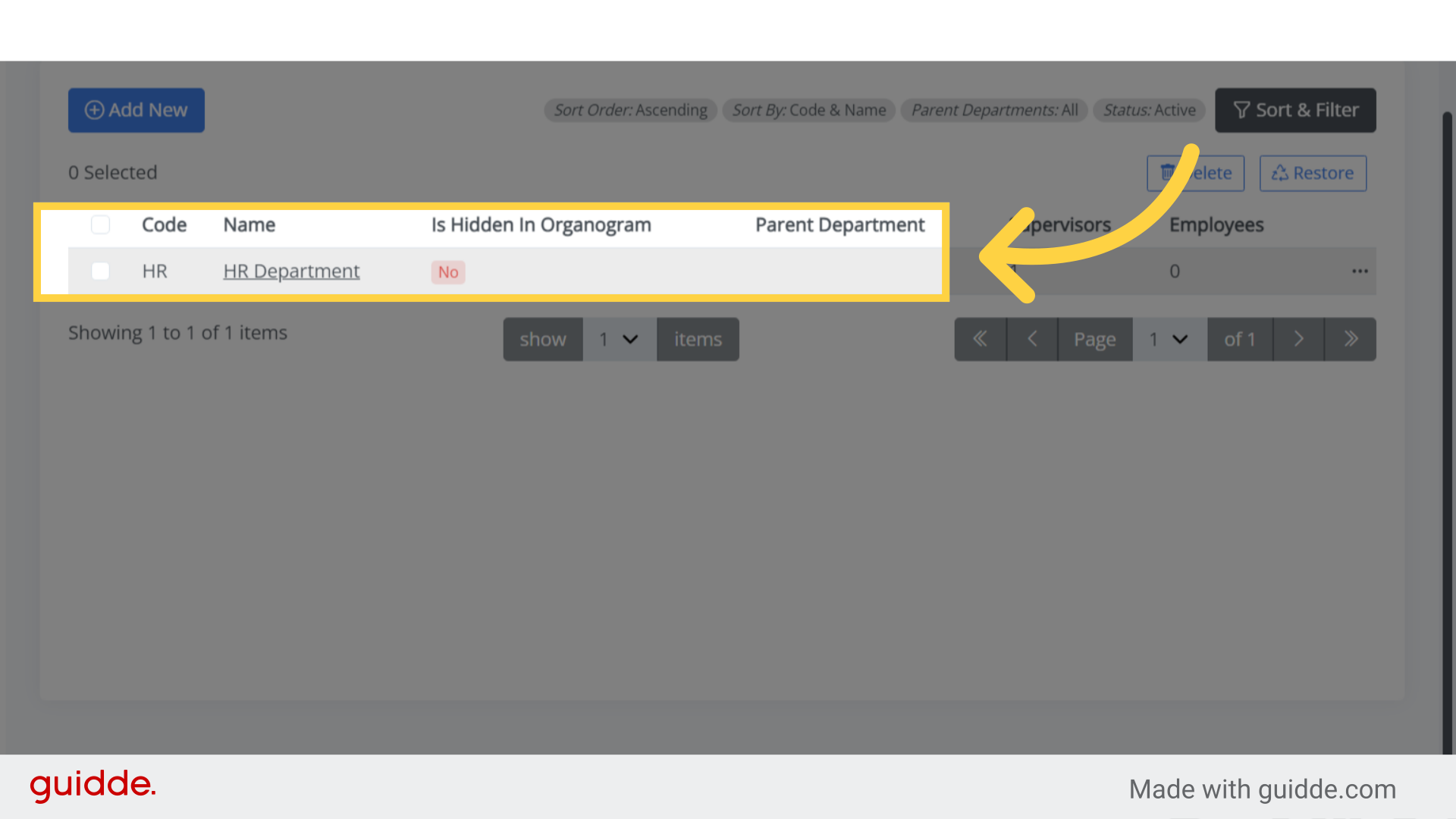
Step 1. Click “HR Department” #
Once you’ve created a department, it’s essential to select the team supervisor.
Begin by clicking on the previously created department.
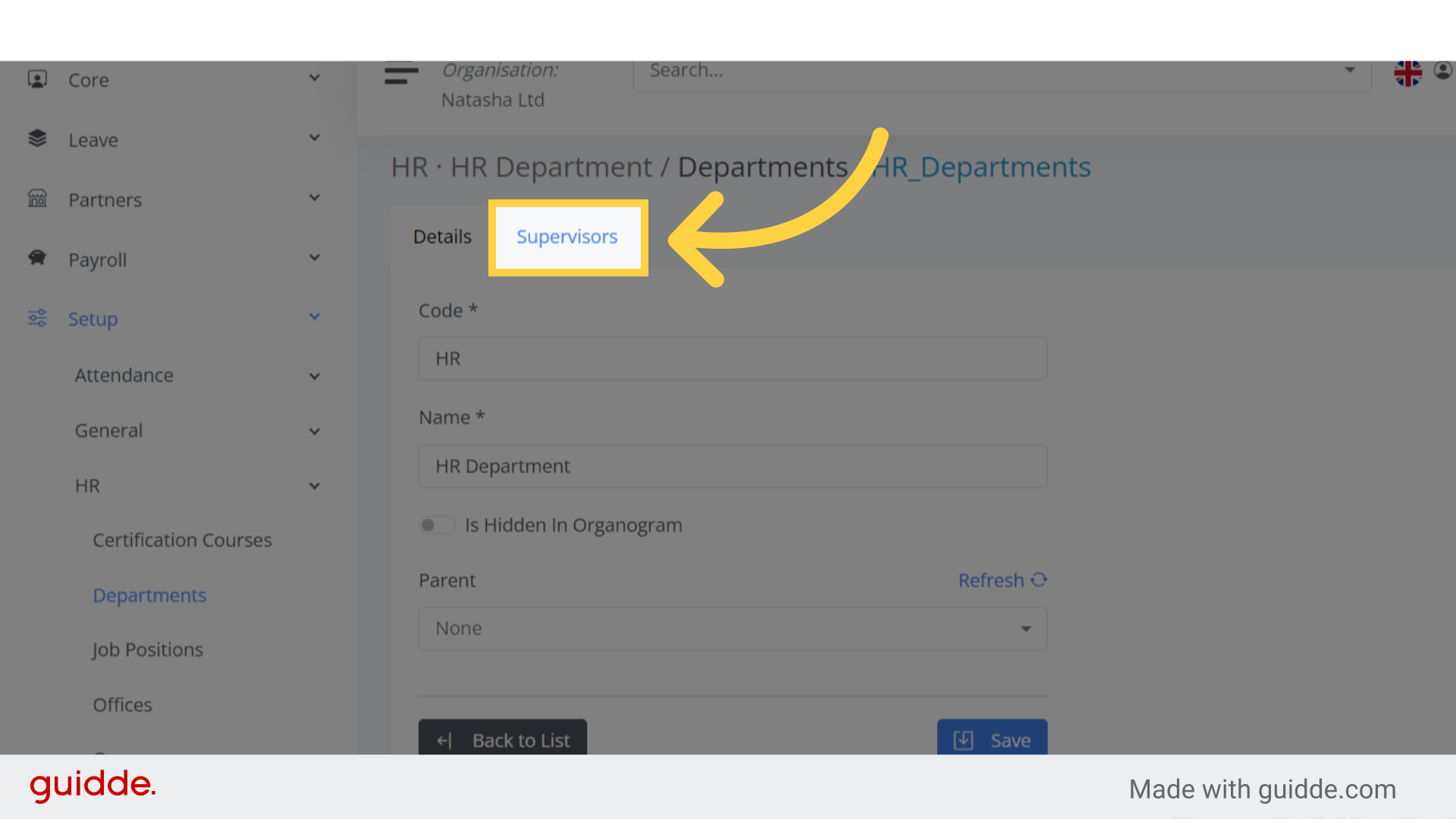
Step 2. Click “Supervisors” #
To proceed, click on the Supervisors tab.
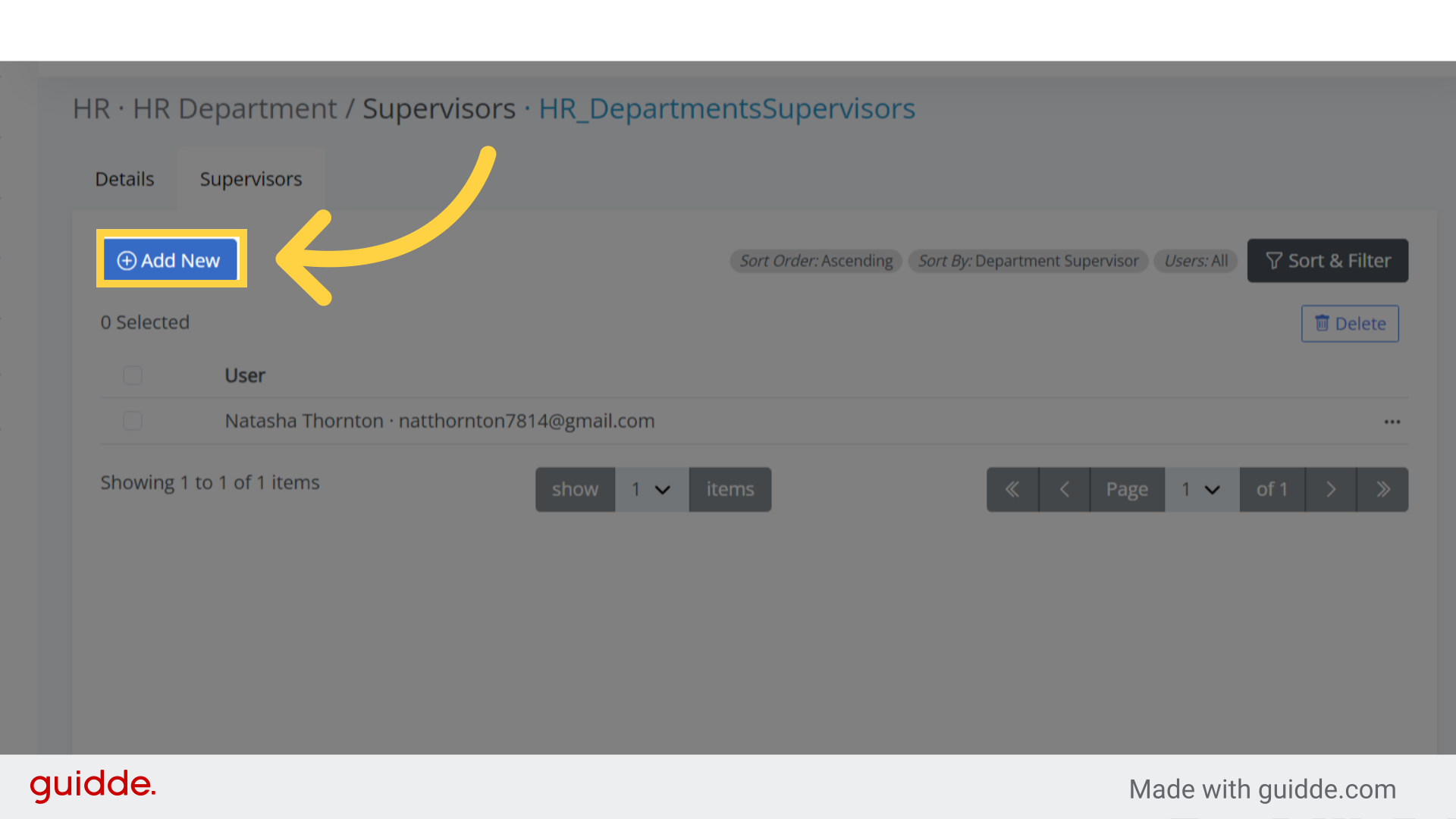
Step 3. Click “Add New” #
Select the option to add a new supervisor.
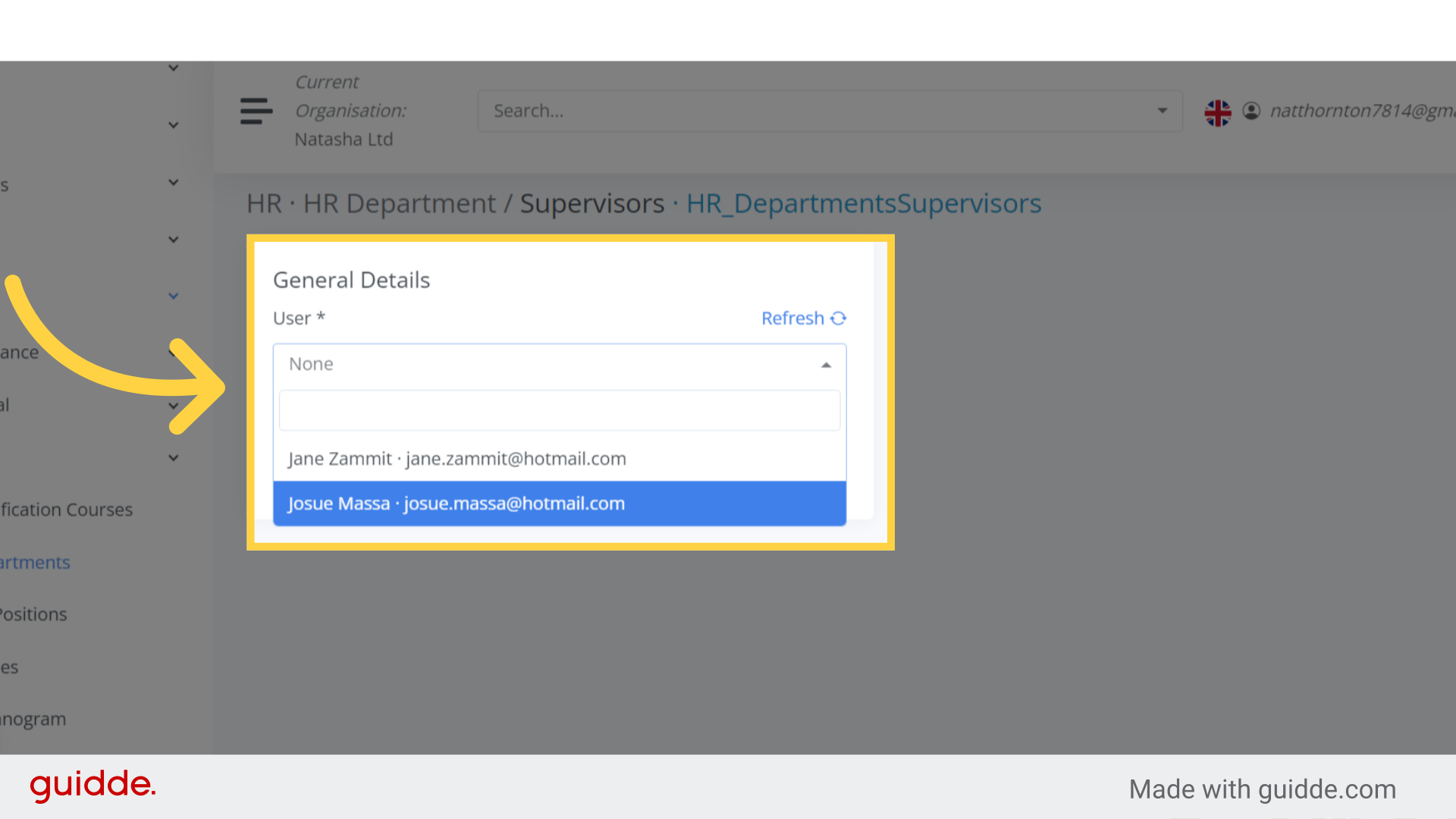
Step 4. Choose user #
From the dropdown list, select the user you want to set as the supervisor for that department.
Keep in mind that team supervisors can receive pending leave requests from employees within their teams.
Additionally, they have the authority to book leave for their team members and approve attendance and overtime requests within the department.
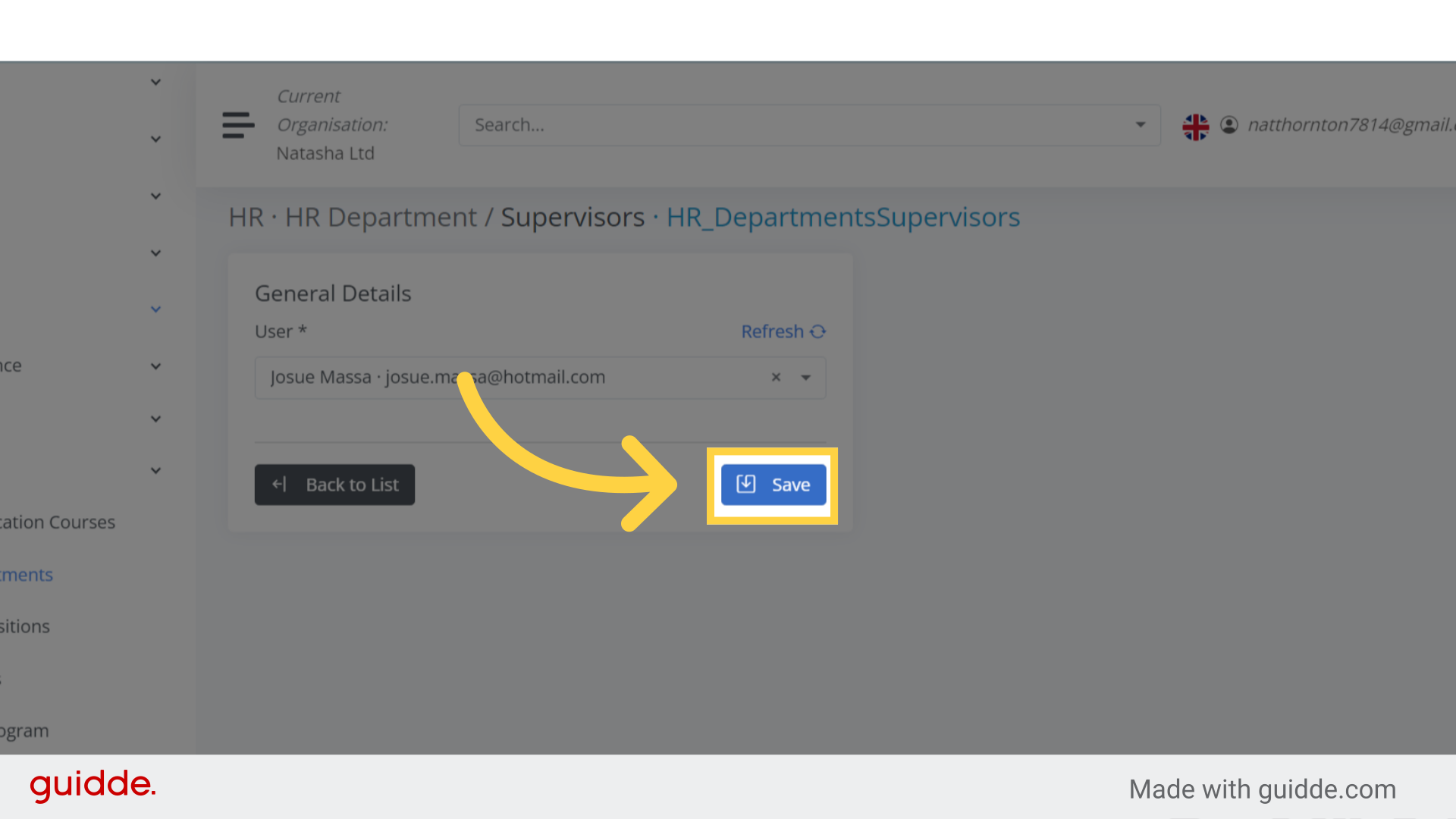
Step 5. Click “Save” #
Once you’ve selected the user to be set as the supervisor for that department, simply click Save to save the changes.
This guide covered the process of setting up department supervisors in Bitkode.


