
Table of Contents
This guide will walk you through the necessary steps to effectively utilize the Tasks feature in bitKode. From accessing core functions to filtering and sorting tasks. #
What does the Tasks feature do? Essentially, any process that needs to be handled within the bitKode system will be designated as a processing task.
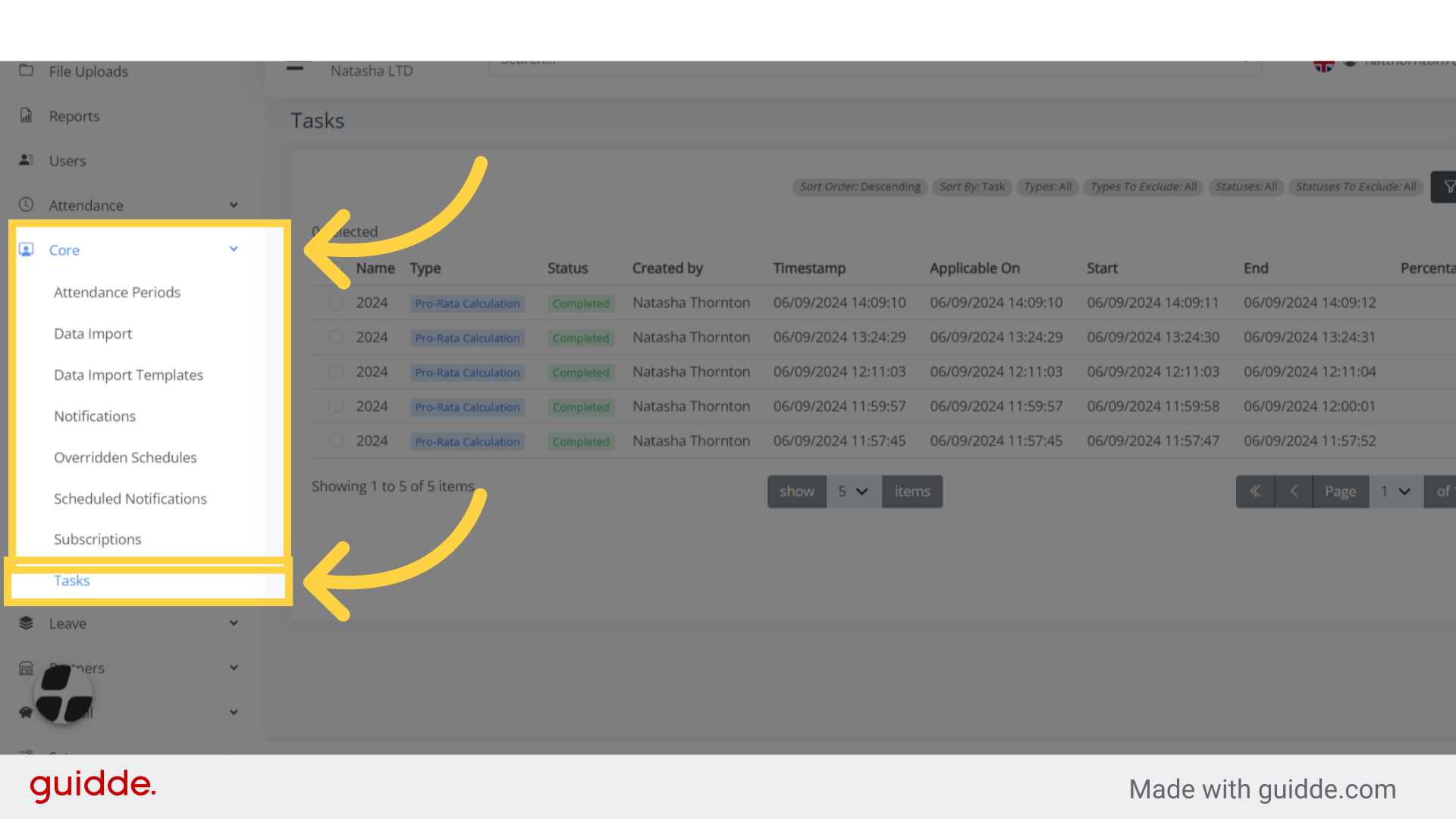
All processed tasks will be listed and visible in the Tasks feature field.
“Sort & Filter” #
As you can observe, all processed information is available in the Feature called ‘Task.’
In this overview, you will have visibility into the following details:
- The items that were processed.
- The status (whether it is completed or still pending).
- The creator (which user initiated the process).
- The creation time (when it was created).
- The applicable start date.
- The end date and time of the process.
Additionally, the “Sort and Filter” and “Column Configuration” option is available on every page.


