Table of Contents
Learn how to update your company’s information within bitKode. #
Follow these engaging steps to modify details like company name, contact information, and more seamlessly.
Step 1. Organisation setup #
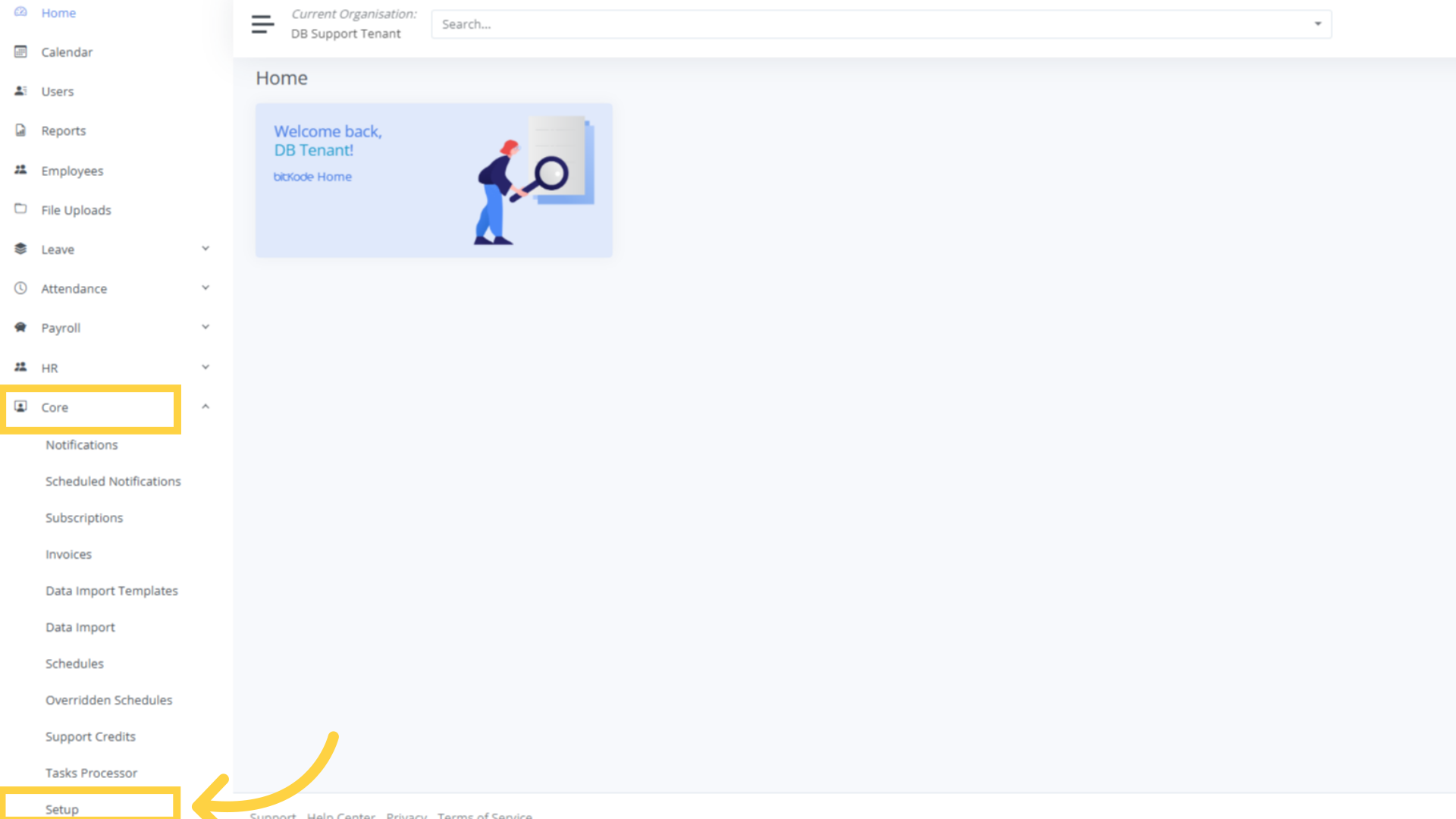
After successfully logging in, click on “Core,” then select “Setup.”
Step 2. Click “Organisation” #
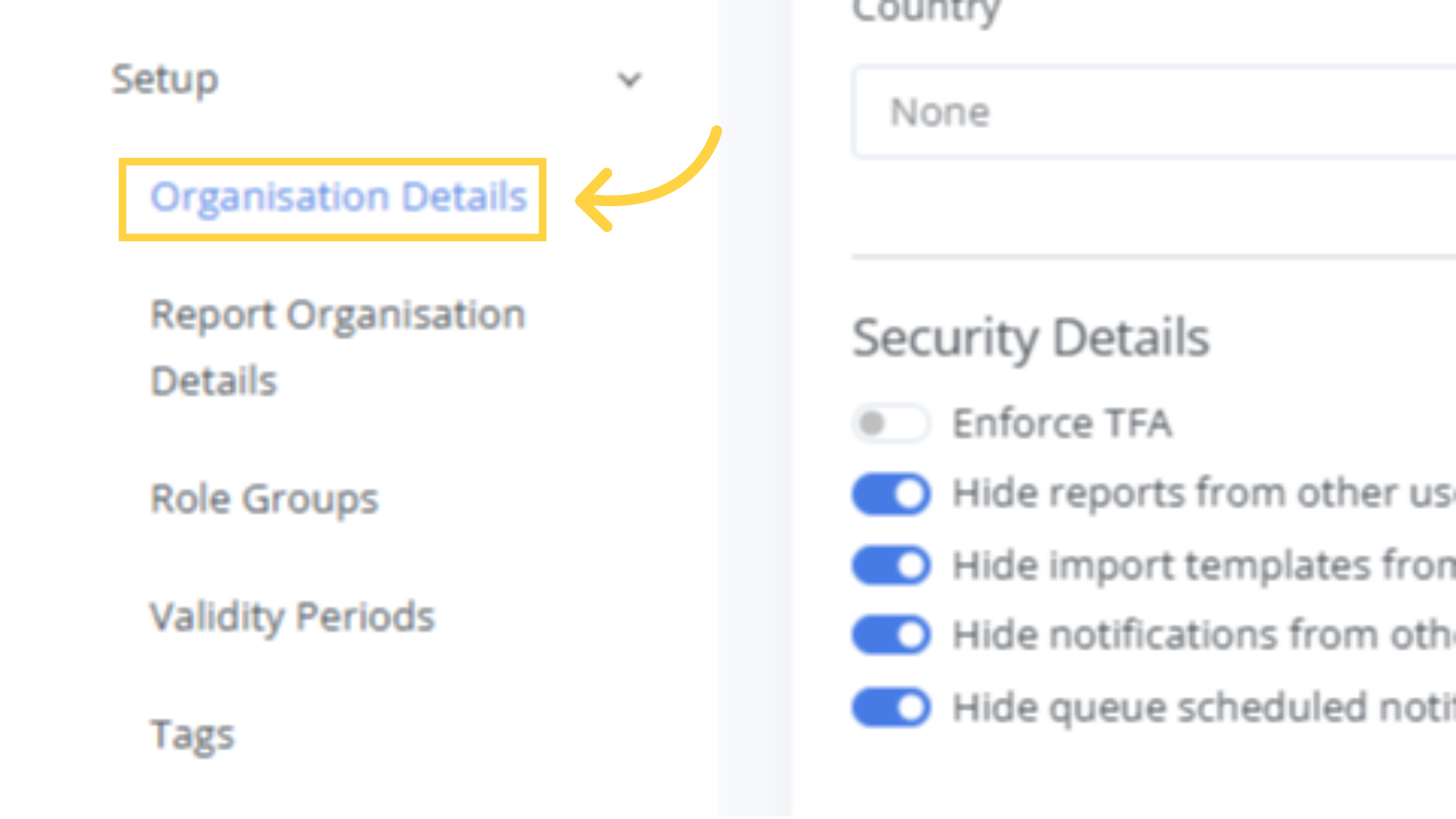
After clicking on Setup, choose Organisation Details to continue.
Step 3. General details #
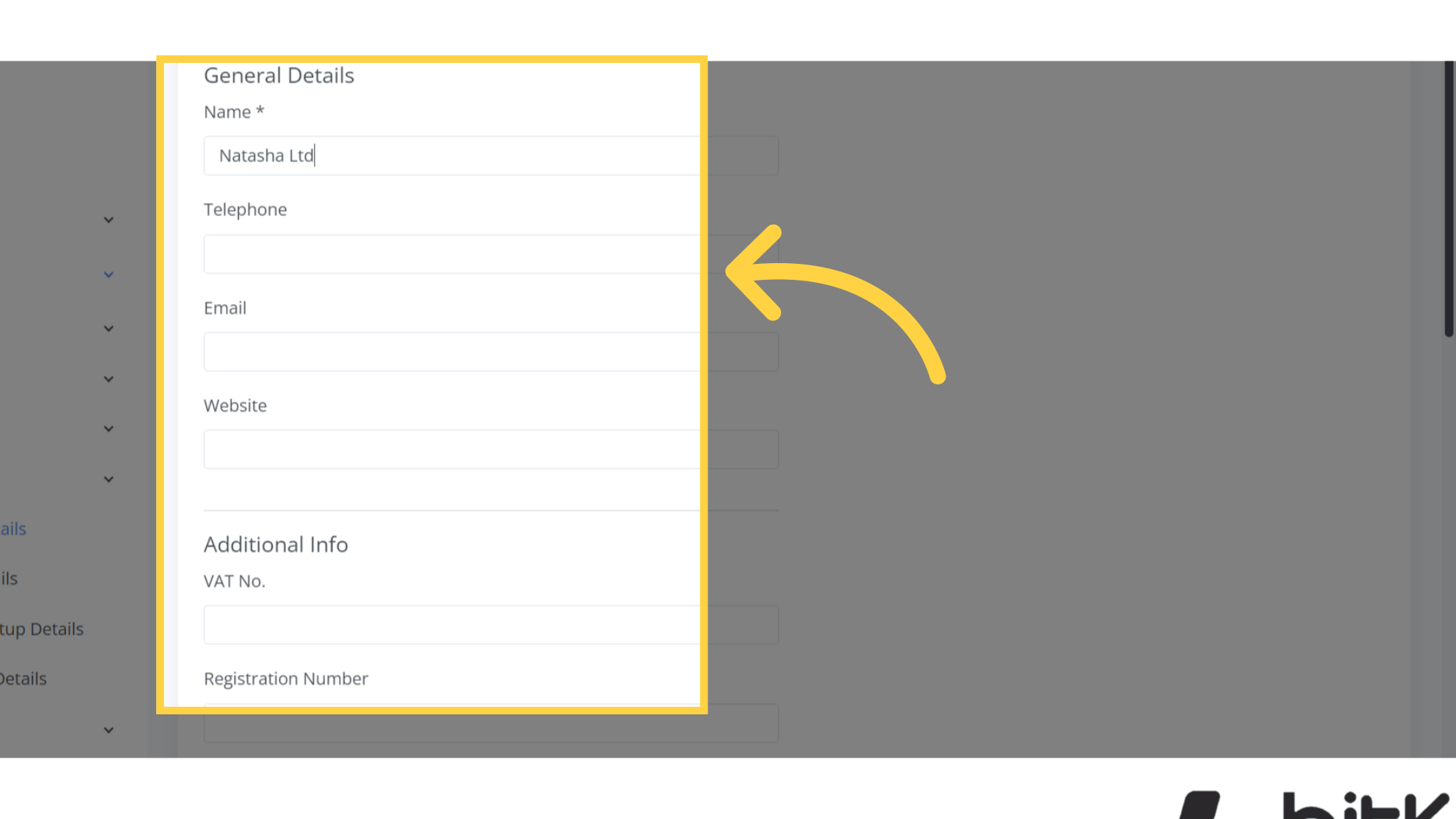
The general details listed here are filled in by the administrator during the company setup in bitKode.
If you need to update any information, follow this process to make the necessary changes.
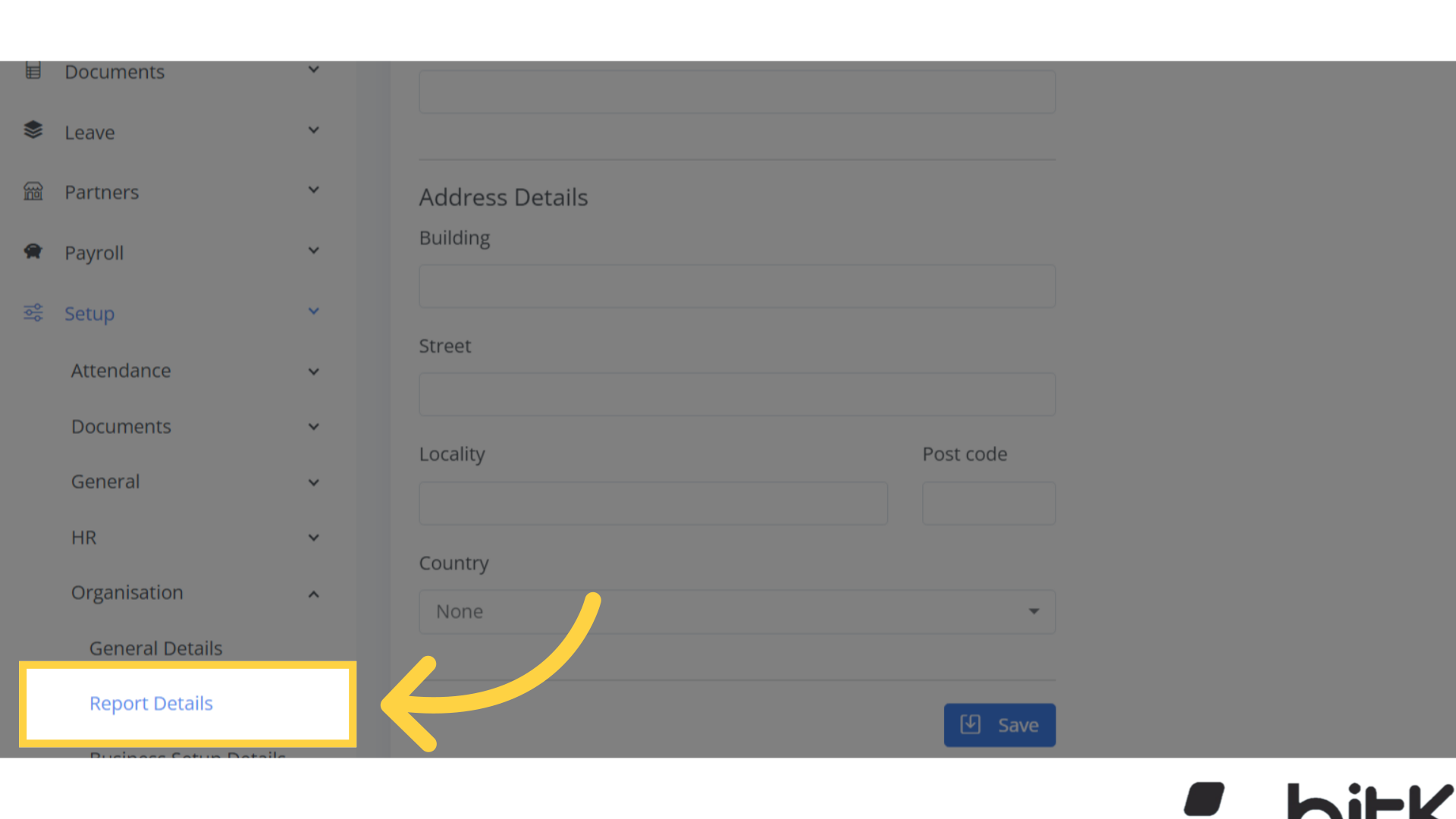
Step 4. “Report Details” #
The report details page mirrors the general details page.
Any Bitkode report displaying the organization details will show the specified report details. If the report details are left blank, the general details information will be used by default.
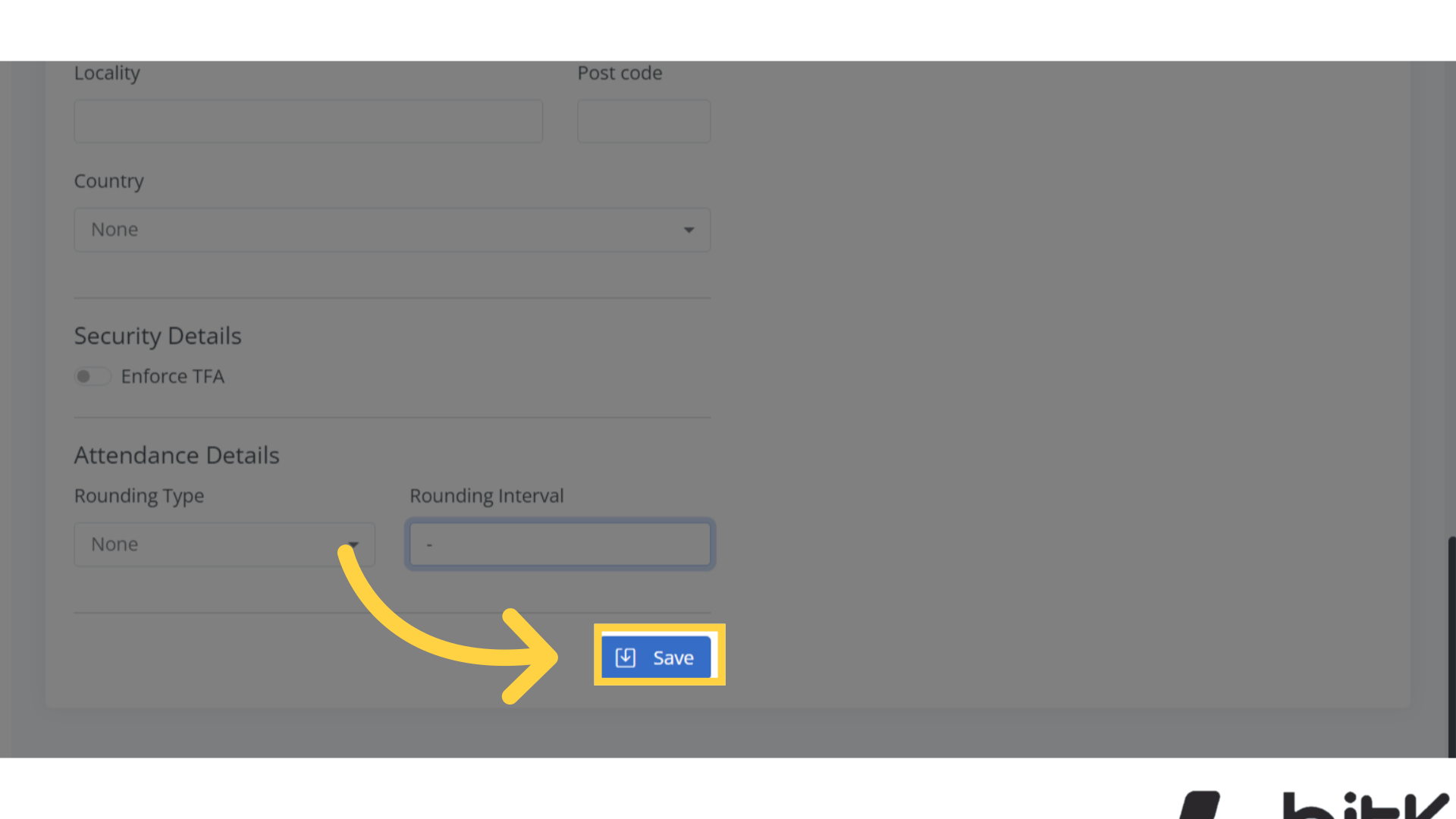
Step 5. Click “Save” #
After making all the necessary changes, just click Save to save the updates.