Table of Contents
This guide will teach you how to seamlessly reflect changes in the Approvals section. #
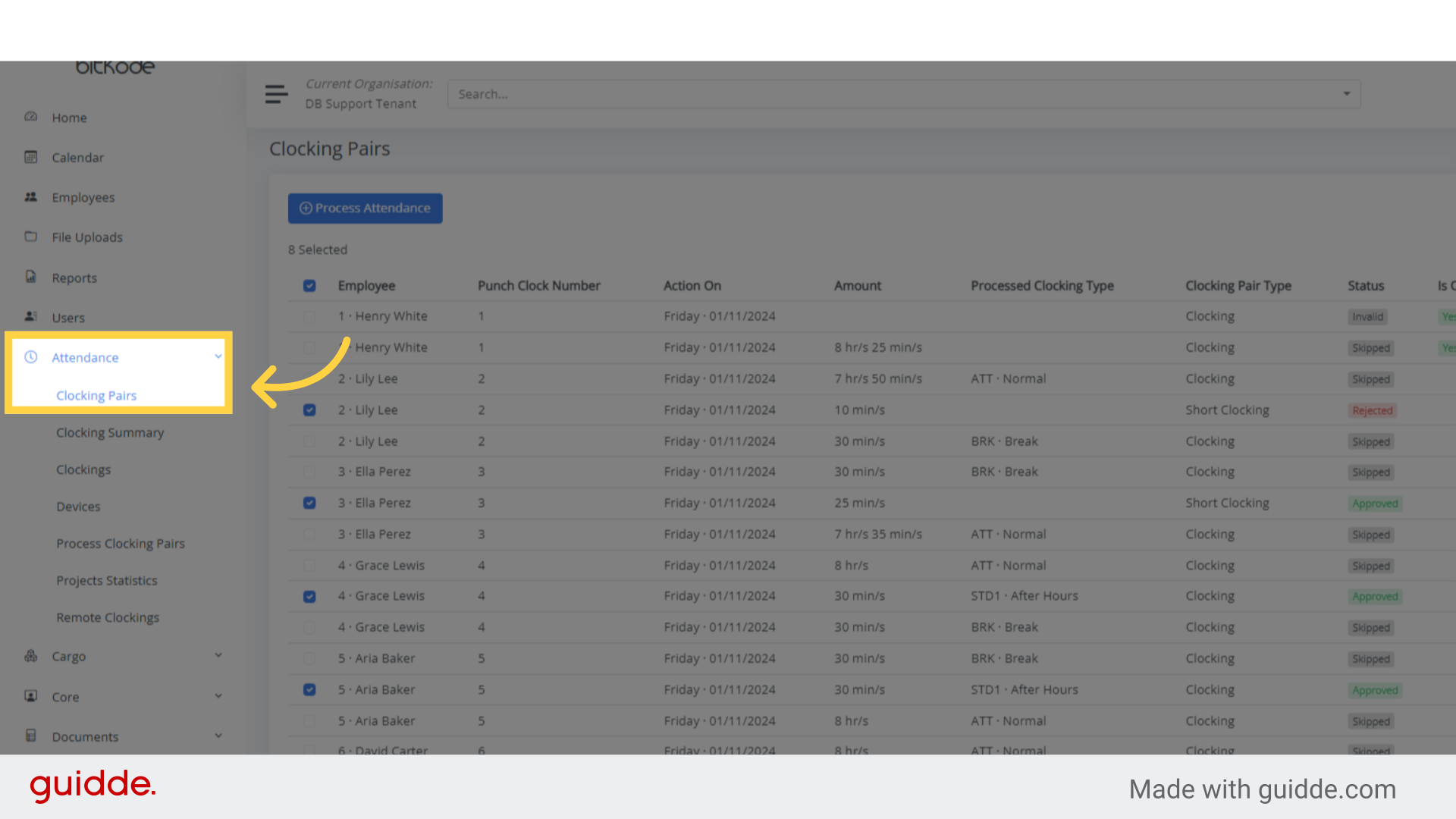
Step 1. Click “Clocking Pairs” #
Start by accessing the clocking pairs from the attendance section.
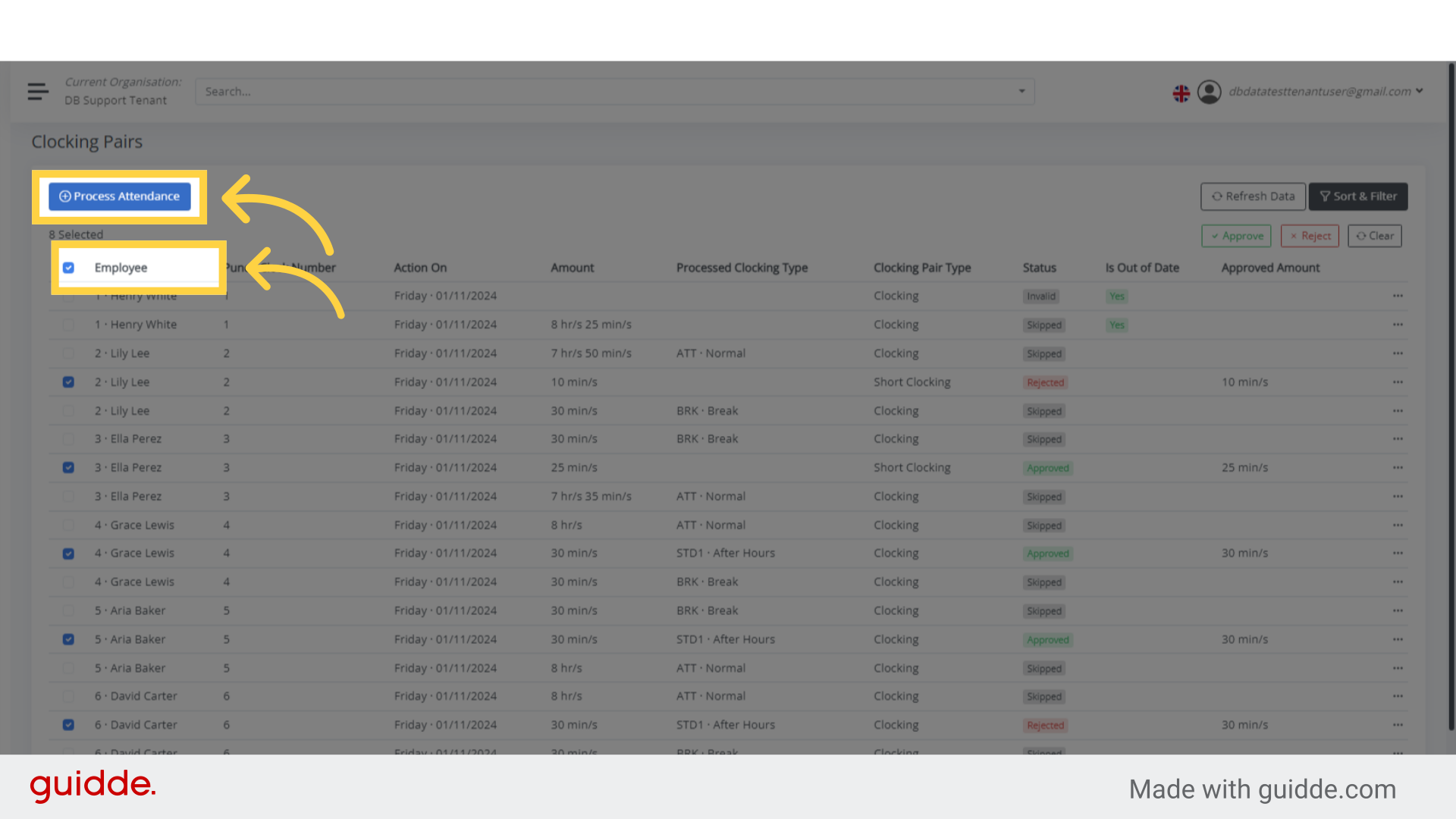
Step 2. Click “Process Attendance” #
Initiate the attendance processing.
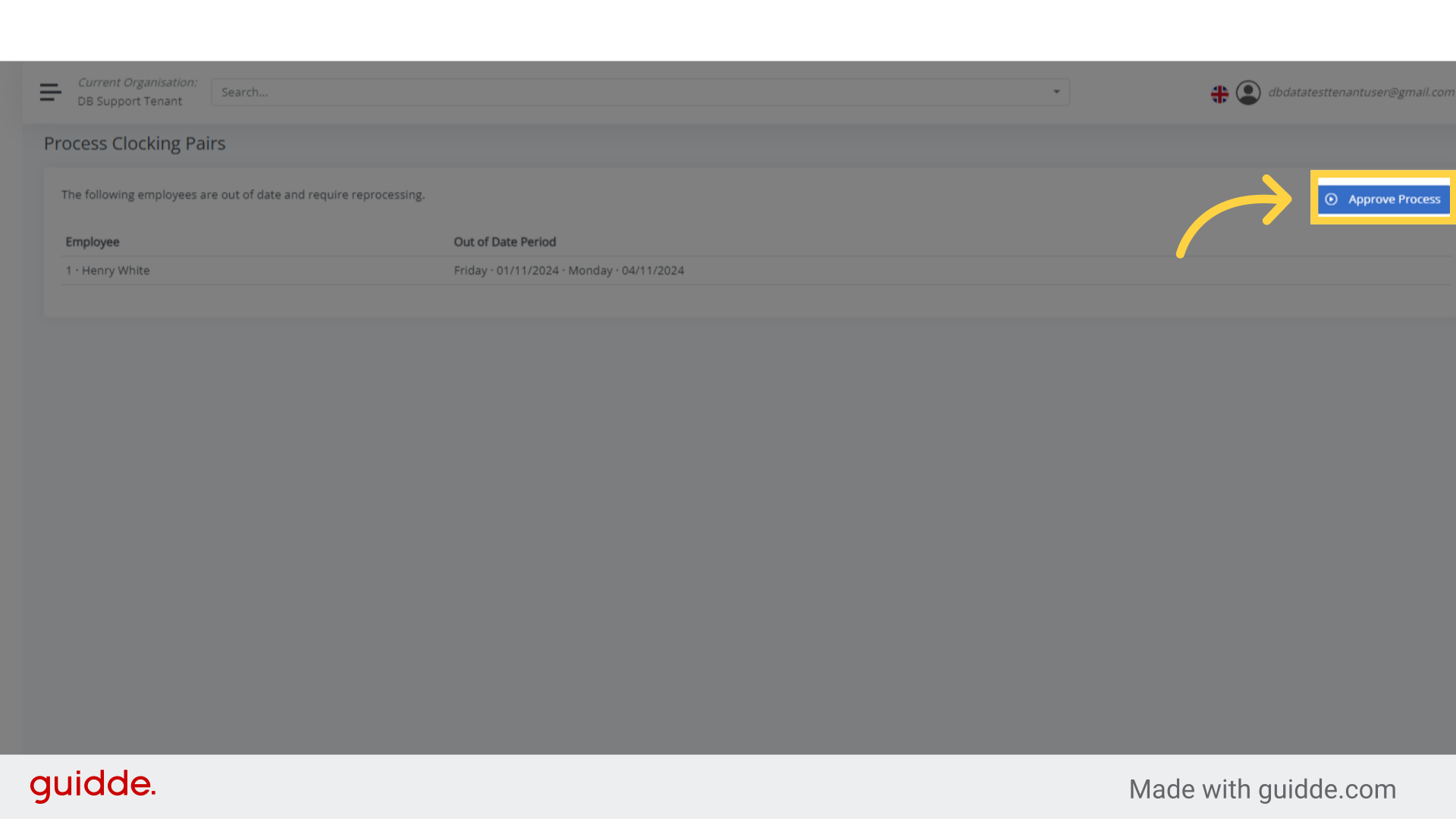
Step 3. Click “Approve Process” #
Approve the attendance processing.