
Table of Contents
In the process of linking an employee to ‘Attendance’ in bitKode, these specific steps will guide you seamlessly through the procedure.
Add the employee before starting this process.
Please skip the above step if the employee has already been added.
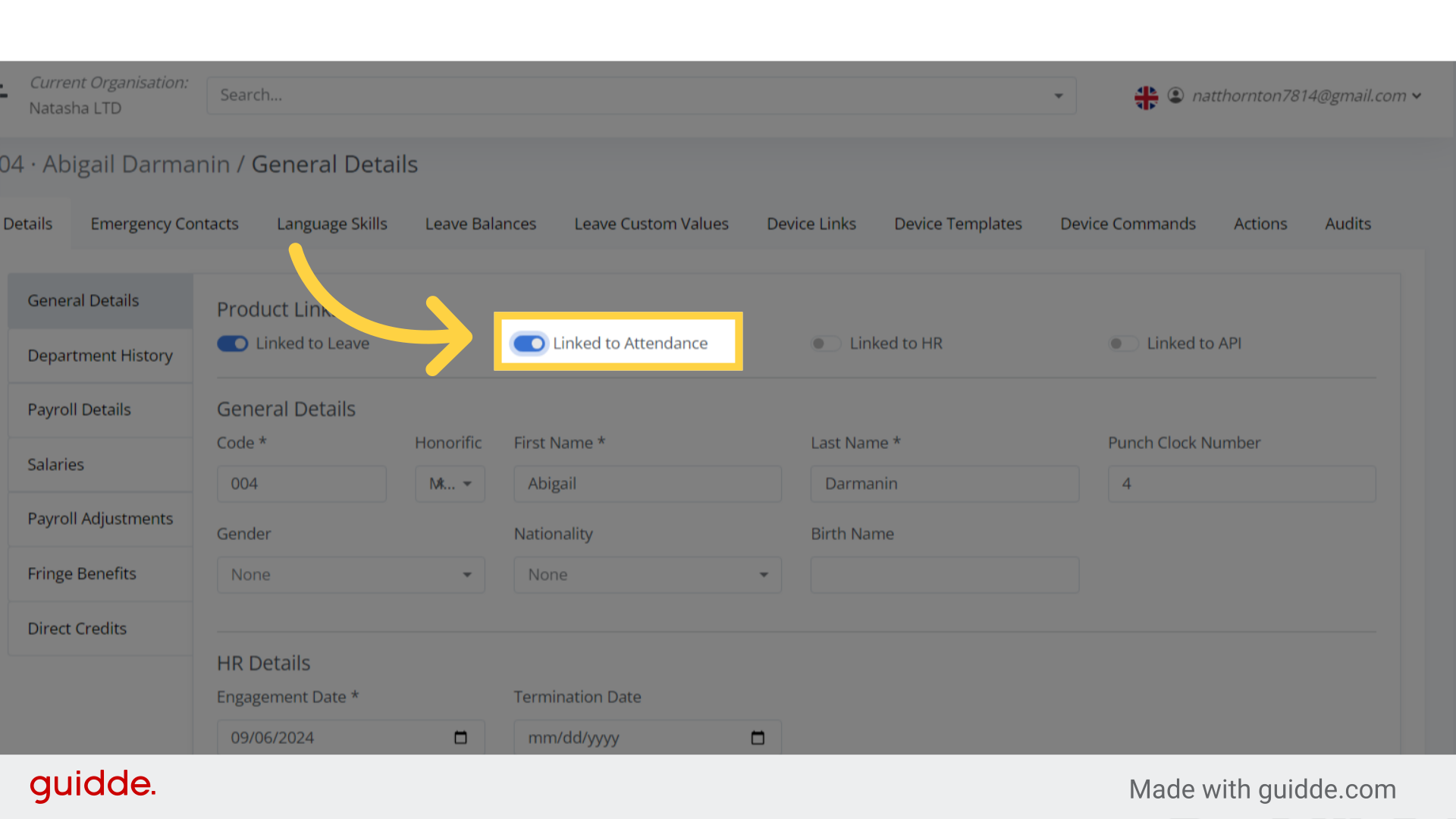
Switch toggle on;
Before linking an employee with Attendance, ensure that the Punch Clock number is entered in the Punch Clock Number field. We suggest using the same number as the Employee Code.
To link the employee with Attendance, simply switch on the toggle in the employee’s profile.
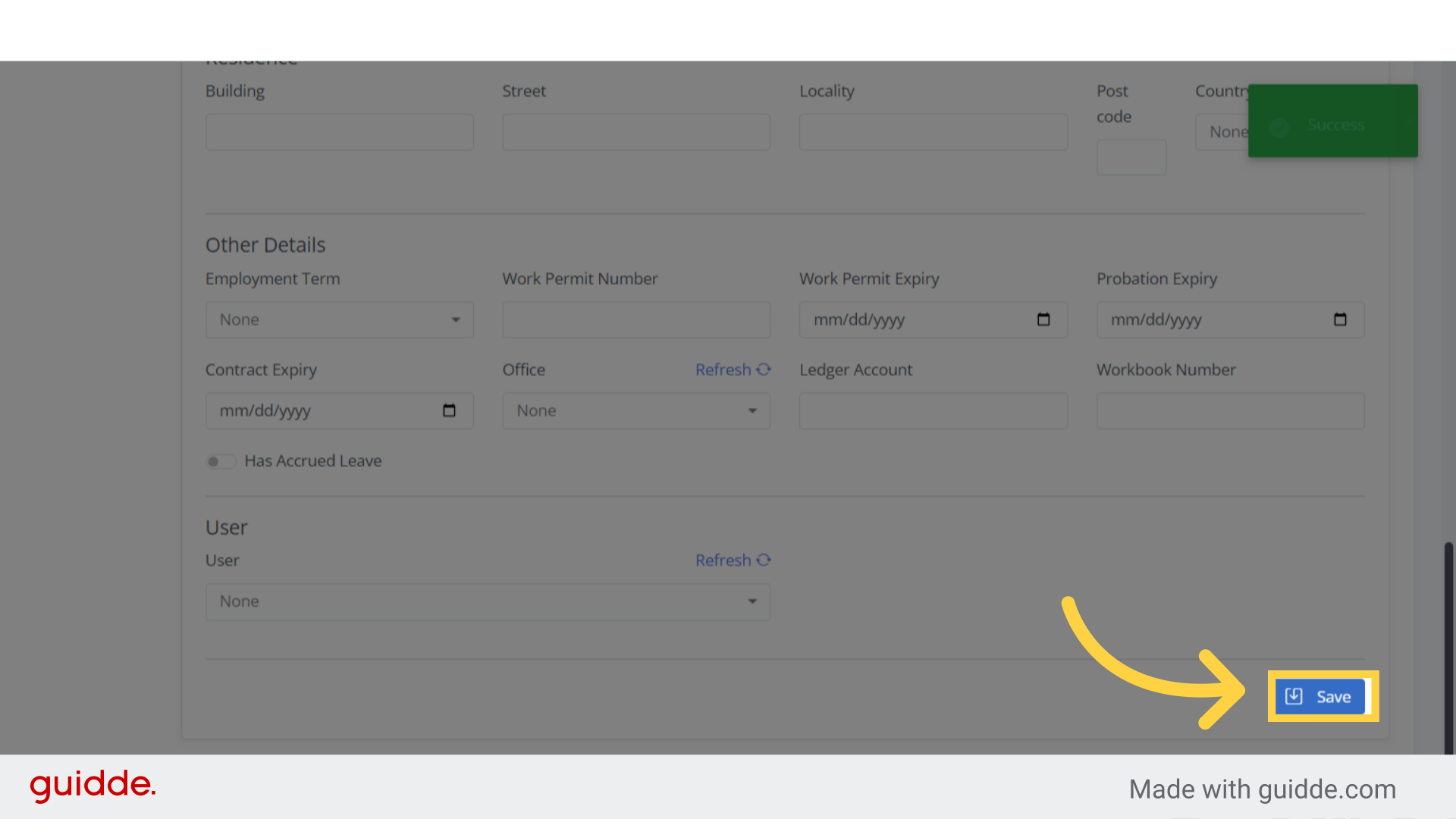
Click “Save”; #
To save the changes made, you can press the Enter key on your keyboard, or click Save to confirm your changes.
This guide elucidated the steps to link an employee to attendance in bitKode.


