
Table of Contents
Learn how to efficiently punch in and out using your smartphone or computer with bitKode. #
Follow these engaging instructions to navigate through the process seamlessly.
Start by accessing web.bitkode.com and logging in with your credentials.
You will then be displayed with your home page.
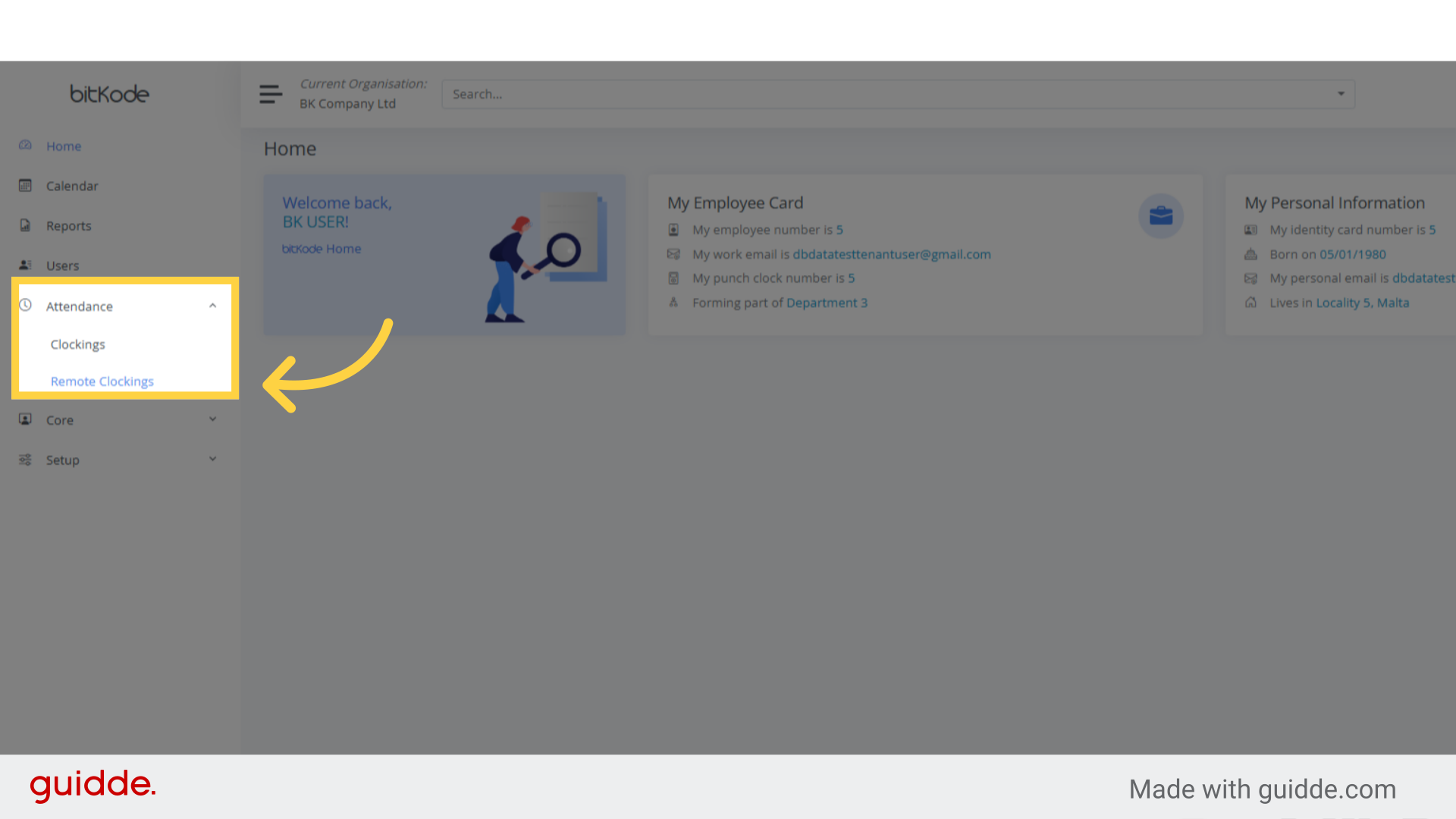
Step 1. Click “Remote Clocking’s” #
Access the Remote Clocking’s feature from Attendance list.
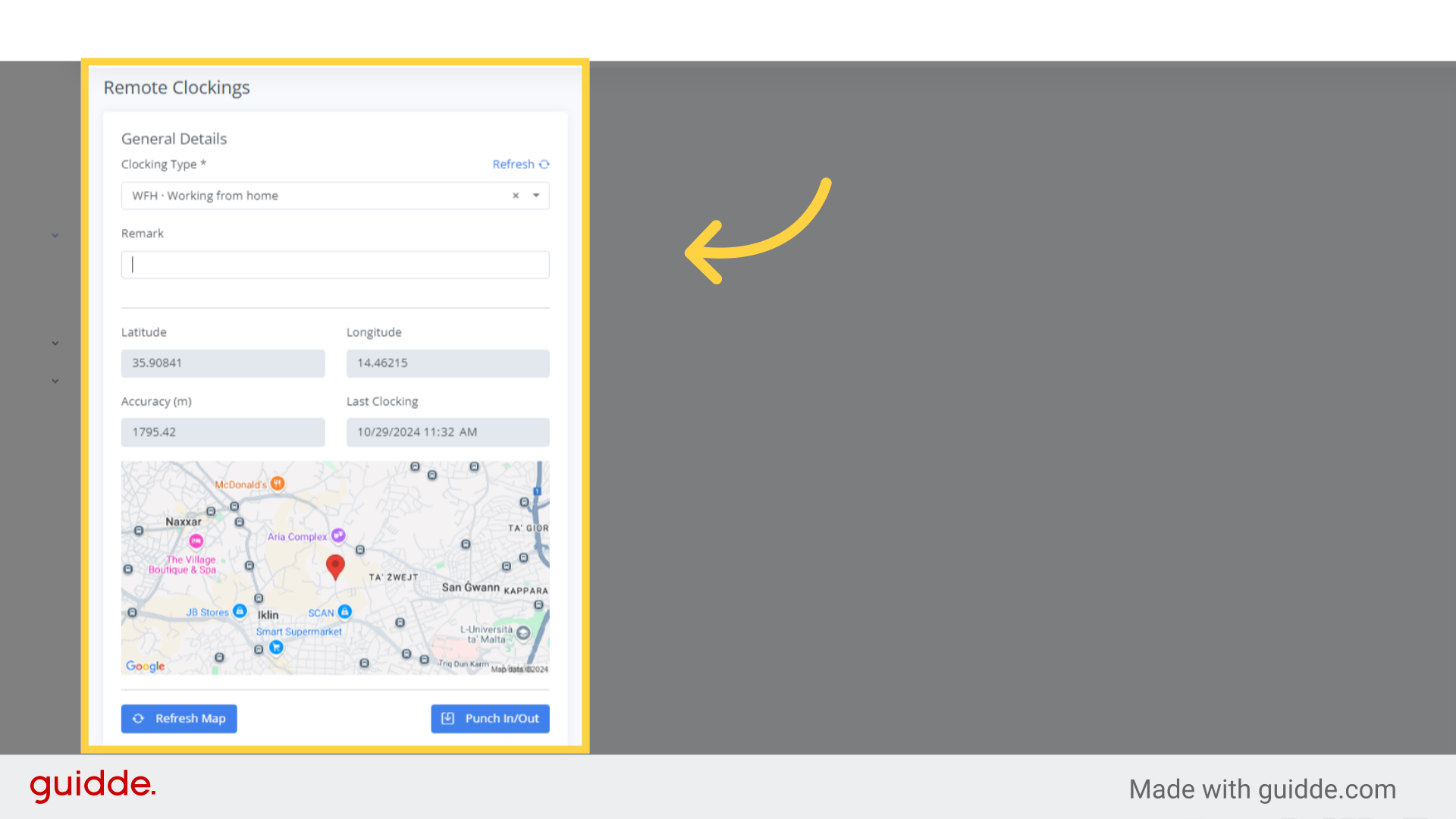
Step 2. Enable location and choose a clocking type #
If you encounter a “No Access” page, please contact your system administrator for assistance.
Additionally, ensure that Location Services are enabled on your device in order to punch in or out successfully.
This guide covered how to punch in and out using bitKode.
Related articles:


